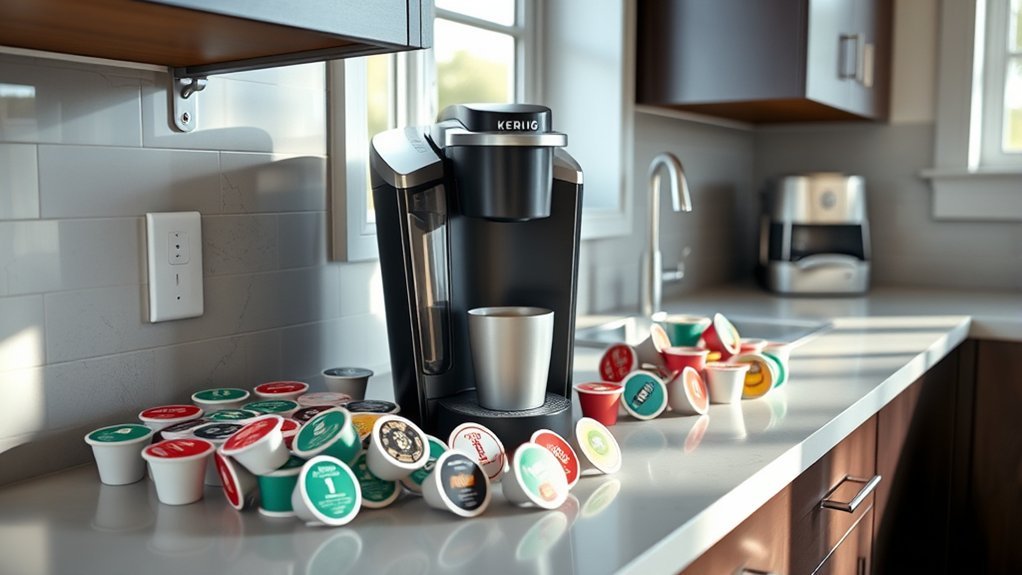
Most current Keurig coffee makers that use standard K-Cup pods can brew a wide range of compatible pods, but the safest way to check is to identify your exact brewer model first. The biggest exception is the older Keurig 2.0/Plus Series, which used special pod-recognition markings. Reusable filters also have their own model-specific compatibility rules.
Quick Answer
Check your Keurig model first, then look for pods labeled for K-Cup brewers. Most current home K-Cup machines are less restrictive than the older Keurig 2.0 system. If you own a legacy 2.0 brewer, use pods specifically marked for 2.0 compatibility. Reusable filters require a separate model check.
Key Takeaways
- Start with your exact Keurig model rather than assuming every K-Cup-style product is universal.
- Many current Keurig K-Cup brewers accept a broad selection of K-Cup pods and do not use the restrictive recognition system found in legacy Keurig 2.0 machines.
- Legacy Keurig 2.0-compatible K-Cup packs were identified by recognition markings, including white, gray, or lavender outer rings.
- The current Keurig My K-Cup reusable filter works with most Keurig home coffee makers, but Keurig lists exceptions including Keurig 2.0, commercial brewers, and K-Crema.
- A pod that does not brew correctly may have a compatibility problem, a seating problem, or a clogged needle; descaling does not make an incompatible pod compatible.
At a Glance
| Time Required | 2–5 minutes |
| Difficulty | Easy |
| Tools Needed | Brewer model name or model label and the pod packaging |
| Cost | $0 to check compatibility; purchasing replacement pods or a compatible reusable filter costs extra |
How to Identify Compatible K-Cups for Your Keurig Machine
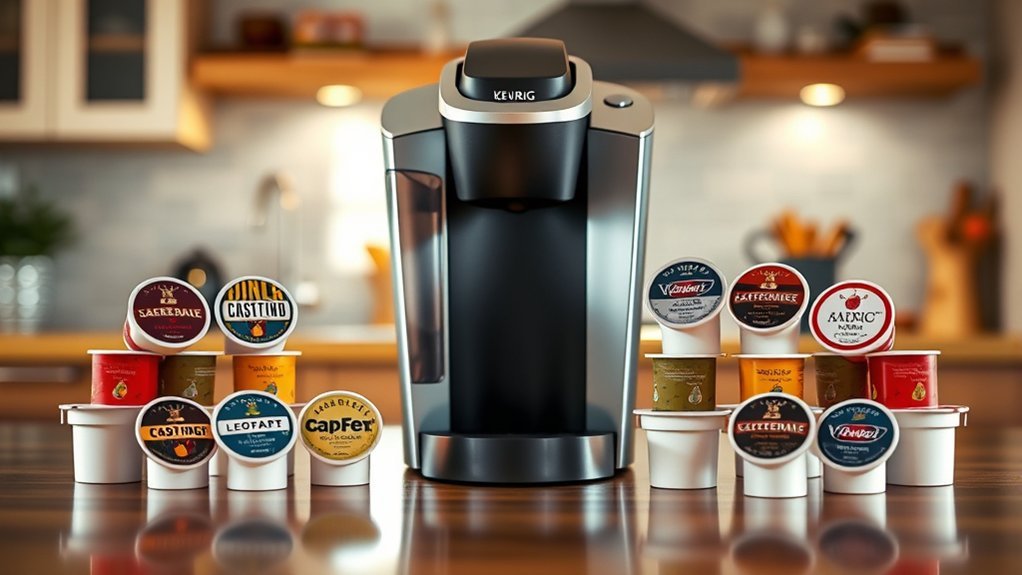
Use the brewer model—not the appearance of the pod alone—as your starting point. Keurig has sold several brewing systems over the years, and their pod and reusable-filter requirements are not identical.
1. Find Your Exact Keurig Model
Look for a model name such as K-Classic, K-Select, K-Compact, K-Elite, K-Supreme, K-Café, K-Duo, K-Brew+Chill, or an older K200/K300/K400/K500-series brewer. The model name may appear on the front of the machine or on a product label on the brewer.
2. Confirm That the Brewer Uses K-Cup Pods
If the brewer is designed for standard K-Cup pods, choose pods whose packaging states that they are intended for K-Cup brewers. The K-Cup designation is a stronger compatibility signal than simply choosing a capsule that looks similar.
Keurig’s own guidance for models such as the K-Compact and K-Select says owners are not limited to Keurig-owned or licensed pod brands. Current machines can therefore be much less restrictive than the older Keurig 2.0 platform.
3. Treat Keurig 2.0 as a Legacy Exception
If you own an older Keurig 2.0/Plus Series brewer, check the pod packaging and lid more carefully. Keurig’s legacy guidance explains that 2.0-compatible K-Cup packs used special recognition markings and could have a white, gray, or lavender outer ring. Older packs without the required 2.0 technology could trigger a rejection message.
4. Check Reusable Filters Separately
Do not assume that a reusable K-Cup-style filter has the same compatibility as a disposable K-Cup pod. Keurig’s current My K-Cup reusable coffee filter is listed for most Keurig home coffee makers, including the K-Brew+Chill, but Keurig currently excludes Keurig 2.0 brewers, commercial machines, and the K-Crema.
Pro Tip: Save your exact Keurig model name on your phone. The same information will help when you later buy reusable filters, replacement water filters, cleaning accessories, or replacement parts.
Key Compatibility Differences Between Current, Classic, and Keurig 2.0 Models
The commonly used term “Keurig 1.0” usually refers to older original or Classic-style K-Cup brewers. Keurig itself generally describes these products as its original K-Cup or Classic Series brewers.
| Brewer Type | Disposable Pod Guidance | Reusable Filter Guidance |
| Original / Classic K-Cup brewers | Designed for standard K-Cup pods. Keurig says models such as K-Compact and K-Select are not limited to Keurig-owned/licensed brands. | Many support the appropriate My K-Cup reusable filter; check the exact model and current accessory instructions. |
| Legacy Keurig 2.0 / Plus Series | Requires packs recognized by the 2.0 Brewing Technology. Legacy compatible K-Cup packs used special lid markings, including white, gray, or lavender outer rings. | Do not assume the current My K-Cup Universal filter fits; Keurig’s current product listing excludes 2.0 brewers. |
| Current K-Cup brewers | Use standard K-Cup pods. Exact manufacturer guidance varies by model; some current products explicitly advertise use with any K-Cup pod. | Check current My K-Cup compatibility, especially for MultiStream-equipped and specialty brewers. |
Legacy Keurig 2.0 machines used recognition technology to identify compatible portion packs and automatically provide appropriate brewing options. That restriction should not be confused with current BrewID technology. On SMART models, BrewID can recognize a specific K-Cup pod and use recommended brew settings. For example, Keurig describes the K-Café SMART as capable of brewing coffee with any K-Cup pod.
Note: Legacy K-Mug and K-Carafe packs are different from standard K-Cup pods. Keurig’s Classic Series documentation says those older formats were designed for the Plus/2.0 family and are not compatible with Classic brewers.
Why K-Cup Labels Matter for Compatibility
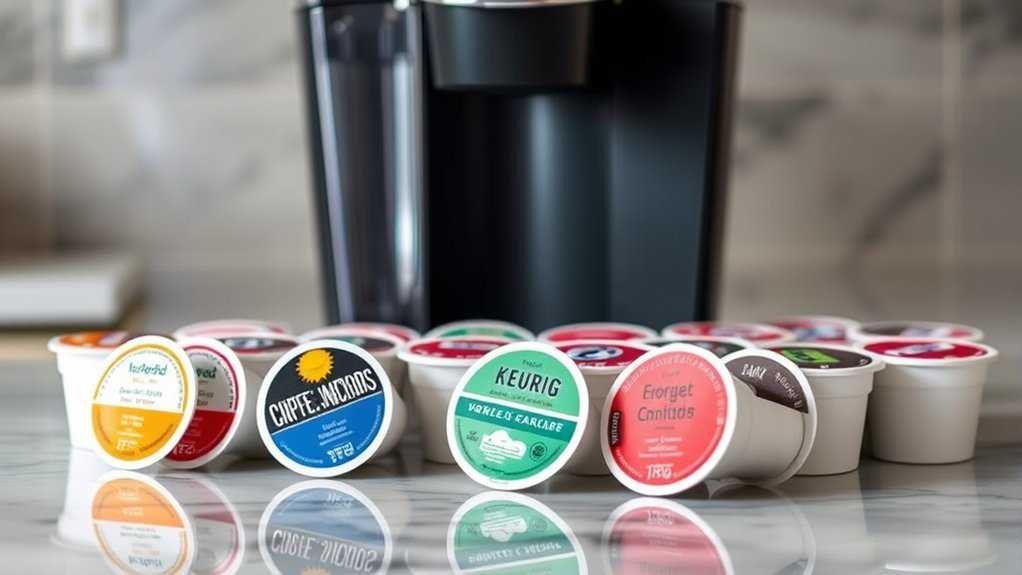
Pod labels matter because they tell you which brewing format the product was designed to use. For a current K-Cup brewer, look for clear wording that identifies the product as a K-Cup pod or states compatibility with K-Cup brewers.
The old color-ring rule is primarily relevant to legacy Keurig 2.0 machines. Keurig’s historical 2.0 guidance identified compatible K-Cup packs by white, gray, or lavender outer rings. K-Carafe packs used a different marking system.
A Keurig or K-Cup mark on a product gives you a useful manufacturer-backed compatibility signal, but it should not be interpreted as proof that every Keurig accessory or portion-pack format works in every brewer Keurig has ever made. Check the brewer model whenever you are dealing with an older machine, a specialty brewer, or a reusable filter.
Safe Use of Non-Keurig Pods
Third-party pods are not automatically incompatible with a Keurig. In its own support information, Keurig states that owners of K-Compact and K-Select brewers are not limited to Keurig-owned or licensed brands. At the same time, individual brewer manuals may contain model-specific recommendations, so the product label and your brewer’s instructions remain the best references.
Before using a third-party pod:
- Confirm that the package specifically states compatibility with K-Cup brewers or your Keurig model.
- Compare the pod’s size and shape with a standard pod that works correctly in your machine.
- Make sure the pod sits flat in the holder without forcing the brewer handle closed.
- Do not use a crushed cup, badly swollen pod, torn foil lid, or visibly damaged capsule.
- Stop using a particular pod if it repeatedly leaks, fails to seat correctly, or causes abnormal brewing behavior.
Warning: Never force a pod into the holder or put your fingers inside the pod-holder assembly. Keurig brewers contain sharp needles above and below the pod, and a recently brewed pod can contain very hot liquid. Do not lift the handle during an active brew cycle.
What to Do If Your K-Cup Doesn’t Fit?
If a K-Cup does not fit or brew correctly, first decide whether the problem is physical fit, pod recognition, or water flow. Those problems have different solutions.
If the Pod Will Not Sit in the Holder
- Remove it rather than forcing the handle closed.
- Confirm that it is a standard K-Cup-format pod rather than another capsule or legacy Keurig format.
- Check that no used pod, loose grounds, or debris is blocking the pod holder.
- If using a reusable filter, verify the exact filter model and installation instructions.
If a Legacy Keurig 2.0 Rejects the Pod
A pod can physically fit but still be rejected by a Keurig 2.0 machine. Those older brewers were designed to identify compatible portion-pack markings. Check for packaging that specifically indicates Keurig 2.0 compatibility rather than assuming any physically similar pod will work.
If the Pod Fits but Brewing Is Slow or Interrupted
A clogged entrance or exit needle can restrict water flow. Keurig’s care instructions describe cleaning grounds from the pod-holder needles and then running water-only cleansing brews. Because the needles are sharp, follow the cleaning procedure in the manual for your specific brewer rather than reaching into the holder.
Mineral scale is a separate maintenance issue. Keurig currently recommends descaling approximately every 3–6 months. Descaling can improve brewer performance when mineral deposits are present, but it will not make an incompatible pod compatible.
Frequently Asked Questions
Can I Use Reusable K-Cups With My Keurig Machine?
Many Keurig home brewers support a reusable coffee filter, but compatibility depends on the brewer and filter design. Keurig’s current My K-Cup reusable filter is listed for most home coffee makers, including K-Brew+Chill, but its current product page excludes Keurig 2.0, commercial brewers, and K-Crema. Check the current compatibility list for your exact model before buying.
Are There Any K-Cup Brands I Should Avoid?
There is no useful universal blacklist. Instead, avoid pods that do not clearly state K-Cup-brewer compatibility, are damaged, repeatedly leak, or do not seat correctly in your machine. For an older Keurig 2.0, make sure the pod specifically supports the 2.0 recognition system.
How Do I Clean My Keurig Machine for Better Compatibility?
Cleaning does not change which pods your brewer accepts, but it can correct flow problems that look like compatibility issues. Clean the pod holder and needles according to your brewer’s manual and descale about every 3–6 months, or as your model instructs. Never place your fingers in the pod holder because the puncture needles are sharp.
What if My K-Cup Leaks During Brewing?
Let the brewer finish or stop according to its instructions and allow the pod to cool before handling it. Check for a damaged disposable pod, improper seating, grounds around the holder, or a clogged needle. With a reusable filter, also check that it is the correct design, properly assembled, and not filled beyond its instructions.
Can I Mix Different K-Cup Flavors in One Brew?
A standard Keurig brew cycle uses one pod at a time, so you cannot place two disposable K-Cup pods in the holder together. You can, however, brew different pods separately and combine the finished beverages in a larger mug or carafe if you want to experiment with flavors.
Do All Current Keurig Machines Restrict Third-Party Pods?
No. Keurig states that models such as the K-Compact and K-Select are not limited to Keurig-owned or licensed brands, and some current products advertise use with any K-Cup pod. Check the manual for your specific model because manufacturer recommendations can differ between brewers.
Why Does My Keurig 2.0 Say the Pod Is Not Compatible?
Legacy Keurig 2.0 brewers use pod-recognition technology. A physically fitting pod may still be rejected if it does not contain the recognition markings expected by the brewer. Look for packaging specifically indicating Keurig 2.0 compatibility and the appropriate legacy lid markings.
Sources
- Keurig Brewer FAQs — Classic Series, K-Compact, K-Select, K-Elite, and legacy Keurig 2.0 compatibility guidance.
- Keurig Canada Brew Better Guide — legacy Keurig 2.0 K-Cup outer-ring identification.
- Keurig 2.0 and K-Carafe Pack Support — legacy 2.0 portion-pack recognition and compatibility requirements.
- Keurig My K-Cup Reusable Coffee Filter — current reusable-filter compatibility and exclusions.
- Keurig Descaling Guidance — recommended 3–6 month descaling interval.
Conclusion
The easiest way to choose compatible K-Cups is to identify your exact Keurig first and then match the pod or reusable filter to that brewer. Most current K-Cup machines are not governed by the old Keurig 2.0 pod-locking rules, while legacy 2.0 brewers need specially recognized packs. When a pod does not work, determine whether the problem is compatibility, physical fit, or brewer maintenance before replacing anything.