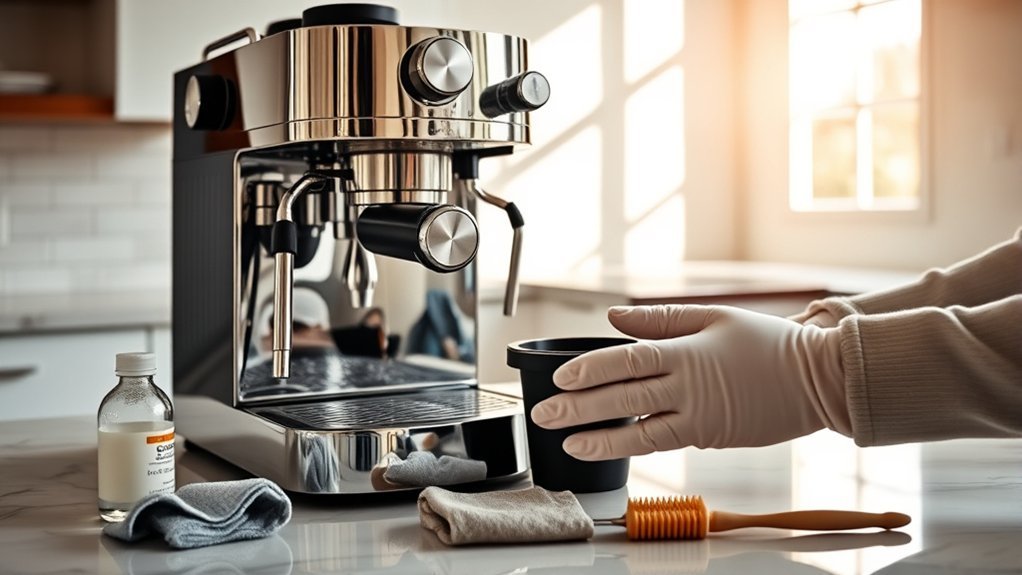
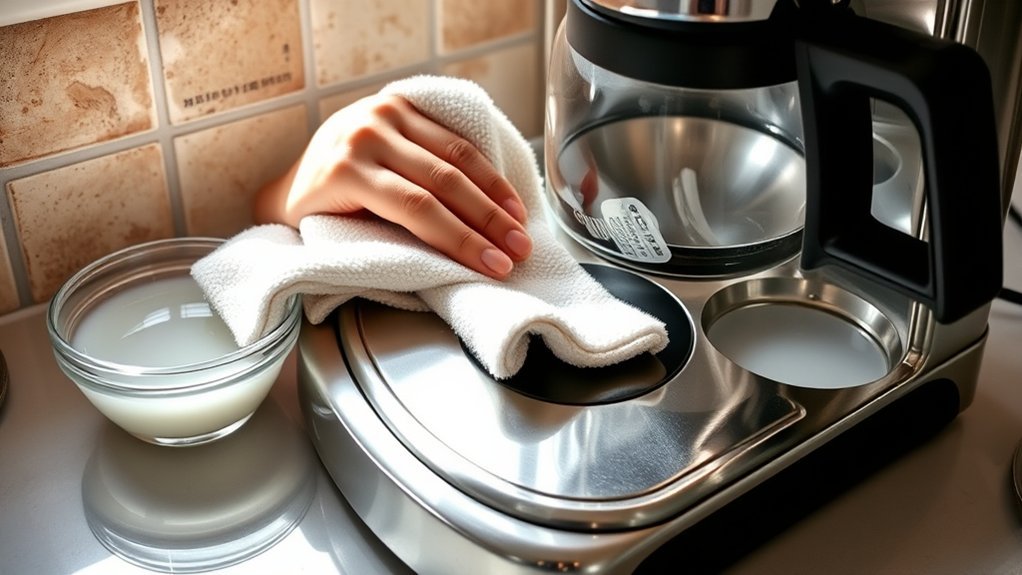
A coffee maker hot plate collects drips, dried coffee, and sticky residue over time. Cleaning it is usually simple, but the plate is part of an electrical appliance and may have a scratch-sensitive coating. The safest approach is to unplug the machine, let it cool completely, use very little liquid, and follow the cleaning directions in your model’s manual.
Quick Answer
Turn off and unplug the coffee maker, remove the carafe, and let the hot plate cool completely. Soften dried coffee with a damp paper towel, then wipe with a soft, well-wrung cloth. Use mild dish soap only if your model’s care instructions permit it. Wipe clean, dry thoroughly, and avoid sprays, abrasives, and excess liquid.
Key Takeaways
- Always turn off and unplug the coffee maker before cleaning, and wait until the warming plate is completely cool.
- Start with the gentlest method: a damp paper towel or soft cloth, using mild dish soap only when the model’s care instructions allow it.
- Do not pour or spray liquid onto the plate, immerse the appliance, or let moisture run into seams and controls.
- Avoid steel wool, abrasive scrubbers, metal scrapers, oven cleaner, bleach, and other harsh products that may damage the finish.
- Stop using the coffee maker if the plate is deeply rusted, cracked, blistered, peeling, sparking, or producing a persistent electrical or melting smell.
At a Glance
| Time Required | About 10–20 minutes of hands-on cleaning, plus whatever cooling and drying time your machine needs |
| Difficulty | Easy |
| Tools Needed | Soft cloths, paper towel, clean water, optional mild dish soap, and optional soft-bristled toothbrush |
| Cost | Usually no extra cost if you already have basic household cleaning supplies; otherwise varies |
Warning: Unplug the coffee maker before cleaning. Never pour or spray water or cleaner onto the warming plate, immerse the base, remove the bottom cover, or reconnect power while the appliance is damp. Do not sand, repaint, disassemble, or remove a fixed warming plate unless the manufacturer provides an approved repair procedure. If you see sparking, melted plastic, deep corrosion, or electrical damage, stop using the machine.
Why You Should Clean Your Coffee Maker Hot Plate
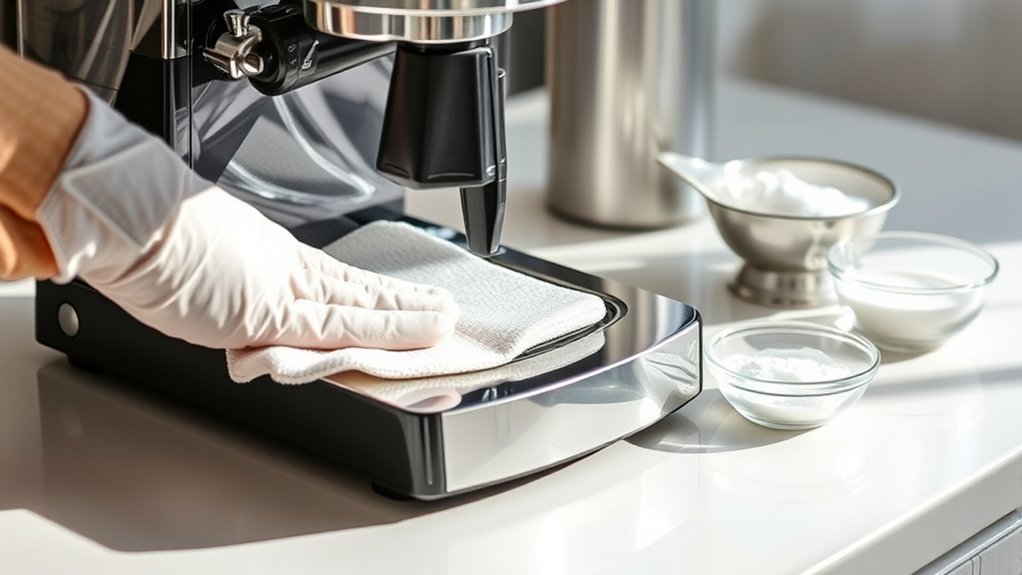
Fresh coffee spills are easy to remove, but repeated heating can bake them onto the warming plate. The residue may create smoke or a burnt-coffee odor, dirty the bottom of the carafe, and hide scratches or corrosion that deserve attention.
A clean plate also allows the carafe to sit flat against the warming surface. Cleaning does not guarantee a specific improvement in brewing efficiency or coffee flavor, but removing raised deposits prevents them from interfering with normal contact between the carafe and plate.
Cleaning also makes the finish easier to inspect. Small brown marks may simply be dried coffee. Orange corrosion, bubbling paint, flaking coating, exposed metal, deep scratches, or pitting can indicate physical damage rather than removable dirt.
Mold is mainly a concern where coffee residue stays damp, including reservoirs, removable baskets, lids, and crevices. The U.S. Environmental Protection Agency explains that moisture control is the key to preventing mold growth. Keep the plate and surrounding seams clean and dry, but do not confuse external hot-plate cleaning with cleaning the reservoir and internal brewing path.
Use the least aggressive method that removes the residue. More liquid, stronger acids, and harder scrubbing do not automatically produce a safer or cleaner result.
What Materials Are Safe for Cleaning the Hot Plate?
The exact finish varies by model, so the instruction manual should take priority. Some warming plates are painted or coated, while others may include exposed stainless trim. A product that is harmless on one finish can discolor, dull, or scratch another.
For most fixed warming plates, start with the least aggressive supplies:
- A soft microfiber or cotton cloth
- A soft, non-abrasive sponge if the manual permits it
- Plain water
- A damp paper towel for softening dried residue
- A dry cloth for the final wipe
- A small amount of mild dish soap only when the model’s care instructions permit soapy exterior cleaning
Hamilton Beach’s hot-plate cleaning guidance recommends placing a wet paper towel on a cooled plate until the stain softens and then wiping the surface clean. This controlled method is preferable to pouring water directly onto the appliance.
Baking soda is mildly abrasive. Although it appears in many household-cleaning tips, it is not universally approved for coffee maker warming plates. Skip it unless your model’s manufacturer permits that type of cleaning on the plate. If the manual warns against abrasive materials, do not use baking soda there.
Do not use steel wool, metal scrapers, abrasive powders, rough scouring pads, oven cleaner, chlorine bleach, or concentrated acids. An official Hamilton Beach use-and-care manual specifically warns against cleansers, steel wool pads, and other abrasive materials on the hot plate.
Note: White vinegar is commonly used to descale the internal water path of some coffee makers, but that does not mean it is automatically approved for the warming-plate finish. Use vinegar on the plate only if your exact model’s care instructions expressly allow it.
Must-Have Tools for Cleaning Your Coffee Maker Hot Plate
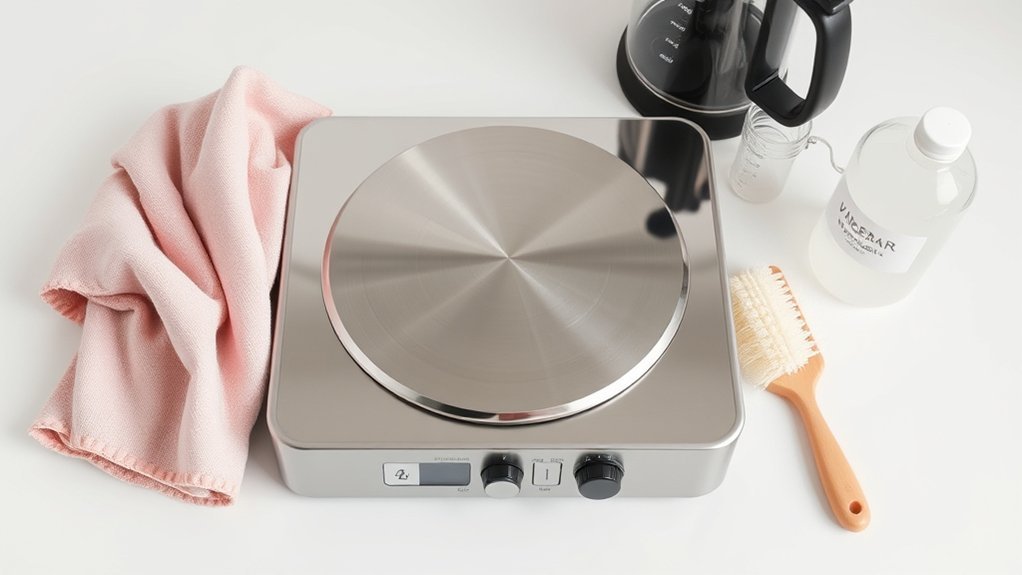
You do not need a specialized appliance-cleaning kit. Gather the supplies before you start so you can work with controlled moisture and dry the surface thoroughly when finished.
- Two or three soft cloths: Use one for wiping, one for a clean-water pass if needed, and one for drying.
- Paper towels: Useful for holding a small amount of moisture against dried coffee without flooding the appliance.
- Mild dish soap: Optional for oily coffee or creamer residue when the manufacturer allows soapy exterior cleaning.
- Small bowl of water: Dampen the cloth away from the machine so you can wring it out before touching the appliance.
- Soft-bristled toothbrush: Optional for an outer rim or accessible crevice when the manual permits it and liquid can be kept out of seams.
- Baking soda: Optional only when the warming-plate care instructions specifically allow a mildly abrasive cleaning method.
Do not use a knife, razor blade, screwdriver, metal spatula, sandpaper, steel wool, or another hard or abrasive tool to scrape a fixed warming plate. These methods can remove a protective finish, expose metal, worsen corrosion, or turn a cleaning problem into a repair problem.
Step-by-Step Guide: How to Clean Your Coffee Maker Hot Plate
The following process uses minimal moisture and works for ordinary coffee drips and dried residue. Before starting, review the care section of your model’s manual for finish-specific restrictions.
Pre-Cleaning Safety Check
- Turn the coffee maker off and unplug it from the wall outlet.
- Remove the carafe and any removable parts that your manual says can be taken out for cleaning.
- Wait until the warming plate is completely cool to the touch.
- Make sure cloths and paper towels are damp rather than dripping.
- Keep water away from controls, seams, the cord, and the plug.
- Keep a dry cloth ready so the plate and surrounding base can be dried immediately after wiping.
Safe Cleaning Techniques Explained
- Turn off and unplug the coffee maker. Disconnect it from the wall outlet rather than relying only on the power button.
- Remove the carafe and let the machine cool. Do not clean by the clock. Wait until the warming plate is completely cool to the touch.
- Brush away loose debris. Use a dry soft cloth to remove coffee grounds, crumbs, or loose flakes that could scratch the surface during wiping.
- Soften dried coffee. Place a damp—not dripping—paper towel over the stain and leave it in place until the residue begins to soften. Check it periodically and keep moisture away from controls and open seams.
- Wipe gently. Start with a well-wrung damp cloth. If oily residue remains and your manual permits mild soapy exterior cleaning, add a very small amount of diluted dish soap to the cloth rather than applying soap or cleaner directly to the plate.
- Clean the rim carefully. Use a barely damp soft cloth or, when permitted by the manual, a soft-bristled toothbrush around accessible outer edges. Do not force moisture into the gap surrounding the plate.
- Remove any soap residue. If soap was used, wipe the surface with a separate clean, well-wrung cloth until no residue remains. Never rinse the appliance under running water.
- Dry and inspect. Dry the plate and surrounding base with a soft cloth. Check for peeling, cracks, deep scratches, blisters, pitting, exposed metal, or rust that remains after ordinary residue has been removed.
- Wait before reconnecting power. Leave the appliance unplugged until the plate, base, seams, cord, and plug are completely dry.
Pro Tip: Wipe fresh spills as soon as the appliance has been unplugged and the plate has cooled. Coffee removed promptly often needs only a damp cloth, while residue that is heated repeatedly becomes harder to lift.
Tackling Tough Stains: Baking Soda and Other Solutions
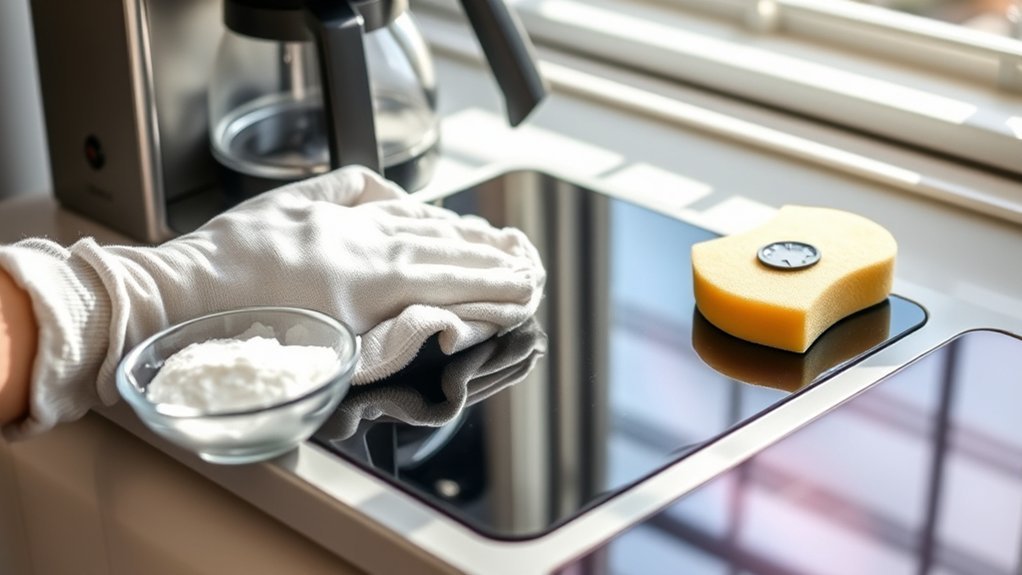
Before treating a mark as a stubborn stain, use the standard cleaning method and examine the plate under good light. Dried coffee, sugar, mineral residue, heat discoloration, and corrosion require different responses.
Dried or Burnt Coffee
Repeat the damp-paper-towel method until the residue softens, then wipe gently. If your manual permits mild dish soap on the exterior, a small amount on a well-wrung cloth can help with oily residue. Several gentle passes are safer than one aggressive scrubbing session.
Sugar and Creamer Residue
Sticky sugar or creamer residue often softens with controlled moisture. If necessary and manufacturer-approved, use mild dish soap on a well-wrung cloth. Do not switch the machine on merely to soften the spill with heat. Reheating residue can bake it onto the surface again and may create smoke or odor.
Baking Soda Paste
Baking soda is mildly abrasive, so it should not be treated as a universal hot-plate cleaner. Use it only if the manufacturer’s instructions for your exact model permit that type of cleaning. If approved, use the smallest practical amount with a soft cloth, test an inconspicuous spot first, and stop immediately if the surface dulls, scratches, or changes color. Keep all paste away from the seam surrounding the plate.
White Mineral Spots
White marks around the carafe area may come from spilled hard water. First try a damp cloth. If the mark remains, consult the model manual before applying vinegar, citric acid, or another descaler to the plate. Descaling instructions for the reservoir and internal water path should not automatically be transferred to the exterior warming-plate finish.
Rust-Colored Marks
Confirm that the mark is not dried coffee before treating it as rust. If an orange or brown area remains after gentle cleaning and the finish is chipped, pitted, blistered, peeling, or flaking, stop scrubbing. The protective coating may already be damaged.
For rust on removable, uncoated stainless trim, follow the manufacturer’s approved stainless-steel cleaning method. For corrosion on the heated plate itself, contact the manufacturer before using the machine again.
Do not sand, steel-wool, repaint, disassemble, or remove a fixed warming plate simply to make rust disappear. An official Hamilton Beach use-and-care manual warns against abrasive materials and says the bottom cover should not be removed because there are no user-serviceable parts inside. If a manufacturer offers a specific plate-repair or replacement procedure for your model, follow that procedure instead of a generic DIY repair.
How to Prevent Rust on Your Hot Plate
Rust prevention depends more on controlling spills and preserving the finish than on applying acidic cleaners. Scratches can expose the metal below a coating, while trapped moisture can encourage corrosion.
| Action | Why It Helps |
|---|---|
| Wipe spills after the plate cools | Keeps residue and moisture from remaining around the plate and rim |
| Dry the plate thoroughly | Reduces moisture exposure before the machine is stored or powered again |
| Avoid metal tools and abrasive pads | Helps protect coatings from scratches that may expose the metal below |
| Check the carafe for leaks or drips | Helps prevent repeated moisture from collecting in the same area |
| Store the machine in a dry location | Limits prolonged exposure to humidity and condensation |
Do not leave a wet cloth, damp carafe, or standing liquid on the plate. Also avoid setting an empty glass carafe on a hot warming surface unless the manufacturer’s instructions specifically permit it. Some manufacturer manuals expressly warn against heating an empty carafe.
How Often to Clean Your Coffee Maker Hot Plate?
There is no universal requirement to scrub the hot plate every day or use cleaner on a fixed schedule. The right frequency depends on how often coffee spills, how quickly residue appears, and what your model’s care instructions require.
Daily Cleaning Recommendations
After each brewing session, look for fresh drips. Once the machine is unplugged and completely cool, wipe visible coffee with a damp cloth and dry the surface. If the plate is already clean, no additional cleaner is necessary.
Monthly Inspection and Deeper Cleaning
If you use the coffee maker regularly, checking the plate about once a month can be a practical reminder to catch baked-on residue or early coating damage. It is not a universal manufacturer requirement. Clean only what needs cleaning, inspect the rim, and look for scratches, peeling, rust, blistering, or heat damage. Follow a different schedule if your model’s manual specifies one.
Internal descaling is a separate maintenance task. Mineral deposits inside the water path can affect brewing performance. Follow the manufacturer’s descaling interval and solution instructions rather than applying the same cleaner to the warming plate. Mr. Coffee’s official support guidance, for example, treats exterior wiping and internal deliming as separate procedures.
Signs of Needed Cleaning
- Visible coffee drips or sticky residue
- A burnt-coffee smell that appears while the plate heats
- Smoke that appears to come from residue on the plate
- A carafe that no longer sits flat because of raised deposits
- Dark buildup around the plate’s outer edge
Slow brewing, excessive steaming, or visible mineral deposits elsewhere in the machine can point toward internal descaling rather than hot-plate cleaning. Treat those symptoms as a reason to check your model’s descaling instructions rather than as proof of a specific fault.
How to Know When Your Hot Plate Needs Cleaning?
Use the appearance and behavior of the plate—not brewing speed alone—to decide whether the warming surface itself needs attention.
| Indicator | Likely Meaning | Action |
|---|---|---|
| Brown, sticky, or raised residue | Likely dried coffee, sugar, or creamer | Clean after unplugging and cooling |
| Burnt-coffee odor only while heating | Surface residue may be scorching | Unplug, cool, and remove visible residue |
| Orange mark with chipped, blistered, or pitted finish | Possible corrosion or coating failure | Stop scrubbing and contact the manufacturer |
| Electrical, melting, or persistent odd smell | Possible electrical or heat damage | Unplug immediately and discontinue use |
| Slow brewing or excessive steaming | Possible internal mineral buildup or another brewing-path issue | Follow the model’s troubleshooting and descaling instructions |
Electrical Safety First advises unplugging a coffee machine immediately if it produces an odd smell or sparks and discontinuing use when the appliance is damaged.
Final Thoughts on Keeping Your Coffee Maker Hot Plate Clean
Good hot-plate care is mostly preventive. Use this short checklist:
- Wipe spills promptly after the appliance is unplugged and cool.
- Use a soft cloth and the smallest practical amount of liquid.
- Let a damp paper towel soften residue instead of scraping it.
- Keep water and cleaner out of seams, controls, the cord, and the plug.
- Use soap, baking soda, vinegar, or other cleaners only when appropriate for the finish and permitted by the model’s care instructions.
- Dry the machine completely before reconnecting it.
- Inspect the finish instead of assuming every brown or orange mark is removable dirt.
- Do not sand, repaint, or dismantle a fixed warming plate as a routine cleaning method.
- Follow separate manufacturer instructions for internal descaling.
Routine wiping can prevent most burnt-on stains and odors, but cleaning cannot repair a peeling coating, deep corrosion, electrical fault, or damaged heating element. Those conditions call for manufacturer guidance, qualified service, or replacement rather than more aggressive scrubbing.
Frequently Asked Questions
Can I use an abrasive scrubber on the hot plate?
No. Steel wool, rough scouring pads, abrasive powders, metal scrapers, and similar tools can scratch or remove the protective finish. Use a soft cloth or damp paper towel and follow the cleaning instructions for your model.
Is it safe to use bleach for cleaning?
Bleach is unnecessary for routine warming-plate cleaning and may damage or discolor some finishes. Start with a damp soft cloth and use mild dish soap only if your model’s manufacturer permits it.
How do I know if the hot plate is damaged?
Warning signs include peeling or blistered coating, deep scratches, cracks, pitting, exposed metal, persistent corrosion, physical deformation, sparking, or an electrical or melting smell. Unplug the machine and contact the manufacturer when these signs appear.
Can I clean the hot plate while it is warm?
No. Turn off and unplug the coffee maker, remove the carafe, and wait until the plate is completely cool to the touch. Do not depend on a fixed cooling time because different machines cool at different rates.
What should I do if my hot plate has a burnt smell?
Unplug the machine and let it cool. Remove visible coffee or sugar residue, wipe away any cleaning residue, and dry the plate. If the smell seems electrical, resembles melting plastic, continues after cleaning, or occurs with smoke or sparking, stop using the coffee maker and contact the manufacturer.
Can I use baking soda on every coffee maker hot plate?
No. Baking soda is mildly abrasive and can dull or scratch some painted, coated, or nonstick finishes. Use it only when your exact model’s care instructions permit that type of cleaning. Otherwise, stay with a damp paper towel or soft cloth.
Can I pour vinegar onto the warming plate to remove rust?
Do not pour vinegar onto the plate. Acid can affect some finishes, and excess liquid can enter the electrical base. A manufacturer may approve vinegar for internal descaling without approving it for the exterior warming plate. If corrosion remains after ordinary residue is removed, contact the manufacturer.
What if water enters the seam around the hot plate?
Keep the appliance unplugged. Blot visible moisture without opening the base and allow the machine to dry completely. If a significant amount entered the appliance or you are unsure whether the interior is dry, contact the manufacturer or a qualified service provider before reconnecting power.
Can I sand or repaint a rusty coffee maker hot plate?
Do not sand, repaint, remove, or disassemble a fixed warming plate unless the manufacturer provides a repair procedure for your exact model. Abrasive removal can strip protective coatings, and opening an electrical appliance may expose components that are not intended for user service. Contact the manufacturer when corrosion has damaged the plate finish.
Do I need soap or cleaner every time I wipe the hot plate?
No. Fresh coffee drips can often be removed with a damp soft cloth after the appliance is unplugged and completely cool. Use additional cleaner only when residue requires it and the product is permitted by your model’s care instructions.
Conclusion
To clean a coffee maker hot plate safely, unplug the machine, wait until the plate is completely cool, soften dried coffee with controlled moisture, and wipe gently with a soft cloth. Use soap or other cleaners only when appropriate for your model’s finish. Avoid pouring or spraying liquid, abrasive tools, sanding, repainting, or treating every stain with acid. Regular wiping prevents most buildup, while peeling, deep corrosion, sparking, and persistent electrical odors require manufacturer or qualified-service attention rather than harder scrubbing.
Sources
- Hamilton Beach — How to Clean Your Coffee Maker — supports softening hot-plate stains with a wet paper towel on a cooled plate and distinguishes hot-plate cleaning from internal vinegar descaling.
- Hamilton Beach — Coffee Maker Use and Care Guide — supports unplugging and cooling before cleaning, avoiding immersion, avoiding abrasive cleaners and steel wool on the hot plate, and not removing the bottom cover.
- Mr. Coffee — Cleaning and Deliming Support — supports soft exterior wiping, avoiding abrasive cleaners, and treating internal mineral buildup as a separate maintenance issue.
- Electrical Safety First — Coffee Machine Safety — supports unplugging before cleaning and discontinuing use after sparking, unusual smells, cracks, or appliance damage.
- U.S. Environmental Protection Agency — Why Is Mold Growing in My Home? — supports moisture control as the key measure for limiting mold growth.