If your coffee maker won’t brew a full pot, the cause is usually a brew setting, restricted water flow, an incorrectly seated part, too much or overly fine coffee, or mineral buildup. Start with the simple external checks below before assuming an internal component has failed. Because designs vary, keep the model number and owner’s manual nearby while troubleshooting.
Quick Answer
Check the selected brew size, reservoir level, carafe position, filter, grind, and amount of coffee first. Then run a water-only cycle. If the machine still stops short or brews much more slowly than before, clean its removable parts and descale it using the procedure specified for your exact model.
Key Takeaways
- Confirm that the reservoir contains enough water and that a 1–4 cup, small-batch, or reduced-serving setting is not active.
- Make sure the filter basket, carafe, and carafe lid are seated correctly so the pause-and-pour mechanism can work as designed.
- Use the filter type and amount of coffee specified for the brewer, with a medium grind suitable for automatic drip brewing unless the manual says otherwise.
- A normal water-only cycle points toward the coffee, filter, basket, or carafe position; a short water-only cycle points toward scale, restricted water flow, a sensor issue, or another machine fault.
- Do not remove the bottom cover or service internal hoses, wiring, valves, heaters, or thermal controls unless the manufacturer expressly identifies those parts as user-serviceable.
At a Glance
| Time Required | About 10 minutes for basic checks; longer if cleaning or descaling is required |
| Difficulty | Easy for external checks and cleaning; professional or authorized service for internal faults |
| Tools Needed | Owner’s manual, soft cloth, dish soap, soft brush, correct filter, fresh water, and model-approved descaler when needed |
| Cost | Often no added cost for basic checks; descaler, replacement parts, and service costs vary by model and location |
Warning: Unplug the coffee maker and let it cool before removing or cleaning any part. Never immerse the base, cord, or plug. If the basket overflows, do not lift it while it contains hot water or coffee. Do not remove the bottom cover unless the exact manufacturer instructions identify it as user-serviceable.
Why a Coffee Maker Stops Before Brewing a Full Pot
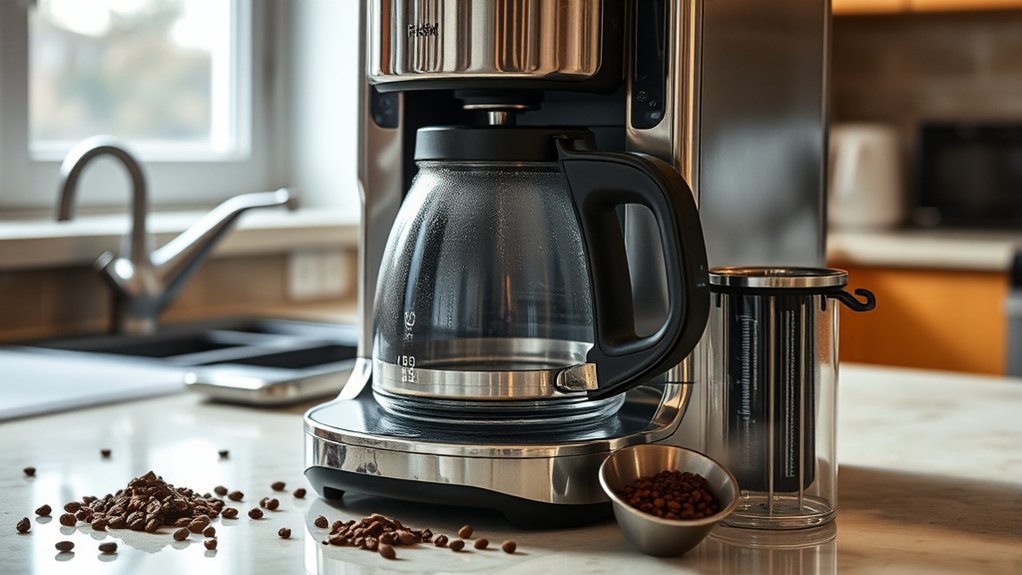
A coffee maker that produces less coffee than expected does not automatically have a failed heating element. The difference may come from an incorrect brew setting, water retained in the grounds and filter, a basket that drains too slowly, mineral deposits in the water path, or a machine that ends its cycle early.
A small amount of water normally remains in wet coffee grounds, the filter, and damp internal surfaces, so the carafe may contain slightly less liquid than the amount initially added to the reservoir. A large repeatable difference, a cycle that stops early, loud sputtering, an overflowing basket, or brewing that has become much slower deserves further troubleshooting.
Confirm the Brew Is Actually Short
Before taking anything apart, establish a baseline. With the machine cool and correctly assembled, add water to a clearly marked reservoir or carafe line and run a water-only cycle. Compare the final amount with the carafe markings. Do not expect every drop poured into the reservoir to return to the carafe, but a large difference that happens repeatedly is more useful diagnostically than judging the output by mug size alone.
| Symptom | Likely Checks |
| Machine runs normally but makes a smaller batch | Brew-size setting, reservoir marking, normal water retention, or the brewer’s serving-size calibration |
| Basket fills or overflows | Fine grounds, too much coffee, a folded or doubled filter, blocked basket outlet, or a pause-and-pour mechanism that is not opening correctly |
| Brewing is much slower than before | Mineral buildup, blocked accessible outlets, excessive grounds, or overly fine grind |
| Water-only cycle also stops short | Scale, restricted internal flow, water-level sensing, pump, heater, thermal control, or another machine fault |
| Machine has no power | Outlet, plug, control setting, breaker, power interruption, clock/program reset, damaged cord, or internal electrical fault |
1. Check the Water Level and Brew Settings
Fill the reservoir only to the marked maximum line and confirm that the water level matches the batch you want. Coffee-maker serving markings do not necessarily equal the volume of your usual drinking mug, so use the machine’s reservoir and carafe markings when diagnosing a short brew.
Next, inspect the control panel. Turn off any 1–4 cup, small-batch, half-pot, travel-mug, or reduced-serving mode. KitchenAid identifies an active 1–4 cup feature as one possible reason a machine will short-brew. See the manufacturer’s short-brew troubleshooting guidance.
If the machine is programmable, cancel delayed-brew mode and start a manual cycle. After a power interruption, some models require the clock or program settings to be reset before normal operation resumes.
If the display is blank or the machine will not start, confirm that the plug is fully inserted and that the outlet has power. Check the household breaker if appropriate. Do not continue using a coffee maker with a damaged cord or plug, and do not open the housing to investigate an electrical fault.
2. Check the Carafe, Lid, and Filter Basket
Remove and reseat the filter basket. Confirm that it sits flat, locks into place if required, and does not have loose grounds trapped underneath it.
Place the correct carafe on the warming plate with its lid fully attached. On many drip machines, the carafe or lid interacts with a spring-loaded pause-and-pour mechanism under the basket. If the carafe is crooked, its lid is missing, or an incompatible carafe is used, coffee may remain in the basket instead of draining normally.
- Check that the carafe matches the coffee-maker model.
- Inspect the lid for cracks, warping, or a missing tab.
- Clean visible coffee residue from the basket’s drip-stop area.
- Do not force a spring-loaded valve or remove it unless the manual identifies it as removable.
- If the brewer uses a removable water filter or holder, make sure it is installed as directed and replace it at the interval specified for that model.
Note: If the filter basket contains hot water or coffee, unplug the machine and wait for everything to cool before touching the basket, drip-stop mechanism, or nearby parts.
3. Correct Filter and Coffee-Ground Problems
Coffee grounds that are too fine can slow drainage through the filter. An excessive dose can also raise the coffee bed enough to restrict flow or contribute to overflow. Hamilton Beach instructions for the cited drip brewer list excessive grounds, finely ground coffee, poor filter positioning, and a coffee maker that needs cleaning among the causes of slow brewing or basket overflow. See the Hamilton Beach coffee-maker manual.
Use coffee labeled for automatic drip machines or choose a medium grind unless your brewer specifies something different. Measure the coffee according to the brewer’s manual and the coffee package. Decaffeinated and flavored coffees can behave differently in the basket, and some manufacturers recommend using slightly less to reduce overflow risk.
Check the filter before starting another cycle:
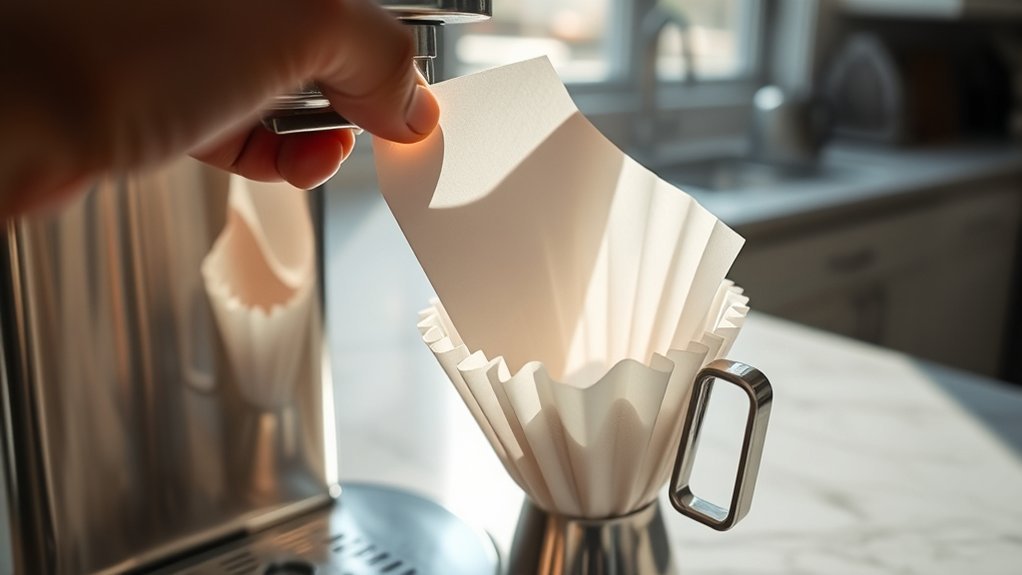
- Use the number and type of filters specified for your brewer rather than stacking filters.
- Choose the correct basket or cone size.
- Open a paper filter fully and press it against the basket.
- Replace a torn, collapsed, or misshapen filter.
- Make sure no grounds are trapped between the filter and basket.
- Do not substitute paper towels, tissues, laboratory filters, household air-filter material, or other improvised media for a coffee filter.
Pro Tip: On brewers that use a paper filter, rinsing the empty basket with water before inserting the filter can help its edges stay open and pressed against the basket wall. Hamilton Beach gives this instruction for the cited model.
4. Run a Water-Only Diagnostic Cycle
Remove the used grounds and filter. Wash and reinstall any removable basket or holder that must be present for operation. Fill the reservoir to a clearly marked level, place the empty carafe in its normal position, and run a regular cycle using only fresh water.
- If the expected amount reaches the carafe: The machine can move water through a normal cycle. The earlier short brew is more likely related to the grounds, filter, basket outlet, or carafe position.
- If the water cycle is slow or stops short: Mineral scale or another water-flow problem becomes more likely.
- If the machine hums but no water moves: Turn it off rather than repeatedly restarting it.
- If the water remains cold: The heater, thermal control, wiring, or another internal component may require service.
- If water leaks from beneath the base: Unplug the machine and stop testing it.
This test gives you a diagnostic clue; it does not prove that a particular internal part has failed. Coffee-maker designs differ, and some machines will not operate unless all required removable components are installed correctly.
A short water-only cycle points toward the machine’s water path or controls; a normal water-only cycle points back toward the coffee, filter, basket, or carafe setup.
5. Clean the Accessible Coffee-Maker Parts
Unplug the machine and let it cool. Remove the carafe, lid, filter basket, permanent filter, removable water-filter holder, and any other component the manual identifies as removable. Wash compatible parts in warm, soapy water and rinse them thoroughly.
Use a damp cloth or soft brush to remove visible grounds from accessible areas such as the basket holder, showerhead, and water outlets. Do not pour water into electrical openings, insert sharp metal objects into the machine, or immerse the base.
Coffee grounds may collect around a carafe dispenser, removable valve, or basket outlet. Flush only components that the owner’s manual says can be removed and rinsed. Never assume an internal hose, valve, sensor, or heater is intended for consumer access.
6. Descale the Coffee Maker
Minerals in water can accumulate inside a coffee maker’s heater and water path. Over time, this buildup may increase brewing time, reduce water flow, cause sputtering, or contribute to a cycle ending before the reservoir is emptied.
Use the cleaning light, brew-count recommendation, or maintenance schedule specified for your exact model. There is no universal descaling interval. For example, the cited Hamilton Beach manual calls for cleaning at least monthly and more often in hard-water conditions, while Mr. Coffee publishes brew-count guidance for some of its general cleaning instructions.
Use only a cleaner and ratio approved for your brewer. Some manufacturers permit vinegar, but the ratios, pauses, and rinse cycles differ. Cuisinart’s current cleaning guide describes a three-parts-water-to-one-part-vinegar mixture for one Clean-button procedure while also presenting different general vinegar guidance elsewhere on the same page. That is a good reason to check the instructions for your exact machine instead of assuming one vinegar ratio applies to every coffee maker. Review the Cuisinart cleaning guide together with your model manual before choosing a solution.
- Remove the water filter if the manufacturer instructs you to do so.
- Add only the approved descaling solution in the stated amount.
- Run the clean cycle or brew sequence described in the instructions.
- Pause or let the machine cool only when the procedure calls for it.
- Empty and rinse the carafe.
- Run the required number of fresh-water cycles to remove the cleaning solution.
Caution: Do not mix vinegar, descaler, bleach, ammonia, or other cleaners. Do not increase the concentration because one normal cleaning cycle did not solve the problem. Use the measured procedure specified for the machine.
What About a Blocked One-Way Valve?
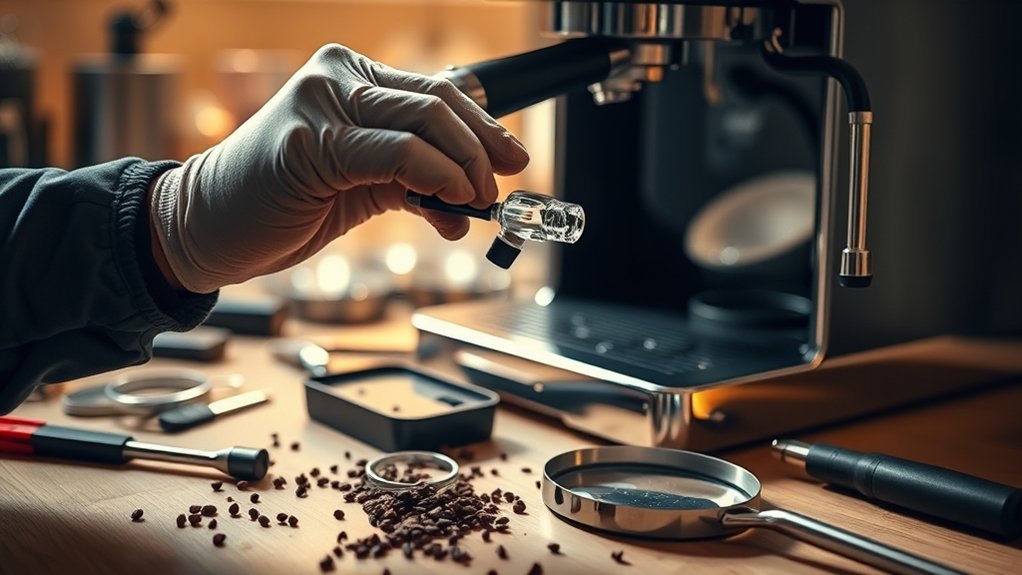
Some coffee makers use a one-way or check valve to direct water from the reservoir toward the heating system. Debris, scale, or a damaged valve can restrict water movement. However, coffee makers do not all use the same valve design, and many valves sit inside housings that are not intended for consumer access.
Descriptions such as a “hard spot” in a hose or a loose internal ball that should rattle apply only to particular valve designs. They are not universal diagnostic tests, so do not identify a failed valve by sound or feel alone.
Some third-party repair guides suggest turning a coffee maker upside down, removing rubber plugs and Phillips or security screws, opening the bottom cover, manipulating hoses, or blowing compressed air through a valve. Those steps are not appropriate as generic maintenance advice. The cited Hamilton Beach manual specifically warns users not to remove that model’s bottom cover and says internal repair should be performed by authorized service personnel.
If model-approved cleaning does not restore normal flow, contact the manufacturer with the model, type, and serial number. Ask whether the machine has a serviceable check valve, hose assembly, pump, flow sensor, heater, or thermal component and what repair route the manufacturer recommends.
Should You Take Apart a Coffee Maker?
Only remove parts identified as user-removable in the owner’s manual. Depending on the design, these may include the carafe, lid, basket, permanent filter, water filter, drip tray, or detachable reservoir.
Do not open the base simply because external cleaning did not work. Internal coffee-maker parts can include line-voltage wiring, a heating tube, thermostats, thermal fuses, pumps, sensors, valves, and hot-water hoses. A machine that leaks internally, smells burned, smokes, sparks, trips a breaker, has a damaged cord, or repeatedly shuts down should remain unplugged until the appropriate service route is determined.
Internal service may also affect warranty coverage. Check the warranty terms before removing screws, seals, security fasteners, or covers.
Reassemble Removable Parts Correctly
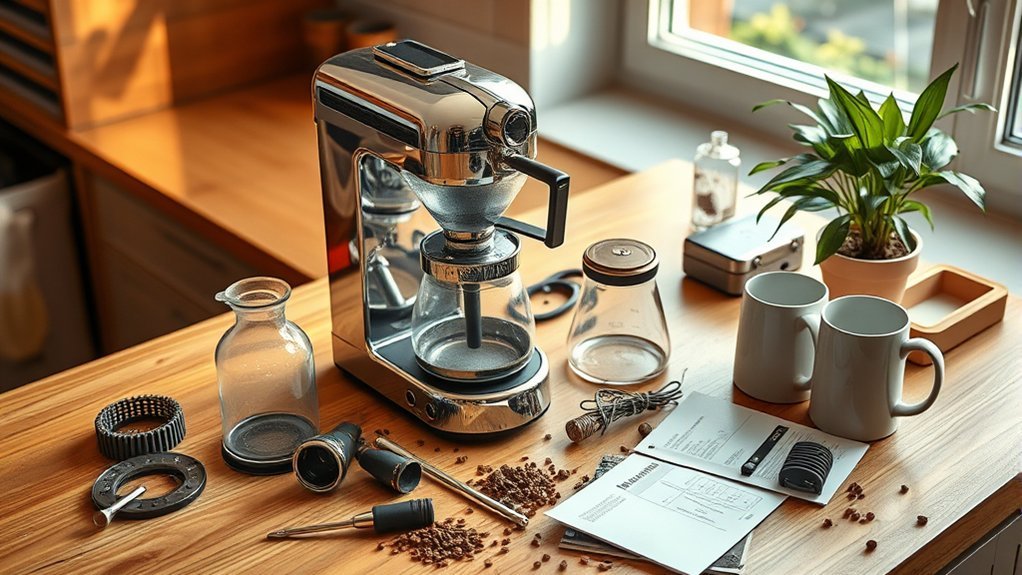
Dry all cleaned parts before reinstalling them. Place the filter basket in its correct orientation, reinstall the basket lid or showerhead if applicable, and attach the carafe lid securely.
Confirm that the carafe sits flat and operates the basket’s drip-stop mechanism without being forced. Reinstall any removable water filter or reservoir according to its instructions. Check accessible seals for coffee residue, distortion, or visible damage.
If an authorized technician has serviced an internal hose or one-way valve, that person should confirm valve direction, hose routing, clamps, seals, electrical connections, and leak-free operation before the housing is closed. Consumers should not guess at internal valve positioning.
Test the Coffee Maker After Cleaning
After reassembly, run a water-only cycle while staying near the machine. Watch for leaks, unusual steam, electrical or burning smells, repeated abnormal clicking, smoke, sparks, or water collecting beneath the base.
Compare the amount added to the reservoir with the carafe markings after the cycle. Allow for a small amount of water left on wet surfaces or retained by the machine. If a large amount remains in the reservoir or the brewer stops at the same point again, discontinue use and contact the manufacturer or appropriate repair provider.
Unplug the coffee maker immediately if it leaks from the housing, smells burned, smokes, sparks, or trips a breaker. Do not leave a recently serviced or previously overflowing brewer running unattended during its first test.
Maintain Your Coffee Maker to Prevent Another Short Brew
Clean After Each Use
- Discard the used grounds and filter.
- Rinse the filter basket and carafe when the instructions permit it.
- Remove visible grounds from the drip-stop area.
- Wipe spills from the warming plate after it cools.
- Leave removable parts open long enough to dry before reassembly or storage.
Follow a Model-Specific Descaling Schedule
Use the manual’s interval rather than relying on one calendar or brew-count rule for every coffee maker. Descale sooner when the machine takes noticeably longer to brew, sputters more than usual, displays a cleaning message, or operates in hard-water conditions if the manufacturer recommends doing so.
Mr. Coffee’s current general how-to page recommends cleaning every 40–80 brews, but that figure should not be treated as a rule for every Mr. Coffee model. Other manufacturer guidance and model-specific schedules differ. See the company’s coffee-maker cleaning instructions and give the exact model manual or built-in cleaning indicator priority.
Dispose of Coffee Grounds Properly
Do not wash a large quantity of coffee grounds down the sink. Put them in the trash or add them to a properly managed compost system. The U.S. Environmental Protection Agency lists coffee grounds and paper coffee filters among materials suitable for home composting. See the EPA’s home composting guidance.
Use Suitable Water
Cold, fresh water permitted by the brewer’s instructions is the safest default. Filtered tap water is suitable for many drip coffee makers, but do not assume distilled or reverse-osmosis water is automatically better for every machine.
Some electronic brewers depend on dissolved minerals for water-level sensing. For example, Mr. Coffee states that its KG5 requires natural minerals in the water to sense serving sizes correctly and warns against distilled or reverse-osmosis water for that specific model. This is model-specific guidance, not a rule for every coffee maker.
When to Call for Service or Replace the Machine
Stop DIY troubleshooting and contact the manufacturer or an appropriate repair provider when:
- A water-only cycle remains short after an approved descaling procedure.
- The machine has no power even though the outlet works.
- The water does not heat or move.
- Water leaks from beneath the housing.
- The machine smells burned, smokes, sparks, or trips a breaker.
- The cord or plug is damaged.
- The housing is cracked or heat-damaged.
- The same fault returns immediately after cleaning.
- The next troubleshooting step would require opening a non-user-serviceable housing or accessing internal electrical parts.
Compare the cost of professional service with the machine’s price, age, warranty, condition, and availability of approved replacement parts. A damaged low-cost brewer may be more practical to replace, while a premium model with manufacturer-supported parts may justify professional service.
Frequently Asked Questions
What type of water should I use in my coffee maker?
Use cold, fresh water permitted by your model’s instructions. Filtered tap water is a practical choice for many drip machines, but distilled or reverse-osmosis water is not automatically suitable for every brewer. Mr. Coffee, for example, says its KG5 needs minerals in the water for correct serving-size sensing. See its model support guidance.
How often should I descale my coffee maker?
Follow the cleaning light, brew-count recommendation, or maintenance schedule for your exact model. Published intervals vary between brands and even between different models from the same brand. Hard water, slower brewing, sputtering, or a cleaning alert may justify earlier maintenance when the manufacturer recommends it.
Can I use a regular paper product instead of a coffee filter?
Use the coffee-filter type and size specified for the brewer. Paper towels, tissues, laboratory filters, household air-filter material, and other improvised substitutes may collapse, tear, contain unsuitable materials, or restrict drainage.
Why does my coffee taste weak even when the machine brews a full pot?
Check the coffee-to-water ratio, freshness, grind, filter fit, and water distribution over the grounds. Too little coffee, stale grounds, a grind that is too coarse, or uneven saturation can produce weak coffee even when the final liquid volume is normal.
Should I unplug my coffee maker when it is not in use?
Follow the safety instructions for your machine. Many manufacturer manuals tell users to turn the coffee maker off and unplug it when it is not in use and before cleaning. When unplugging, grasp the plug rather than pulling on the cord.
What does it mean if a water-only cycle is full but a coffee cycle stops short?
It suggests that the brewer can complete a normal water cycle and that the restriction is more likely associated with the coffee or basket setup. Check for excessive grounds, an overly fine grind, a folded or incorrectly positioned filter, a blocked basket outlet, or a carafe that is not operating the pause-and-pour mechanism correctly.
Why does my coffee maker stop at about the same amount every time?
First check for a selected small-batch or serving-size mode. If a water-only cycle repeatedly stops at the same level even after model-approved cleaning and descaling, the cause may involve water sensing, restricted flow, heating, or another internal control. Contact the manufacturer rather than opening a non-user-serviceable housing.
When should I stop repairing the coffee maker myself?
Stop when troubleshooting requires opening a housing that the manufacturer does not identify as user-serviceable, accessing wiring, disconnecting internal hoses, or replacing a heater, sensor, thermal fuse, pump, or internal valve. Stop immediately if the machine leaks from its base, smells burned, sparks, smokes, or trips a breaker.
Conclusion
When a coffee maker won’t brew a full pot, begin with the water level, selected brew size, carafe position, filter, grind, and amount of coffee. Confirm that the output is genuinely short, then use a water-only cycle to help separate a basket-related restriction from a machine-level flow problem.
If cleaning the removable parts and completing the manufacturer-approved descaling procedure do not restore a normal cycle, keep the machine unplugged and contact the manufacturer or appropriate repair provider. An internal valve, sensor, heater, pump, or other component may be involved, but opening the bottom cover is not a safe universal troubleshooting step.
Sources
- Hamilton Beach Coffee Maker Use & Care Manual — supports electrical and burn warnings, filter and grind troubleshooting, model-specific cleaning frequency, carafe positioning, and the warning against removing the bottom cover.
- KitchenAid: Coffee Maker Won’t Brew or Short Brew — supports checking the 1–4 cup setting and descaling for a short brew.
- Cuisinart: How to Clean a Coffee Maker — supports model- and method-specific cleaning procedures, removable-part washing, vinegar-based cleaning, and fresh-water rinsing.
- Mr. Coffee Cleaning Guidance — provides an example of brew-count-based general maintenance guidance; the exact model instructions should take priority.
- Mr. Coffee KG5 Support — supports the model-specific warning that distilled or reverse-osmosis water can interfere with serving-size sensing on the KG5.
- U.S. Environmental Protection Agency: Composting at Home — supports composting coffee grounds and paper coffee filters.