
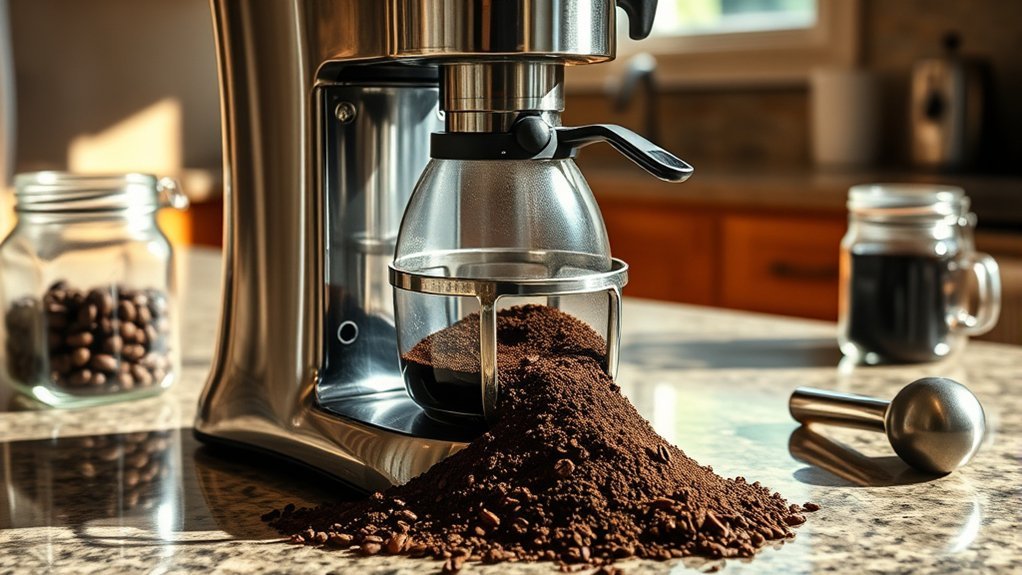
An overflowing coffee maker grounds basket usually means hot water is entering the basket faster than brewed coffee can drain out. Too much coffee, an overly fine grind, a collapsed or incorrect filter, a misaligned basket or carafe, and a clogged outlet are common causes. Stop the machine safely first, then identify where the overflow starts and work through the checks below.
Quick Answer
Stop the brew, unplug the coffee maker, and let the basket cool. Then check the coffee amount, grind size, filter fit, basket and carafe position, and basket outlet. Use only parts and settings approved for your model. If permitted by the manual, finish with a water-only test.
Key Takeaways
- Unplug the coffee maker and allow the hot basket and liquid to cool before touching or removing them.
- Use the filter shape, size, grind, and maximum coffee amount specified for your exact model.
- Make sure the brew basket and carafe are fully seated so any pause-and-serve mechanism can operate correctly.
- Do not tamp the grounds, stack unapproved filters, or rely on improvised additives to solve a drainage problem.
- If the machine still backs up during a manufacturer-permitted water-only cycle, stop using it and contact the manufacturer.
At a Glance
| Time Required | About 10–30 minutes, plus cooling time |
| Difficulty | Easy for external checks and cleaning; internal repair should be left to qualified service |
| Tools Needed | Correct filter, measuring spoon, mild dish soap, soft brush or cloth, and the owner’s manual |
| Cost | Usually no cost for inspection and cleaning; replacement filters or model-specific parts vary in price |
Warning: Overflowing coffee and water can cause burns. Turn the machine off, unplug it, keep your hands away from the basket, and wait for the liquid and parts to cool. Do not remove a full hot basket or reach into a plugged-in coffee maker.
Identify Where the Coffee Maker Overflow Starts
Before changing the grind or filter, check exactly where the liquid is coming from. Different symptoms point to different problems.
- Coffee and grounds spilling over the brew basket: Check the coffee dose, grind size, filter, basket drain, carafe position, and pause valve.
- Clear water escaping from the reservoir or rear of the machine: Check whether the reservoir is above its MAX line or incorrectly seated. Some coffee makers have an overflow opening at the rear.
- Coffee overflowing the carafe, mug, or travel cup: Confirm the correct vessel is in place and that you did not add more water than the vessel or selected brew size can hold.
- Water leaking from the base: Stop using the machine. A reservoir crack, internal tube, valve, seal, or electrical-area leak requires model-specific support rather than brew-basket adjustments.
Note: Find the model number before ordering a filter, carafe, sprayhead, seal, or other replacement part. Parts that look similar may operate differently.
Why Your Coffee Maker Is Overflowing: Common Causes

A brew basket overflows when coffee cannot leave the basket as quickly as water enters it. The restriction may be in the coffee bed, paper or reusable filter, basket outlet, pause mechanism, or another model-specific flow part.
Hamilton Beach’s current troubleshooting guidance identifies excessive grounds, finely ground coffee, collapsed paper filters, and incorrectly seated baskets or carafes as causes on applicable models.
| What You See | Likely Cause | First Check |
| Coffee and grounds spill over the basket | Too much coffee, grind too fine, collapsed filter, or slow basket drainage | Dose, grind, filter position, and basket outlet |
| Basket fills when the carafe is removed or off-center | Pause-and-serve valve remains closed on machines that use one | Carafe position, lid, and pause mechanism |
| Clear water escapes from the back or reservoir | Reservoir overfilled, incorrectly seated, or water entering the wrong opening | Water level, MAX line, and reservoir seating |
| Basket backs up during a permitted water-only cycle | Blocked outlet, stuck valve, incorrect part, or internal flow fault | Stop the test and check the exact model manual or manufacturer support page |
Too Much Coffee or a Fine Grind
Excess coffee raises the coffee bed closer to the top of the filter and leaves less room for water and foam. Coffee that is too finely ground can also slow drainage. Start with the grind and coffee amount listed in your manual. Many automatic drip brewers call for an automatic-drip or medium-style grind, but the exact recommendation varies by model.
If water pools above the grounds and drains slowly, reduce the dose or move the grinder one small step coarser, provided that remains within the manufacturer’s guidance. Change only one variable at a time.
Decaffeinated and flavored coffees may drain differently on some machines. Hamilton Beach, for example, advises using less coffee for certain decaf or flavored brews on some models. Do not assume a “Bold” or “Strong” button prevents overflow unless the manual specifically describes that setting as part of the solution.
Filter Problems
A paper filter can fold inward, collapse, sit too high, or let grounds escape between the paper and basket. Use one filter in the exact size and shape specified for your machine. Open it fully and seat it as the manual directs.
Do not automatically stack two paper filters. Do not place a paper filter inside a permanent filter unless your manufacturer specifically approves that arrangement. KitchenAid, for example, tells users of applicable models to use either the approved gold-tone filter or one paper filter rather than both.
Basket, Carafe, and Pause-Valve Alignment
Many drip machines use a pause-and-serve or drip-stop mechanism under the basket. Removing the carafe closes the outlet so you can pour a cup before brewing ends. On those machines, the correct carafe and lid must return to the proper position so the outlet can reopen.
If the carafe is off-center, the wrong replacement carafe is installed, its lid is missing, or the basket is not fully seated, coffee can collect in the basket until it spills. Confirm that the basket clicks or locks into place and that the empty carafe sits flat beneath it.
Return the carafe within the time specified by your model’s manual. For example, some Hamilton Beach carafe brewers specify a 20-second pause limit, but that number should not be applied to every brand or model.
Blocked Outlet or Water-Distribution Parts
Coffee oils, loose grounds, and mineral deposits can interfere with normal flow. Clean only the basket outlet, reusable filter, pause mechanism, sprayhead, or other removable parts identified in the owner’s manual.
Do not push needles, wires, or sharp tools into an assembled coffee maker unless the manufacturer provides a specific procedure and tool for that model. A missing, dirty, or incorrect water-distribution part can also change the rate or pattern of water entering the basket.
The fastest fix is usually not a special brewing trick. Restore the intended flow path: the correct dose, grind, filter, basket position, carafe position, and clean outlet.
Model-Specific Overflow Checks
General troubleshooting solves many overflows, but some coffee makers have special parts or limits. Check the exact model number before changing hardware or brew settings.
Standard Carafe Drip Coffee Makers
For a conventional drip machine, first check the coffee dose, filter placement, grind, basket seating, correct carafe and lid, and any pause-and-serve mechanism. If the carafe was removed during brewing, return it within the time allowed in the manual.
BUNN Speed Brew and Heat N’ Brew
BUNN gives model-specific overflow instructions. Its current Speed Brew support page tells users to check the BUNN filter, confirm the sprayhead is installed, and consider whether fine or decaf coffee or soft water is affecting the flow. Compatible models may use a special flow-restrictor sprayhead.
The BUNN Heat N’ Brew support page likewise says to confirm that the brew funnel is fully inserted, use the specified BUNN filters, and make sure the sprayhead is installed. Do not install a restrictor or substitute sprayhead unless BUNN lists it for your brewer.
Single-Serve Grounds Baskets
Some single-serve machines have a small grounds basket, MAX line, lid, needle holder, seal, or funnel that changes the troubleshooting process. Hamilton Beach, for example, lists model-specific checks such as staying below the grounds limit, using an automatic-drip grind, rinsing the funnel, and confirming that a seal around the needle holder is present on certain FlexBrew models.
If your machine has needles or a sealed pod area, follow its dedicated unclogging procedure rather than treating it like a conventional carafe brewer.
Easy Maintenance Tips to Stop Coffee Overflow
Regular cleaning prevents coffee oils and stray grounds from narrowing the basket outlet or clogging a reusable filter. The correct schedule depends on the machine, water hardness, and frequency of use.
- After each brew: After the basket has cooled, discard the grounds and paper filter. Rinse approved removable parts and clear loose grounds around the outlet or pause mechanism.
- Wash removable parts: Use warm water and mild dish soap if the manual permits it. Rinse away all soap before reassembly.
- Inspect the filter area: Look for folds, tears, grounds outside the filter, or residue in reusable mesh.
- Check the carafe lid: Make sure it is the correct lid and is installed in the position required by the machine.
- Descale when required: Follow the cleaning indicator, owner’s manual, or manufacturer schedule. Descaling solutions and procedures are not universal.
Mr. Coffee’s current coffee maker cleaning guidance recommends regular cleaning and currently references approximately every 40–80 brews. Other manufacturers use monthly, water-hardness, brew-count, or indicator-based schedules, so your model’s instructions take priority.
Note: Do not immerse the coffee maker, power cord, or plug. Clean only the removable parts and surfaces identified in the owner’s manual.
Brewing Techniques to Avoid Coffee Ground Spillage

Your brewing setup should let water pass through the coffee without packing the filter or raising the grounds close to its rim.
Adjust Coffee Grind Size
Use the grind specified by your machine. For many automatic drip brewers, this is an automatic-drip or medium-style grind. If water pools over the coffee and your manual permits grind adjustment, move slightly coarser and test again.
- Do level the grounds: A gentle side-to-side shake can create an even bed without compressing it.
- Do not tamp: Packing grounds tightly can restrict the available flow path.
- Do not rely on a center hole: Digging a hole into the coffee bed does not correct a wrong dose, filter problem, or blocked outlet.
- Do not exceed a MAX line: Reusable baskets and many single-serve grounds filters have a marked limit.
Pro Tip: When testing a changed dose or grind, use a smaller brew size if your model allows it and stay above any stated minimum water level. This reduces wasted coffee while you confirm that the basket drains normally.
Use the Proper Filter Type
Match the filter to the basket rather than choosing one only by advertised cup count. Basket-style, cone-style, permanent mesh, and single-serve filters are not automatically interchangeable.
For paper filters, use the specified size and seat the paper so it stays open and below the basket rim. For reusable filters, keep the mesh clean and do not fill above the marked limit. A reusable filter can work well, but it does not guarantee faster drainage.
BUNN’s taller paper filters are intended for compatible BUNN funnels. BUNN also advises checking the sprayhead and, on certain models, using a manufacturer-approved flow restrictor when fine coffee, decaf coffee, soft water, or other model-specific conditions cause overflow. Review the BUNN Speed Brew support instructions before changing those parts.
How to Choose the Best Filters for Your Coffee Maker
The correct filter holds the grounds inside the basket without folding over, blocking the outlet, interfering with the lid, or disrupting the intended water pattern.
Filter Size Compatibility
Check the model number on the bottom, back, or rating label of the machine, then use the filter size listed in the manual or manufacturer support page. A “12-cup” label alone does not prove that the filter has the correct height, base diameter, or shape.
Replace a paper filter that is torn, crushed, stuck together, or unable to remain open in the basket.
Paper Versus Reusable Filters
Paper filters are disposable and can contain fine particles well, but they must stay open and upright. Reusable mesh filters reduce disposable waste but require thorough washing because oils and fine grounds can remain in the mesh and slow drainage.
Use whichever filter type the manufacturer approves. Do not combine filters unless the manual specifically allows that configuration.
Design Features That Affect Performance
- Correct height: The filter should contain the coffee without touching moving lid parts.
- Correct base shape: A flat-bottom filter belongs in a compatible basket; a cone filter belongs in a matching cone holder.
- Stable sidewalls: Paper should remain upright when wet.
- Clear outlet area: The filter should not bunch into or block the basket’s drain opening.
- Approved compatibility: Brand-specific filters should be used only with models for which they are intended.
Troubleshooting a Coffee Maker Grounds Basket Overflow Step by Step
- Stop the brew safely. Turn the machine off, unplug it, and allow the basket and liquid to cool.
- Identify what overflowed. Coffee and grounds point toward a basket-flow problem. Clear water from the reservoir area may mean overfilling, incorrect reservoir seating, or a separate leak.
- Remove and inspect the cooled basket. Look for a folded filter, grounds outside the filter, blocked outlet, clogged reusable mesh, or a basket that was not fully seated.
- Check the carafe and lid. Confirm that the correct carafe sits centered beneath the basket and, if applicable, operates the pause-and-serve mechanism.
- Correct the dose and grind. Stay below any MAX line. Use the amount and grind specified in the manual. If the manufacturer permits it, reduce the dose or move slightly coarser when drainage is clearly slow.
- Clean approved removable parts. Wash the cooled basket, reusable filter, carafe lid, and accessible removable valve parts as the manual directs. Clear visible loose grounds with a soft brush or running water only after the part has been removed where required. Do not force sharp objects into the machine.
- Reassemble carefully. Confirm the basket, lid, carafe, reservoir, sprayhead, and other user-removable parts are in their normal operating positions.
- Run a water-only cycle only if your manual permits it. Use a normal manufacturer-approved water-only brew or rinse cycle with no coffee. Stay nearby and stop immediately if the basket begins backing up.
- Use model-specific support. BUNN brewers may require the correct BUNN filter, installed sprayhead, or approved flow-control part. Single-serve machines may require a MAX-line, seal, funnel, or needle check. Do not transfer those instructions to unrelated models.
- Stop if the problem remains. Continued overflow with the coffee dose and filter removed from the equation points toward a blocked outlet, stuck valve, incorrectly assembled part, or internal flow-control fault that needs manufacturer support.
A manufacturer manual may contain a special setting for decaf, flavored, fine-ground, or slow-draining coffee. Use that feature only when the manual describes it for your exact model.
Warning: Stop using the coffee maker if it leaks from the base, smells burnt, sparks, repeatedly trips a breaker, has a damaged cord, or sends uncontrolled water into the basket. Do not open the electrical housing yourself.
Can Descaling Stop a Coffee Maker From Overflowing?
Descaling can help when mineral deposits are affecting an approved water path, sprayhead, valve, or brewing performance, but it is not the first fix for every overflowing basket. If the problem began after changing coffee, grind, filter, carafe, or dose, check those items first.
Use only the descaling method specified by the manufacturer. Do not assume that stronger vinegar, repeated acid cycles, or a homemade chemical mixture will clear a mechanical blockage. If the machine continues to overflow after correct setup and manufacturer-directed cleaning, contact support.
Proven Solutions and Mistakes to Avoid
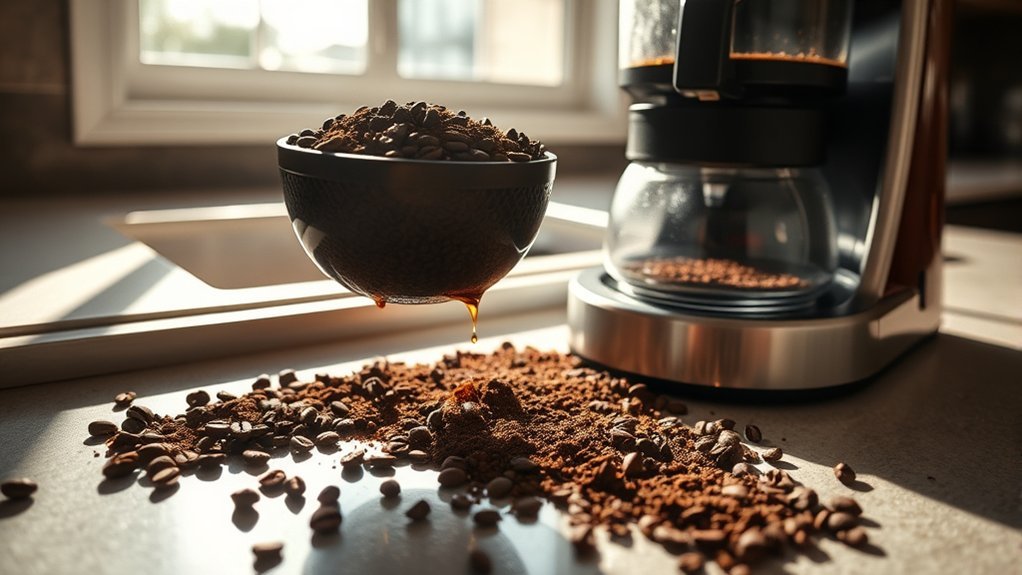
The most dependable home fixes are the same checks repeated across manufacturer troubleshooting guides:
- Use less coffee if the basket is above the recommended dose or MAX line.
- Change from an overly fine grind to the grind recommended for the machine.
- Open and seat the paper filter correctly.
- Use only the filter type and configuration approved for the model.
- Center the correct carafe and install its lid.
- Clean the basket outlet, reusable filter, pause mechanism, and approved removable parts.
- Use only model-compatible sprayheads, seals, funnels, baskets, and flow parts.
Avoid improvised fixes that do not correct the flow path. Do not tamp the grounds, carve a hole into the coffee bed, stack unapproved filters, add powders such as cinnamon as an overflow remedy, or install an unrelated filter simply because it is taller.
Also avoid changing thermostats, internal flow controls, wiring, heaters, tubes, or other enclosed parts unless the manufacturer specifically defines them as user-serviceable. Repairs inside a hot-water electrical appliance should be handled through the manufacturer or a qualified appliance technician.
Frequently Asked Questions
Can using different coffee brands affect overflow issues?
The brand name itself is usually less important than the grind, dose, and type of coffee. Finely ground, decaffeinated, or flavored coffee can drain differently on some machines. Follow your model’s recommended grind and coffee amount, and reduce the dose only when the manufacturer allows it.
How often should I replace my coffee maker?
There is no universal five- or seven-year replacement rule. Keep the machine while it operates safely, does not have recurring internal leaks, and can be maintained or repaired reasonably. Replace or service it when it develops an electrical hazard, repeated internal leakage, unavailable safety-critical parts, or a repair that is not practical.
Does water temperature cause the grounds basket to overflow?
Temperature is not the first setting to change. Most household drip machines control brewing temperature automatically. Check the dose, grind, filter, carafe, basket outlet, and model-specific flow parts first. Abnormal heating or uncontrolled water flow should be referred to the manufacturer.
Are specific coffee maker brands known for overflow problems?
Overflow is better diagnosed by model and design than by brand. Coffee makers use different baskets, filters, sprayheads, pause valves, grounds limits, and flow rates. Search the exact model number on the manufacturer’s support site instead of assuming every machine from one brand has the same fault.
Can I use a reusable filter to prevent overflow?
You can use a reusable filter when the manufacturer approves it for your model. It must be the correct size, clean, and filled below its maximum line. A reusable filter does not guarantee better drainage; clogged mesh or overly fine coffee can still cause the basket to back up.
Why does the carafe position affect the brew basket?
On many drip machines, the carafe or its lid opens a pause-and-serve mechanism under the basket. If the carafe is missing, off-center, the wrong size, or fitted with the wrong lid, the outlet may remain closed and coffee can back up into the basket.
What if the basket overflows during a water-only test?
If your manual permits a normal water-only brew or rinse cycle and the basket still backs up, turn the machine off and unplug it. With coffee and the filter removed from the equation, the likely causes shift toward a blocked outlet, stuck valve, incorrectly assembled part, model-specific sprayhead problem, or internal flow fault. Contact the manufacturer before using the machine again.
Can descaling fix an overflowing brew basket?
It can help when mineral buildup is affecting a model’s water path, sprayhead, valve, or normal flow. It will not fix an overloaded basket, wrong filter, misaligned carafe, or coffee that is too fine. Follow the exact descaling method in your owner’s manual.
Why does my coffee maker overflow only when I brew a full pot?
A larger batch sends more total water through the coffee bed and usually uses more grounds, so a marginal filter, overly fine grind, excessive dose, or partially blocked outlet may become noticeable only during a full brew. Stay within the machine’s stated coffee and water limits and correct the underlying flow restriction rather than simply reducing every brew size.
Conclusion
To stop an overflowing coffee maker grounds basket, begin with safety and identify where the liquid is escaping. Then restore the machine’s intended flow path: use the correct coffee amount and grind, seat one approved filter correctly, center the basket and carafe, clean approved removable parts, and check any model-specific sprayhead, seal, MAX line, or pause mechanism.
If your manual permits a water-only cycle, you can use it after reassembly to confirm normal drainage. Stop using the machine if it still backs up without coffee, leaks from the base, shows an electrical problem, or requires access to internal parts. At that point, the problem is no longer a simple brewing-technique issue.
Sources
- Hamilton Beach Frequently Asked Questions — supports troubleshooting for excess grounds, fine coffee, collapsed filters, basket/carafe alignment, MAX limits, and model-specific single-serve overflow causes.
- Hamilton Beach Coffee Maker Use and Care Manual — supports burn precautions, filter placement, decaf/flavored-coffee guidance, pause-and-serve operation, carafe replacement timing, and cleaning.
- BUNN Heat N’ Brew Support — supports checks for brew-funnel position, BUNN filters, sprayhead installation, and model-approved flow restriction.
- BUNN Speed Brew Support — supports checks for filter size and porosity, sprayhead installation, fine or decaf coffee, soft water, and compatible flow-restrictor sprayheads.
- KitchenAid Brew Basket Overflow Support — supports correct carafe seating, one approved filter, a clear drip-stop opening, and avoiding overly fine grounds.
- Mr. Coffee Cleaning Guidance — supports regular brew-count-based cleaning to maintain coffee maker performance.



[…] If the brew basket is overflowing, first confirm that the filter is the correct size and is sitting flat in the holder. Then check the coffee dose, grind, and drainage. For a broader diagnosis, see coffee maker grounds basket overflow causes and fixes. […]