If your coffee maker will not turn on, first determine whether it is completely dark or whether it has lights but refuses to brew. A dead display usually points to the outlet, GFCI, breaker, plug, cord, power switch, or an internal protective fault. Water level, stuck float magnets, lid microswitches, clogs, and scale problems are more likely when the machine still has power.
Quick Answer
Test the wall outlet with another appliance, reset any tripped GFCI receptacle or circuit breaker, inspect the cord, and unplug the machine for 30 seconds to perform a hard reset. If lights appear but the machine will not brew, reseat the reservoir, free any stuck magnetic water floats, and fully latch the brew head.
Key Takeaways
- A completely unpowered machine usually indicates an issue with the wall receptacle, GFCI circuit, power cord, or an internal thermal fuse.
- A machine that powers on but refuses to pump often has an unseated reservoir, a stuck magnetic float sensor, an unlatched brew head, or severe scale buildup.
- Always test the wall receptacle with a lamp or small appliance before assuming the coffee maker has failed internally.
- Do not open the housing, bypass switches, or solder internal thermal fuses unless specified as a user-serviceable repair by the manufacturer.
- Check your model manual for exact descaling intervals, reset button combinations, and replacement part numbers.
At a Glance
| Time Required | 5–20 minutes for safe external checks |
| Difficulty | Easy for outlet, reset, reservoir, float, and basket checks; professional skill required for internal wiring |
| Tools Needed | Known-working lamp or small appliance, dry cloth, flashlight, and the model’s instruction manual |
| Cost | $0 for external troubleshooting; replacement parts or service vary by brand |
Warning: Unplug the coffee maker and allow it to cool completely before inspecting cords, cleaning, or handling removable parts. Discontinue use immediately if you observe a melted plug, sparking, smoke, unusual housing heat, or a burnt-plastic smell. Never disassemble the housing or touch internal wiring unless certified to do so.
Common Reasons Your Coffee Maker Won’t Turn On
A coffee maker can appear unresponsive because incoming electrical power is interrupted, the digital controls are frozen in an error loop, or an internal protective component (such as a thermal cutoff) has opened. Systematic external troubleshooting identifies the problem without risking electrical shock.
- Dead or switched wall outlet: A tripped kitchen receptacle or an unpowered wall switch can cut power to a single outlet.
- Tripped GFCI or AFCI: Kitchen countertop circuits require Ground Fault Circuit Interrupter protection, which will trip if moisture or current leakage is detected.
- Tripped circuit breaker: High-wattage kitchen appliances running simultaneously on one branch circuit can cause a breaker overload.
- Damaged power cord or plug: Loose prongs, crimped lines, or heat discoloration prevent current flow and create a fire hazard.
- Control lockup: Microprocessors in programmable coffee makers can freeze during brownouts or quick power fluctuations.
- Safety interlocks open: Modern single-serve and drip machines incorporate safety microswitches on the lid, pod chamber, or reservoir that prevent the heating cycle from starting.
- Blown thermal fuse: If the heating element exceeds safe operating temperatures—often caused by running the unit dry or heavy scale buildup—the thermal fuse permanently cuts power.
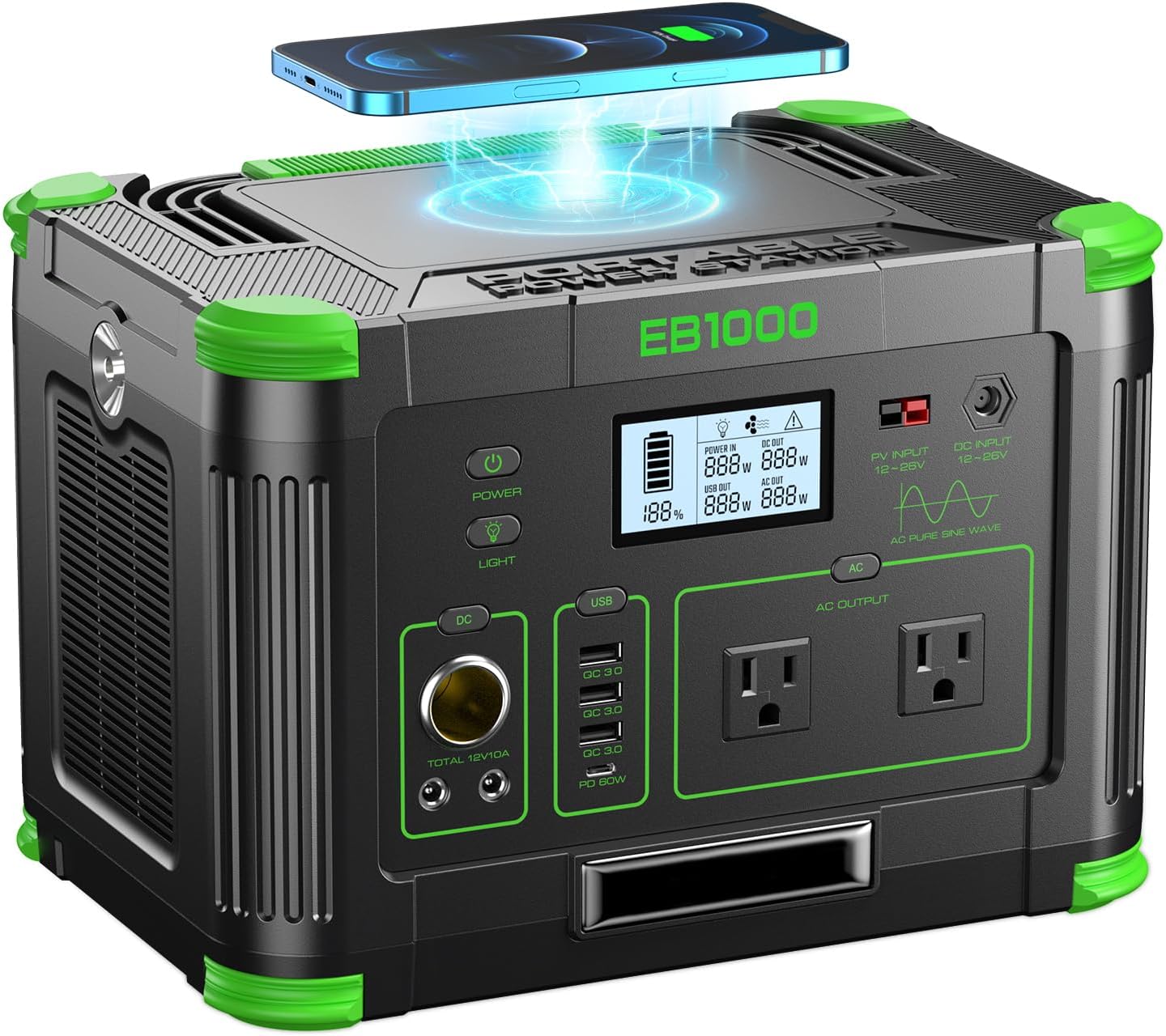
Power your essentials anywhere with a 999Wh pure sine wave power station delivering up to 1000W continuous with 2000W surge. It supports fast charging via USB-C PD 60W and USB-A QC 18W, plus simultaneous output for multiple devices through AC, USB, wireless, and car/DC ports. Recharge using AC, car, or solar with a built-in MPPT controller and dual cooling fans, while the upgraded battery management system protects against surges, short circuits, and overheating.

Wide Compatibility with Hoover Vacuum Models: KCD1-105 Red rocker switch Compatible with Hoover Windtunnel UH70815 UH70819 UH70821 UH70829 UH70832 UH70839 UH71250 UH71230 UH70817 Wind-Tunnel-2 Hoover 270046001 440003992 Windtunnel UH70830 UH70831 UH70820 UH70816 UH70809 UH70800 UH70825 UH70831PC UH17200 UH70801 UH70805 UH70810 UH70811 UH71200 Upright Vacuum Cleaner

Product Features: [VERSATILE] The 3 Pins 2 Position Red Lighted Rocker Switch is perfect for electric fireplaces, neon lamps, grinders and other electrical appliances.The 3 Pins 2 Position Red Lighted Rocker Switch AC250V/10A 125V/12A KCD1-105 20mm Diameter Round is designed to withstand heavy use and high electrical capacity. if you are looking for a reliable and durable switch, please choose this 3 pin 2 position red light rocker switch.
Is It Completely Dead or Just Not Brewing?
| What You Observe | Most Useful First Checks |
|---|---|
| No lights, display, sounds, or warmth | Wall outlet, GFCI reset, main breaker, plug connection, 30-second power reset, and internal fuse check. |
| Display is lit, but the pump or heater will not engage | Reservoir water level, stuck magnetic float, lid microswitch, brew basket seating, and descaling lockouts. |
| Machine turns on, clicks, and shuts off immediately | Auto-off timer configuration, severe scale blockage triggering thermal protection, or voltage drop. |
| GFCI or circuit breaker trips instantly upon plugging in | Stop use immediately; indicates an internal ground fault, shorted heating element, or moisture in the base. |
| Smoke, acrid odor, or visible sparking | Unplug safely, discontinue all use, and check for active product safety recalls. |
Why Checking the Power Source and Switch Is Critical
A wall receptacle can stop supplying power without showing any external signs of failure. Always verify the outlet before assuming the appliance requires repair.
- Disconnect the appliance safely: Ensure your hands, countertop, and outlet faceplate are completely dry.
- Test the receptacle directly: Plug a known-working lamp or small appliance into the exact same outlet. If the test device does not power on, the fault lies within the home’s electrical wiring.
- Reset the GFCI outlet: Kitchen countertop outlets are linked to GFCI devices to safeguard against electrical faults. Per the CPSC Electrical Safety Guidance, locate the GFCI receptacle on your kitchen circuit and firmly press the RESET button until it clicks.
- Inspect the main service panel: Check for a tripped circuit breaker. Reset a tripped breaker by switching it fully to the OFF position before flipping it back to ON.
- Reconnect the coffee maker: Plug the unit directly into a functional, grounded wall outlet without multi-outlet splitters or extension cords.
- Test the main control: Press the dedicated power switch, brew button, or touch screen. Certain models require holding the brew button for 2–3 seconds to wake from a low-power standby mode.
Warning: If the GFCI receptacle or breaker trips a second time after you reconnect the coffee maker, do not keep resetting it. Repeated tripping indicates an internal electrical short or water intrusion. Leave the appliance unplugged.
Pro Tip: Never use lightweight extension cords or multi-plug surge strips with high-draw heating appliances. Coffee makers draw between 800 and 1,500 watts, which can overheat undersized wiring and cause voltage drops that prevent digital controls from initializing.
How to Reset an Unresponsive Coffee Maker
Microcontroller-managed coffee makers can freeze during voltage fluctuations, power outages, or after interrupted brew cycles. Performing a hard power reset clears transient logic errors.
- Turn off the unit’s power switch if one is present.
- Unplug the power cord from the wall outlet.
- Wait a full 30 to 60 seconds to allow the internal capacitors on the control board to discharge completely.
- While the machine is unpowered, remove and reseat the water reservoir, brew basket, and pod holder to clear mechanical safety switches.
- Plug the power cord directly back into the wall outlet and press the power or brew button.
According to official Keurig Support documentation, a 30-second power disconnection is the standard method to reset control boards across many single-serve models. Consult your manufacturer manual for model-specific button-hold combinations (such as holding the power and brew buttons simultaneously).
How to Ensure Your Water Supply and Sensor Systems Are Functioning
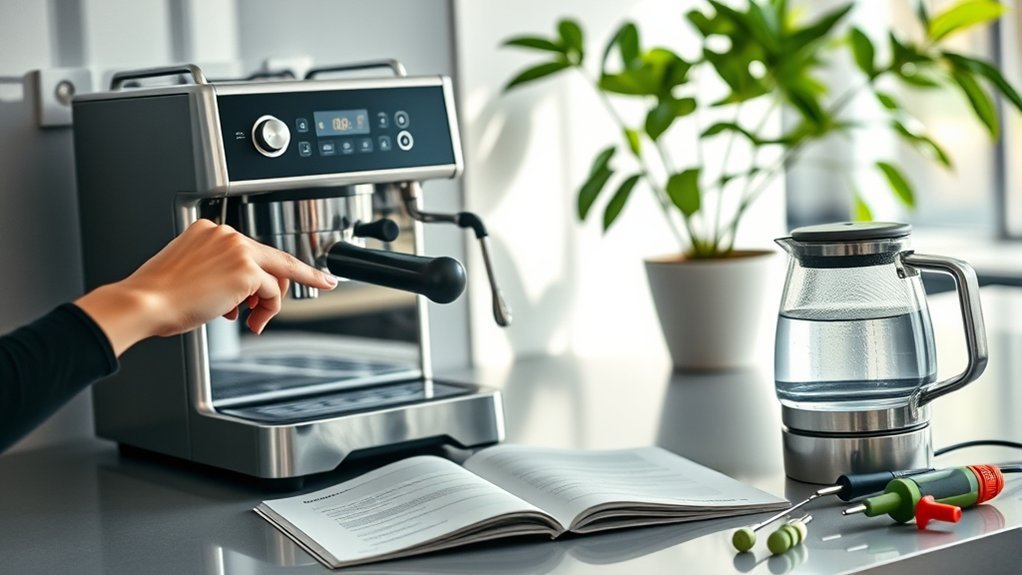
When an appliance turns on and illuminates but refuses to start the pump, the water detection system or safety interlock is usually responsible. Coffee makers use physical switches, optical sensors, or magnetic reed switches to ensure sufficient water before activating the heating element.
- Verify minimum water volume: Fill the reservoir past the minimum fill line. Running below this threshold triggers an automatic interlock on most modern brewers.
- Check the magnetic reservoir float: Many removable reservoirs contain a small floating magnet inside a vertical plastic track. If scale or residue causes this float to stick to the bottom, the brewer will detect an empty tank. Tap the tank gently or clean the track so the float rises freely with the water level.
- Reseat the base valve: Detach the water tank and inspect the spring-loaded plunger valve at the bottom. Firmly push the reservoir down into the machine base so the valve opens completely.
- Engage the brew chamber and lid: Single-serve machines feature an internal microswitch in the handle or lid. If coffee grounds, misaligned pods, or mineral crust prevent the lid from locking completely, power to the water pump remains blocked.
Note: A completely empty water reservoir or stuck float will prevent brewing, but it will not cause the control display to go entirely dark. If the screen has no power whatsoever, focus on the electrical supply rather than water levels.
Check for Clogs Only When the Machine Has Power
A blockage in the water path, discharge tube, or puncturing needles will stop flow and can trigger an automatic shutdown due to localized overheating. Do not assume a clog exists if the machine has zero electrical power.
If your machine lights up, hums, but fails to dispense coffee:
- Unplug the brewer and allow it to cool down completely.
- Inspect the exit needles (on pod brewers) or the showerhead (on drip brewers) for compacted coffee grounds. Use an unfolded paper clip to clear the needle holes safely, as outlined in the Hamilton Beach FlexBrew Manual.
- Remove, rinse, and reseat the filter basket and pod holder assembly.
- Never push tools into internal tubing or valve seats unless explicitly guided by the owner’s manual.
- If the machine displays a persistent descale indicator or dispenses only a few drops, perform a descaling cycle to dissolve mineral buildup.
How to Inspect Components for Visible Damage
Conduct a thorough external visual inspection without disassembling the housing to identify structural or electrical hazards.
- Power cord: Look for cracked insulation, fraying, pinching under heavy objects, or melted sections along the full length of the wire.
- Plug prongs: Check for blackened metal, loose or bent prongs, and melted casing around the plug base.
- Wall outlet: Inspect the receptacle faceplate for scorch marks, discoloration, or loose-fitting sockets that allow plugs to sag.
- Housing base: Check underneath the brewer for standing water, dark mineral stains, or coffee oil that may have dripped into the lower electrical compartment.
- Data plate: Locate the label on the bottom or rear of the housing to note your exact model number, voltage rating, and serial number for support inquiries.
Never unscrew bottom panels or remove chassis covers to access line-voltage components. Major manufacturers instruct owners against home disassembly due to high shock risk.
Cleaning Your Coffee Maker Safely
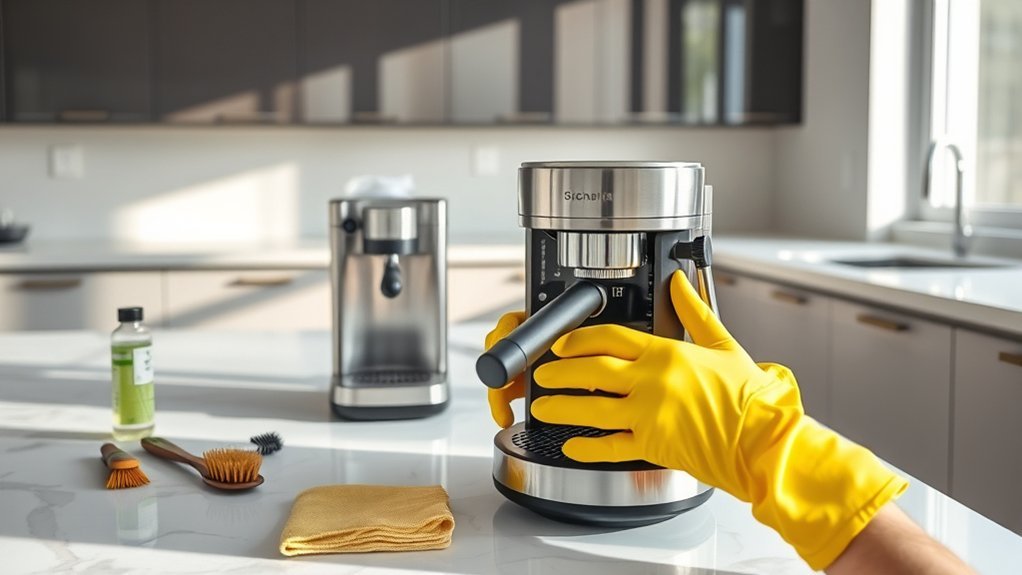
Routine cleaning will not repair a severed power cord or failed circuit board. However, it resolves slow pumping, incomplete cycles, error codes, and premature thermal shutoffs caused by calcium and limescale restriction.
- Disconnect the power cord from the wall outlet and allow the machine to cool.
- Wash removable items—including the carafe, brew basket, lid, reservoir, and drip tray—with warm water and mild dish soap.
- Wipe down the warming plate and exterior with a damp microfiber cloth. Never submerge the brewer base, cord, or plug in water.
- Use the descaling solution specified by your manufacturer. Run the cycle through the machine as instructed.
- Perform at least two full reservoir cycles with fresh, cold water to thoroughly flush any remaining descaling agent before brewing coffee.
Cleaning schedules vary significantly across brands. The Mr. Coffee Cleaning Guide recommends full descaling every 40 to 80 brew cycles, whereas the Nespresso Essenza Mini Descaling Guide advises descaling every 3 months or after 300 capsules.
Caution: Do not use undiluted white vinegar unless your specific manual permits it. While many standard drip coffee makers accommodate vinegar rinses, brands like Nespresso warn that vinegar damages internal elastomeric seals and brass fittings.
How to Replace a Broken Knob or Switch
External plastic knobs and selector dials can often be replaced safely by the owner. However, switches mounted directly behind the chassis that wire into line-voltage circuits require professional repair.
Identify the Broken Component
- External dial damage: If the outer plastic knob is stripped or cracked while the inner metal or D-shaped plastic shaft remains intact, a snap-on replacement can be ordered.
- Internal switch failure: If the control shaft wobbles loosely, fails to click, shows heat deformation, or has pushed into the housing, the internal switch mechanism has failed.
- Warranty check: If the unit is within its warranty window, altering or removing parts may void your coverage.
Gather Necessary Tools
| Item | Purpose |
|---|---|
| OEM replacement knob | Guarantees exact shaft fit, alignment notches, and temperature ratings. |
| Owner’s instruction manual | Confirms whether the component is classified as a user-serviceable part. |
| Small precision screwdriver (if required) | Loosens exterior set screws without puncturing or opening the internal housing. |
Follow Replacement Instructions
- Unplug the coffee maker and allow it to cool completely.
- Photograph the orientation and indicator markings on the broken knob.
- Gently pull the knob straight off the shaft or remove the single external retaining screw.
- Align the internal groove of the replacement knob with the flat edge of the shaft.
- Press the knob firmly into place without using excessive force that could damage internal mounting brackets.
- Test rotation across all settings before plugging the machine back into the wall.
If removing the broken switch requires separating housing seams, desoldering connections, or handling loose internal wires, stop immediately and seek professional appliance repair.
What to Do If an Internal Fuse May Be Blown
Most modern coffee makers incorporate an internal thermal cutoff (thermal fuse) wired directly to the heating element. This safety device is designed to permanently open if the element exceeds critical temperature thresholds.
Possible Symptoms
- The machine is completely dark with no display, lights, or heating activity.
- The unit shut off suddenly midway through a brew cycle and never turned back on.
- The failure occurred immediately after running the machine without water or after an electrical surge.
- The wall outlet and power cord have been tested and confirmed to be fully functional.
While these symptoms align with an open thermal fuse, they can also stem from a broken control board transformer or an open PCB trace. A thermal fuse opens for a reason—typically severe scaling or a stuck thermostat switch that failed to shut off the heater.
Have an Internal Fuse Serviced Safely
Never attempt to bypass a thermal fuse with jumper wires or replace it with a standard glass electrical fuse. Thermal fuses are calibrated to specific current, voltage, and temperature tolerances. Bypassing this device removes critical fire protection.
Contact the appliance manufacturer or a licensed small-appliance repair center to evaluate why the thermal cutoff opened and to install a certified replacement assembly.
Check the Recall, Warranty, and Model Support
Before purchasing replacement parts or paying for repairs, review the official manufacturer support channels and recall registers.
- Locate the rating label on the underside or back of the coffee maker and record the exact model number and production date code.
- Search the official U.S. Consumer Product Safety Commission (CPSC) Recall Database for safety notices concerning fire, burn, or shock hazards.
- Check the original purchase receipt to verify if the machine is within its 1- to 3-year limited warranty coverage.
- Contact the manufacturer’s authorized customer service center for warranty claims, replacement carafes, or official repair procedures.
- Immediately stop using any unit subject to a safety recall unless the manufacturer explicitly provides an interim remedy.
When to Seek Professional Repair Services
Discontinue DIY troubleshooting and consult an authorized service technician or licensed electrician when:
- The GFCI outlet or circuit breaker trips immediately after the machine is connected.
- The power cord, plug casing, or countertop feels unusually hot to the touch.
- You detect smoke, sparking, melting plastic, or a persistent burnt odor.
- Water has leaked through internal seals into the bottom electronic compartment.
- The appliance remains completely unresponsive after confirming the wall receptacle, cord, and power reset are functional.
- Repairing the unit requires opening the sealed housing, soldering circuit boards, or measuring live internal voltages.
A thermal fuse or circuit breaker that opens is a safety warning, not just an inconvenience. The underlying cause must be corrected before the appliance is put back into daily use.
Evaluate the cost of professional repair against the age, purchase price, and condition of your machine. For entry-level drip brewers, replacement is often more economical and reliable than rebuilding internal electronics.
Tips for Regular Maintenance to Prevent Coffee Maker Issues
Consistent preventive maintenance prevents mineral blockages, water valve leaks, and component overheating. While it cannot prevent all electrical failures, routine care dramatically reduces stress on heating elements and control switches.
| Task | Frequency | Purpose |
|---|---|---|
| Rinse brew basket and reservoir | After each use | Prevents coffee oils and fine grounds from clogging internal valves and needles. |
| Descale water lines | Every 1–3 months (or per alert) | Dissolves calcium buildup, preventing thermal cutoffs from overheating. |
| Replace internal water filter | Every 2 months (60 brew cycles) | Reduces chlorine and mineral ingress into internal heating circuits. |
| Inspect power cord and plug | Monthly | Identifies insulation cracks, pinching, and loose receptacle prongs early. |
| Dry and clear for storage | Prior to long-term storage | Prevents seal degradation, mold development, and moisture ingress into the base. |
Frequently Asked Questions
Can using a surge protector affect my coffee maker’s performance?
Yes. A switched-off, undersized, or faulty power strip can restrict the current required by high-wattage heating elements (typically 800–1,500W). For accurate troubleshooting, plug the coffee maker directly into a known-working wall outlet without surge protectors, timers, or smart plugs.
How often should I clean my coffee maker to prevent issues?
Wash removable brew components with warm, soapy water after every use. Run a full manufacturer-approved descaling cycle every 1 to 3 months, or whenever your brewer’s cleaning indicator illuminates. Homes with hard municipal water should descale monthly to avoid scale-related heater cutoffs.
What should I do if my coffee maker makes strange noises?
Brief bubbling or vibration during heating and pumping is normal. However, loud grinding, high-pitched whining, or repetitive clicking usually indicates an empty reservoir, a stuck magnetic float, trapped air in the pump lines, or heavy scale buildup. Unplug the machine immediately if the sound is accompanied by burning smells or zero fluid flow.
Is it safe to use a coffee maker that smells burnt?
No. If you detect a sharp burnt-plastic or electrical odor, power down the unit and unplug it safely. A burning smell indicates overheating wiring, melted insulation, or a failing heating element. Do not plug the brewer back in until it has been inspected by a qualified professional.
Can age affect the performance of my coffee maker?
Yes. Over years of daily heating and cooling cycles, internal silicon seals degrade, heating element efficiency declines, and control board solder joints can weaken. Regular descaling prolongs appliance life, but mechanical wear and electrical fatigue eventually necessitate replacement.
Why does my coffee maker have lights but refuse to brew?
If the display illuminates but the pump will not run, verify that the water reservoir is filled past the minimum line and that the internal magnetic float has not stuck to the bottom. Additionally, check that the brew lid or pod chamber is completely latched to engage the internal safety microswitches.
Should I keep resetting a GFCI or breaker that trips?
No. Reset the GFCI or breaker only once with the appliance disconnected. If it trips immediately when you plug the coffee maker back in, leave the machine unplugged. Repeated resetting creates a serious fire hazard and can damage household electrical circuits.
Is a coffee maker worth repairing?
Repair is usually practical for high-end espresso machines or newer units covered by manufacturer warranties. For standard, budget-friendly drip coffee makers, the cost of replacement parts and professional labor often exceeds the price of a new, fully warranted unit.
Conclusion
When your coffee maker refuses to turn on, always start with basic external checks. Verify that the wall receptacle has power, reset any tripped GFCI outlets or panel breakers, inspect the power cord for damage, and perform a 30-second hard power reset. If your display powers on but the pump will not brew, examine the water reservoir, free stuck magnetic float switches, and confirm that all safety lids are securely latched.
Never continue using an appliance that repeatedly trips circuit breakers, exhibits burnt odors, sparks, or leaks water into the lower electrical compartment. If safe external troubleshooting does not restore power, contact the manufacturer or a licensed appliance technician to service internal switches and thermal cutoff fuses safely.
Sources
- U.S. Consumer Product Safety Commission Recalls — Official database for household appliance safety warnings and product recalls.
- CPSC Electrical Safety Guidance — Guidelines on GFCI protection, circuit breaker safety, and household appliance precautions.
- Keurig Support: Unresponsive Brewer Controls — Official brewer reset and power cycling protocols.
- Hamilton Beach FlexBrew Manual — Cleaning, needle unclogging, interlock, and troubleshooting procedures.
- Mr. Coffee Cleaning Guidance — Manufacturer recommendations for descaling frequency and cycle maintenance.
- Nespresso Essenza Mini Descaling Guide — Official instructions regarding approved descaling agents and machine care.