
If your coffee maker keeps beeping, it might be due to an empty water reservoir, misaligned brew basket, or sensor issues. First, check and refill the water, ensuring the basket is seated correctly. Running a cleaning cycle can help clear blockages. If the beeping persists, consider unplugging the machine to reset it. Persistent beeping may signal deeper electronic failures, suggesting it’s time to consult a professional. Learn more about maintenance and troubleshooting steps for peak performance.
Key Takeaways
- Check the water reservoir to ensure it is filled and seated properly, as an empty reservoir can trigger beeping.
- Inspect the brew basket alignment; misalignment can cause alerts and prevent proper functioning.
- Run a cleaning cycle to clear any obstructions in the brew basket that may lead to beeping.
- Reset the coffee maker by unplugging it for a few minutes, which may resolve minor electronic issues.
- If beeping persists, consult the user manual for error codes or consider professional assistance for complex problems.
Why Is Your Coffee Maker Beeping? Common Causes and Fixes
If your coffee maker starts beeping unexpectedly, it usually indicates a problem that needs attention. Beeping signals can arise from several common issues.
First, check for misalignment of the brew basket or an empty water reservoir, both of which can trigger alerts. Sensor issues may also occur, particularly if the machine detects low water levels or obstructions in the brew basket.
If the beeping persists, it could indicate more serious electronic failures, such as control board malfunctions or heating element issues. Immediate attention is necessary in such cases.
For ongoing beeping, consult the manufacturer’s support for guidance based on specific error codes, ensuring you address the underlying problem effectively.
Maintenance Tips to Stop Beeping
To keep your coffee maker running smoothly and minimize unexpected beeping, regular maintenance is crucial. Establish a cleaning schedule that includes daily rinsing of the brew basket and detachable components to prevent clogging from coffee grounds.
Descale your machine every 2-3 months to avoid mineral buildup that can cause sensor errors. Additionally, clean internal components and sensor areas weekly to guarantee peak performance.
Lubricate brew groups and replace worn gaskets as part of your preventive measures to avoid mechanical failures, which often lead to persistent beeping.
Finally, consider using filtered or buffered water to reduce hard water buildup, minimizing the chances of sensor malfunctions and the annoying alerts that come with it.
How to Troubleshoot Your Coffee Maker’s Beeping
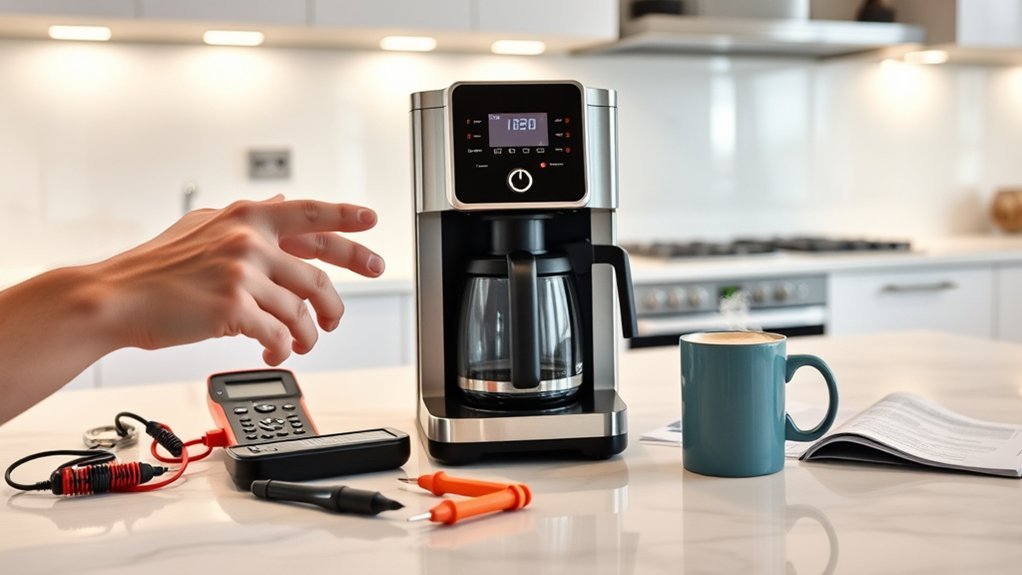
Why is your coffee maker beeping? This beeping often signals brewing issues like low water levels, misaligned brew baskets, or clogged components.
To find effective beeping solutions, follow these steps:
- Check and refill the water reservoir, ensuring it’s seated correctly.
- Inspect the brew basket for proper alignment.
- Run a cleaning cycle to eliminate blockages from hard water buildup.
If the beeping persists, try resetting the machine by unplugging it for a few minutes before plugging it back in.
Additionally, consult your user manual for specific error codes, as different beeping patterns can indicate distinct problems requiring tailored troubleshooting steps.
Addressing these issues promptly can help restore your coffee maker’s functionality.
When Should You Call a Pro for Your Coffee Maker?
When should you consider calling a professional for your coffee maker? If the beeping persists despite troubleshooting, it’s time to seek a professional assessment.
Recurring issues might point to complex problems like control board malfunctions or safety system failures, which require specialized tools and expertise. Unusual beeping patterns during operation can signal potential safety hazards, demanding immediate attention.
Additionally, if you suspect heating element failures or sensor calibration issues, a professional can effectively diagnose and resolve these problems, as they often extend beyond standard fixes.
If your coffee maker is under warranty, contacting the manufacturer for repair or replacement can save you time and guarantee proper service.
Don’t compromise on safety—get expert help when needed.
Frequently Asked Questions About Coffee Maker Beeping
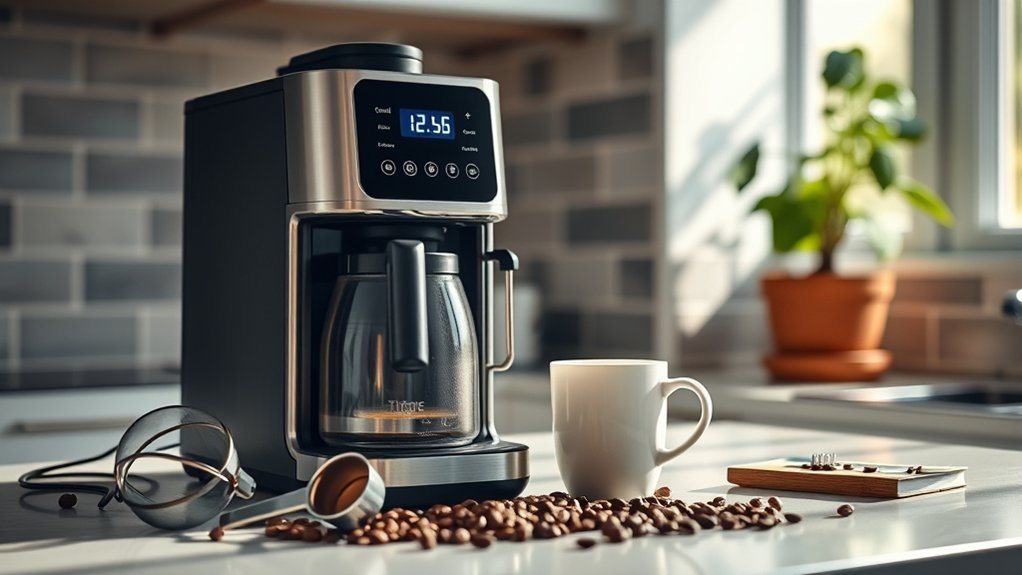
Have you ever wondered what those beeping sounds from your coffee maker really mean? Understanding the different beeping patterns can help you troubleshoot effectively.
- Single short beeps usually signal minor issues, like low water levels.
- Longer, continuous beeps indicate serious electronic failures that need immediate attention.
- Regular maintenance, including descaling and sensor cleaning, minimizes beeping occurrences.
Always consult your user manual for specific error codes and tailored troubleshooting tips. Ignoring beeping alerts may lead to safety system failures, such as lid sensor issues or overflow alerts.
Addressing these problems promptly guarantees your coffee maker operates smoothly and lasts longer. Remember, staying proactive with maintenance can save you from frequent beeping in the future!
Frequently Asked Questions
Can Using Filtered Water Prevent Coffee Maker Beeping?
Using filtered water can improve coffee quality, reducing mineral buildup in your coffee maker. This might prevent beeping alerts related to maintenance issues, ensuring a smoother brewing process and enhancing your overall coffee experience.
Is My Coffee Maker Warranty Affected by Beeping Issues?
Your coffee maker’s warranty coverage isn’t typically affected by beeping causes. However, persistent issues may require documentation for potential repairs. Check the warranty terms to guarantee you’re informed about any specific conditions related to beeping.
What Are the Signs My Coffee Maker Needs Replacing?
If your coffee quality declines, water leaks occur, or strange noises arise, it’s time to contemplate replacing your coffee maker. Regular maintenance tips can prolong its life, but persistent issues often signal a need for replacement.
Do Coffee Maker Brands Have Different Beeping Patterns?
Like a symphony of alerts, coffee makers do have different beeping patterns based on brand differences. Each manufacturer designs unique sounds to signal issues, making it essential to consult your model’s manual for specific meanings.
How Can I Reset My Coffee Maker After It Beeps?
To reset your coffee maker after it beeps, unplug it for a few minutes, then plug it back in. If beeping persists, check for common causes like an empty water reservoir or incorrect settings.
Conclusion
To summarize, addressing your coffee maker’s beeping can save you time and frustration. For instance, Sarah faced constant beeping from her machine, which turned out to be a simple water reservoir issue. After properly securing it, the beeping stopped. By following the troubleshooting steps and maintenance tips outlined, you can enjoy your coffee without interruptions. If problems persist, don’t hesitate to call a professional to guarantee your coffee maker runs smoothly.