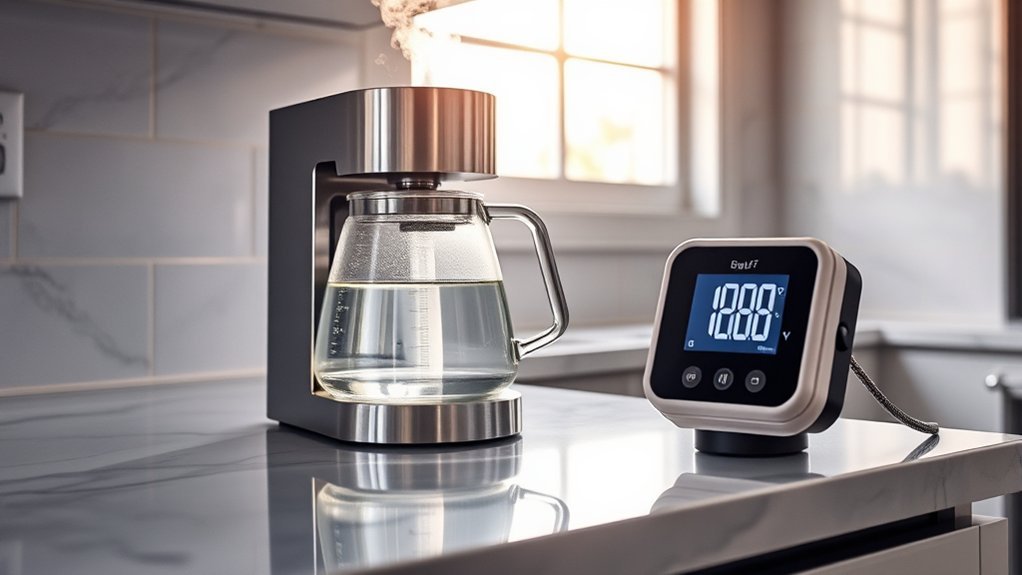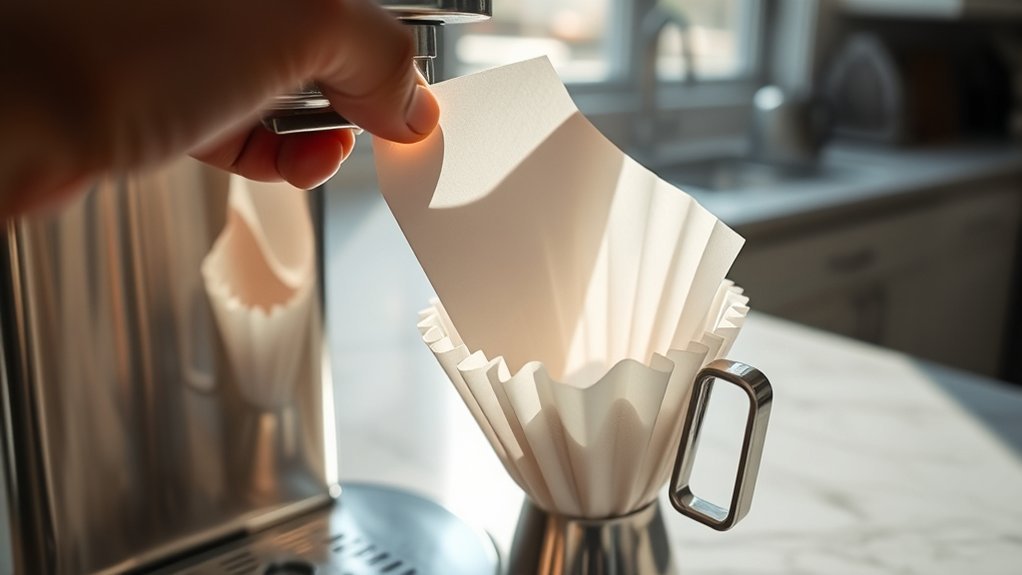
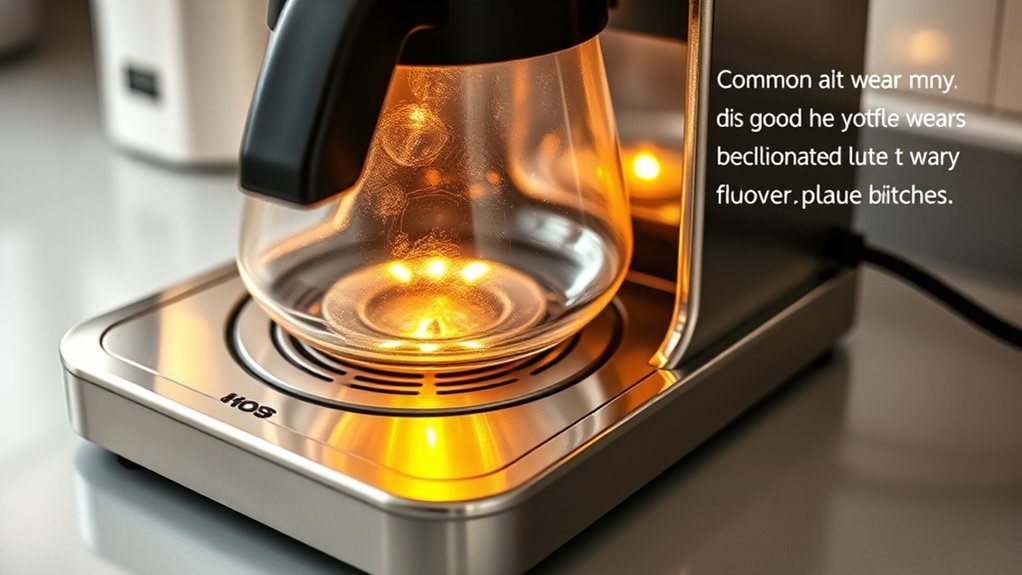
If your coffee maker warming plate is not heating, start with the keep-warm timer, warming setting, carafe position, and dried coffee residue before assuming a heater has failed. The timing gives you the best clue: a hot first cup that cools later points toward the warming stage, while a lukewarm first cup points more toward brewing temperature, water heating, flow, or scale.
Quick Answer
If the warming plate is cold, first confirm the keep-warm cycle has not timed out and that the warming setting is enabled. Then check carafe seating and clean the cooled plate. If the plate should be active but stays cold, the coffee maker may need model-specific electrical diagnosis or service.
At a Glance
| Time Required | About 10–20 minutes for basic external checks and cleaning, plus cooling time if the plate was recently used |
| Difficulty | Easy for external troubleshooting; internal electrical repair requires appropriate expertise |
| Tools Needed | Owner’s manual, soft cloth or nonabrasive sponge, water, and optional mild dish soap if the manual permits it |
| Cost | No parts are needed for basic checks; repair cost depends on the model, failed part, warranty, and labor |
How Does the Coffee Maker Warming Plate Work?
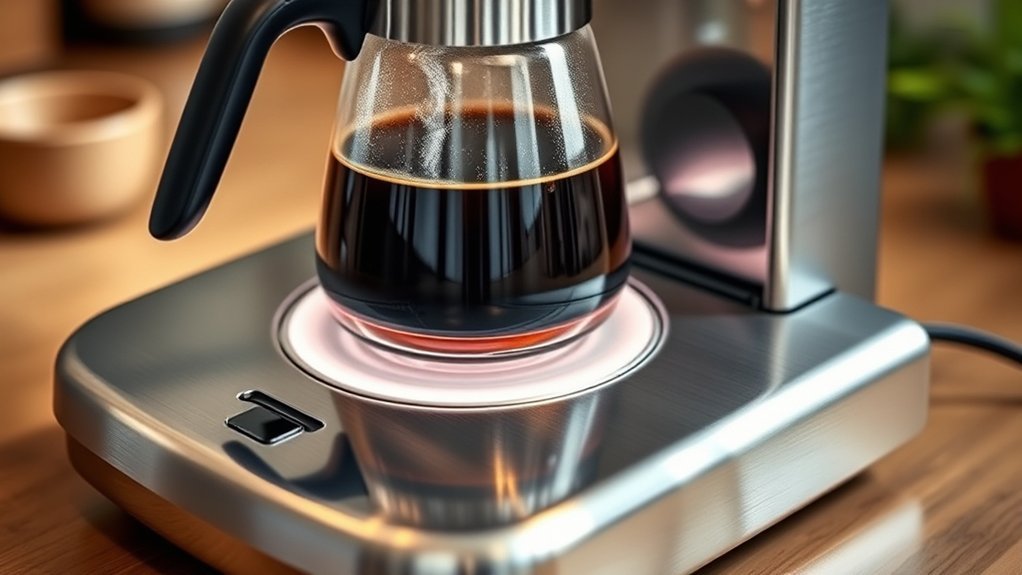
A coffee maker warming plate transfers heat through the base of a glass carafe so brewed coffee cools more slowly. The visible plate is usually metal or coated metal, while the heater, thermostat, sensor, and control arrangement varies by model.
That design difference matters for troubleshooting. A coffee maker may use thermostats, temperature sensors, thermal protection, electronic controls, or a combination of them, so there is no universal warming-plate temperature, heater resistance value, or shutoff time that works as a pass/fail test for every machine.
Keep-warm controls can differ even among ordinary drip brewers. The linked Hamilton Beach manual documents an adjustable keep-warm temperature, a two-hour default auto shutoff, and shutoff settings in 10-minute increments up to four hours. Cuisinart lists 0–4 hour auto-off control on the DCC-3500SS, with a Keep Warm extension that can maintain heat for up to four hours.
See the Hamilton Beach coffee maker manual and Cuisinart DCC-3500 product information for examples of how keep-warm controls can differ.
Published holding temperatures are also model-specific. Moccamaster states that its standalone glass-carafe hotplate holds coffee at 175°F to 185°F. Use that only as a Moccamaster reference, not as a universal target for another brewer. See the Moccamaster hotplate specifications.
Note: The warming plate and the brewer’s water-heating system are not necessarily separate components on every coffee maker. Internal layouts vary, so diagnose the exact model rather than assuming all drip machines use the same circuit.
A cool plate may be normal if the programmed keep-warm period has ended. Check the controls before assuming a heating component has failed.
Why Is My Coffee Maker Warming Plate Not Heating?
A cold or weak warming plate is most often narrowed down by checking normal auto-off behavior, keep-warm settings, carafe contact, residue, power, and then internal faults. Start with checks that do not require opening the appliance. If the whole brewer is acting up, use the coffee maker troubleshooting checklist to separate power, water-flow, setup, and heating problems.
Automatic Shutoff or Keep-Warm Setting
Before assuming the coffee maker is broken, check whether its keep-warm cycle has simply ended. Programmable machines may shut the plate off after a set period, and some allow the warming temperature or shutoff time to be changed.
If the plate heats after brewing but becomes cold later, normal automatic shutoff is one of the first things to check in the owner’s manual.
Heating Element Failure
An internal heating or warming element can eventually fail, resulting in little or no heat. Damaged electrical connections, a failed control component, thermostat problems, or an open thermal-protection device can produce similar symptoms.
A resistance reading should not be judged against a universal 0–50-ohm range. Heater resistance varies with the design and measurement point. A qualified technician should compare measurements with the service information for the exact coffee maker.
If your manufacturer says the appliance contains no user-serviceable parts, follow that instruction rather than opening the housing.
Temperature Control Issues
A thermostat, sensor, switch, relay, or electronic control problem may cause the warming plate to cycle incorrectly or remain cold. Symptoms can include coffee that becomes cool too quickly, unusually inconsistent warming, or a plate that stops heating before the programmed keep-warm period has finished.
Because these parts are connected to a mains-powered appliance, diagnosing them usually requires more than a visual inspection. Do not bypass a thermostat, thermal fuse, or other safety device to see whether the heater will run.
Accumulated Residue Impact
Spilled coffee can bake onto the plate and create an uneven surface between the carafe and warming plate. Heavy buildup may reduce clean contact and can produce unpleasant odors when the plate heats.
Remove residue only when the coffee maker is unplugged and fully cool. Start with a soft damp cloth or nonabrasive sponge, and use mild dish soap only if the model’s care instructions allow it. Avoid steel wool, aggressive scraping, sprays, or flooding the appliance with liquid.
Carafe Seating and Physical Damage
The carafe should sit flat and securely on the plate. Coffee grounds, dried drips, a warped base, or an incorrect replacement carafe can prevent proper contact.
Inspect the plate for severe corrosion, cracking, loose parts, blistered coating, or other visible damage. Also stop using a cracked glass carafe or one with a loose handle.
Is the Warming Plate or Brew Temperature the Real Problem?
The timing of the temperature drop tells you which system to investigate first. Coffee that is already lukewarm when brewing finishes points toward brewing temperature, water heating, flow, or scale; coffee that starts hot but cools during an active keep-warm period points more directly to the warming stage, carafe contact, or its controls.
| Symptom | Possible Cause | Safe First Action |
|---|---|---|
| First cup is already lukewarm when brewing finishes | Brewing-temperature, water-heating, flow, or scale issue rather than the warming plate alone | Check the model’s brewing and descaling guidance before blaming the hot plate |
| Plate heats after brewing, then becomes cold at a predictable time | Normal auto-off setting | Check keep-warm duration in the owner’s manual |
| First cup is hot, but later cups cool during the active keep-warm period | Low keep-warm setting, poor carafe contact, or warming-stage fault | Check settings, seating, residue, and the expected keep-warm time |
| Plate remains completely cold during the expected keep-warm period | Auto-off setting, loss of power, control problem, or internal heater fault | Verify power and settings before seeking service |
| Burning smell, smoke, sparks, shock, or repeated breaker/GFCI trips | Potential electrical fault | Unplug and stop using the appliance |
| Plate heats but smells unpleasant | Burned-on coffee residue or possible electrical overheating | Cool and clean the plate; discontinue use if the odor appears electrical |
Safety Before Troubleshooting a Coffee Maker Warming Plate
Unplug the coffee maker and let it cool before you clean or inspect the warming plate. External checks are appropriate for most owners; opening the housing or testing mains-voltage components should follow the manufacturer's service guidance and your level of qualification.
Warning: Unplug the coffee maker and let it cool before cleaning or inspecting it. Do not energize an opened appliance, bypass a thermostat or thermal fuse, or handle internal wiring unless you are qualified to service mains-powered equipment. If the appliance shocks you, smokes, sparks, smells electrically burnt, or repeatedly trips a breaker or GFCI, stop using it.
The U.S. Consumer Product Safety Commission advises consumers to unplug appliances that give a shock or repeatedly trip electrical protection and have them repaired or replaced. See the CPSC electrical safety guidance.
Before paying for a repair, also check the model and serial information against the CPSC recall database and the manufacturer’s support or recall page.
For a broader checklist covering cords, outlets, water near electrical parts, and stop-use warning signs, see our coffee maker electrical safety guide.
Troubleshooting Your Warming Plate: Steps to Solve Problems
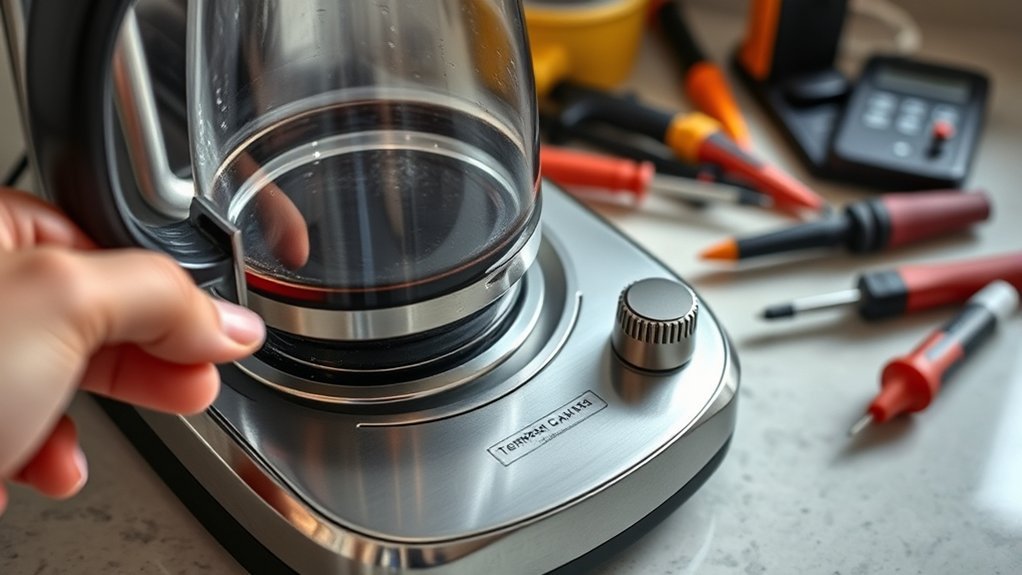
Troubleshoot from the outside in: confirm power and settings, check the carafe, clean the cooled plate, then run one normal test brew. If the warming plate still stays cold during its expected keep-warm period, move to model-specific service rather than guessing at internal electrical values.
1. Confirm the Coffee Maker Has Power
Make sure the coffee maker is connected to a working outlet and that its controls or display operate normally. If the entire appliance is dead, the problem is broader than the warming plate alone.
If a breaker or GFCI trips repeatedly, do not keep resetting it and trying again. Unplug the appliance and arrange service.
2. Check the Keep-Warm and Auto-Off Settings
Look for controls labeled Keep Warm, Warm Temp, Warm Time, or Auto Off. A plate that becomes cold after a predictable period may be operating exactly as programmed.
Pro Tip: Search the manufacturer’s support site using the full model number from the rating label. Coffee makers that look nearly identical can have different keep-warm settings and internal parts.
3. Check the Carafe Position
Set the empty carafe on the plate and make sure it rests flat in its intended position. Remove any grounds, hardened drips, or debris that prevent full contact.
Confirm that any replacement carafe is specifically compatible with your model. A carafe with a different base shape may not sit properly even if its overall capacity is similar.
4. Clean the Warming Plate
Unplug the coffee maker and wait until the plate is completely cool. Wipe away loose residue with a damp soft cloth. For stubborn dried coffee, use only the cleaning method permitted by the model’s manual; if mild dish soap is allowed, apply a very small amount to a nonabrasive cloth or sponge, then wipe again with clean water and dry the surface.
Do not immerse the coffee maker or allow cleaning liquid to run into the housing.
If the plate has stubborn baked-on coffee or a delicate coating, follow the more detailed coffee maker hot-plate cleaning guide instead of escalating to abrasives or scraping.
5. Reset the Machine as Directed by the Manufacturer
Some electronic coffee makers recover from a control or power interruption after being unplugged briefly, while others lose programmed settings when unplugged. Follow the model’s manual rather than using a generic reset sequence.
6. Test Another Brew Cycle
After the plate is dry and the coffee maker has been reconnected, run a normal brew cycle while following the manufacturer’s instructions. Confirm whether the warming plate activates and remains on for the expected keep-warm period.
Do not touch the plate directly to judge its temperature. Treat it as a hot surface whenever the coffee maker has recently operated.
7. Seek Service if the Problem Remains
If the controls work but the warming plate remains cold after these checks, an internal component may need diagnosis. Possible faults include a warming/heating element, thermostat, sensor, thermal protection device, switch, wiring connection, relay, or control board depending on the design.
A technician can perform continuity and resistance tests against the correct service specification for that exact model. There is no safe universal resistance number that applies to every coffee maker.
The safest troubleshooting path is simple: settings first, carafe and cleaning second, internal electrical diagnosis last.
When Should You Replace Your Coffee Maker’s Warming Plate?
Replace a warming component only after the fault is confirmed and the correct model-specific part is available. The visible plate is only the surface you see; the actual failure may be a heater, thermostat, thermal cutoff, wiring connection, relay, sensor, or control board.
Consider repair or replacement when you notice:
- Confirmed loss of warming: The plate remains cold even though power, settings, auto-off behavior, carafe seating, and cleaning have been ruled out.
- Physical deterioration: Severe corrosion, looseness, deformation, or other damage affects safe use or carafe contact.
- Electrical malfunction: A qualified diagnosis identifies a failed heater, thermostat, thermal protection device, wiring connection, or control component.
- Poor repair economics: The correct part is unavailable or the combined part and labor cost is too high relative to replacing the coffee maker.
- Warranty coverage: The appliance is still covered and the manufacturer provides repair or replacement service.
There is no dependable universal lifespan for warming plates as a category. Service life depends on the coffee maker's design, frequency of use, heat cycles, spills, corrosion, component quality, and maintenance.
Parts pricing changes constantly. Compare the exact model-specific part, shipping, labor, remaining warranty, and condition of the rest of the machine instead of relying on a generic replacement-plate price.
Expert Resources for Coffee Maker Repairs and Parts
Once settings, carafe fit, and cleaning are ruled out, model-specific documentation becomes more useful than generic repair advice. Record the full model, type, and series information from the appliance rating label before looking for parts or service instructions.
Common Replacement Parts Available
Depending on the model and manufacturer, a repair may involve components such as:
- Heating or warming assemblies — provide heat for brewing, warming, or both depending on the design.
- Thermal fuses or thermal cutoffs — safety components intended to interrupt the circuit under abnormal thermal conditions.
- Thermostats or temperature sensors — help regulate temperature.
- Warming plates — the physical surface supporting a glass carafe.
- Switches, relays, wiring, or control boards — may also cause a no-heat condition.
Never choose a replacement solely by appearance. Match the manufacturer’s model, part number, electrical rating, mounting arrangement, and compatibility information.
Troubleshooting Resources Online
Start with the manufacturer’s user manual or official support site. These resources can confirm whether the model has adjustable keep-warm temperature, a programmed auto-off period, special reset instructions, warranty coverage, or restrictions on user repair.
For safety-related problems, check the manufacturer’s recall information and the U.S. Consumer Product Safety Commission recall database before disassembling or paying to repair an older appliance.
Repair videos and community guides can help explain how a machine is assembled, but they should not override the manufacturer’s electrical-safety instructions or component specifications.
Professional Repair Services Options
Professional appliance repair may be appropriate when the coffee maker is expensive, still supported, difficult to disassemble safely, or showing electrical symptoms.
A qualified repairer can:
- Diagnose the actual failure rather than replacing the visible plate unnecessarily.
- Check electrical components safely using model-appropriate procedures.
- Verify replacement-part compatibility before installation.
- Advise whether repair makes economic sense compared with replacing the machine.
Provide the complete model number and a clear description of when the problem occurs. If possible, note whether the machine still brews normally, whether the plate ever becomes warm, and whether the problem began suddenly or gradually.
How to Keep Your Warming Plate in Great Shape
Keep coffee and moisture off the warming plate so residue does not bake onto the surface or interfere with carafe contact. Treat plate cleaning and descaling as two different jobs: one cleans the exposed surface, while the other addresses mineral deposits in the brewer's water path.
| Task | When | Notes |
|---|---|---|
| Wipe coffee spills from warming plate | After spills, once unplugged and cool | Use a soft damp cloth; use mild dish soap only if the model’s care instructions allow it |
| Inspect plate and carafe | Regularly | Look for cracks, corrosion, loose parts, or uneven seating |
| Check carafe seating | Each brew | Make sure the base sits flat on the plate |
| Descale coffee maker | According to the manufacturer’s schedule | Descaling addresses mineral deposits in the brewing system, not dried coffee on the plate |
Some manufacturers recommend more frequent descaling in hard-water areas. Follow the schedule and cleaning solution specified for your model rather than assuming one interval applies to every coffee maker.
For a broader upkeep schedule covering removable parts, descaling, leak checks, and residue control, use the coffee maker maintenance guide.
Alternative Solutions for Coffee Temperature Issues
A warming plate is convenient, but it is not the only way to keep coffee hot. Peer-reviewed research comparing glass carafes on hot plates with insulated carafes found measurable sensory changes as holding time increased, so an insulated server or smaller batch can make sense when you will not finish the pot quickly.
The study, published in the Journal of the Science of Food and Agriculture, evaluated coffee held from 15 minutes to three hours. The researchers found that more sensory attributes decreased than increased over time, while overall liking did not necessarily decline.
Consider these alternatives:
- Use an insulated server or a thermal-carafe brewer: An insulated vessel reduces reliance on continuous heating. Preheating it with hot water can improve heat retention when the manufacturer recommends it. Do not substitute a different thermal carafe onto a hot plate unless the coffee maker manufacturer specifically lists it as compatible.
- Reheat coffee in a microwave-safe cup: Transfer the coffee to a container specifically rated for microwave use. Do not place the coffee maker’s glass carafe in a microwave unless its manual explicitly says that is safe.
- Brew smaller batches: Making only what you expect to drink soon reduces the need for extended warming.
- Use an insulated mug: A lidded insulated cup can retain heat without leaving the entire carafe on a hot plate.
- Maintain the brewer: Keep the plate clean and descale the machine according to the manufacturer’s instructions so unrelated maintenance problems do not affect brewing performance.
Key Takeaways
- Keep-warm behavior is model-specific: the linked Hamilton Beach manual defaults to two hours but allows up to four, while the Cuisinart DCC-3500SS lists 0–4 hour auto-off control.
- A hot first cup followed by cooling points toward the warming stage; a lukewarm first cup points more toward brewing temperature, water heating, flow, or scale.
- Cleaning dried coffee from the warming plate and descaling mineral deposits from the water path are separate maintenance tasks.
- Do not judge every heating element by one resistance range. Internal electrical measurements should be compared with service information for the exact model.
- Stop using a coffee maker that shocks you, sparks, smokes, smells electrically burnt, or repeatedly trips a breaker or GFCI.
- For longer holding without continuous plate heat, consider a compatible thermal-carafe brewer, insulated server, insulated mug, or smaller brew batch.
Frequently Asked Questions
Can I Use My Coffee Maker Without the Warming Plate?
Yes, if the warming plate has simply switched off through its normal auto-off feature, you can still serve the brewed coffee. Do not remove, disconnect, or bypass the warming plate to keep using the machine. If the plate or appliance is electrically damaged, stop using it until it is repaired or replaced.
How Long Does a Warming Plate Typically Last?
There is no reliable universal lifespan for a coffee maker warming plate. Service life depends on the brewer design, heat cycles, spills, corrosion, electrical components, and overall build quality. Judge replacement by symptoms, visible condition, parts availability, and a confirmed fault rather than by a fixed number of years.
Does the Warming Plate Consume a Lot of Electricity?
It depends on the coffee maker, warming setting, thermostat cycling, and how long the keep-warm function remains active. The appliance nameplate usually lists the brewer's overall electrical rating rather than a separate hot-plate figure. Automatic shutoff limits how long many glass-carafe models continue using power for warming.
Can I Repair a Broken Warming Plate Myself?
Basic external checks are suitable for most owners: review the settings, confirm carafe seating, and clean the cooled plate. Internal repair involves mains-voltage wiring and safety components. Follow the manufacturer's service instructions, and use qualified repair service if the coffee maker is described as having no user-serviceable internal parts.
Why Is My Warming Plate Cold After Brewing?
First check whether the programmed keep-warm period has ended or the warming setting is disabled. Then confirm power, carafe position, and plate cleanliness. If the plate never warms during the period when it should be active, the problem may be in the heater, thermostat, thermal protection, wiring, relay, sensor, or control board.
How Hot Should a Coffee Maker Warming Plate Get?
There is no universal warming-plate temperature for every coffee maker. Controls, sensors, carafe design, and heating systems vary by model. As one model-specific example, Moccamaster publishes a 175°F to 185°F holding range for its standalone hotplate. Use your own manufacturer's specification rather than that range as a generic pass/fail test.
Can I Bypass a Thermal Fuse or Thermostat to Test the Heater?
No. A thermostat, thermal fuse, or thermal cutoff may be part of the coffee maker's overheat protection. Bypassing one can create a fire, burn, or electrical hazard and can hide the underlying fault. Have the component tested and, if necessary, replaced with the correct model-specific part instead.
Can I Microwave the Coffee Maker’s Glass Carafe?
Only if the manufacturer specifically states that the carafe is microwave-safe. Some coffee maker manuals expressly prohibit microwave use, and the linked Hamilton Beach manual is one example. When the manual does not clearly allow it, transfer the coffee to a microwave-safe mug instead of putting the carafe in the microwave.
Conclusion
If your coffee maker warming plate is not keeping coffee hot, start with the keep-warm settings, auto-off time, carafe position, and a careful cleaning of the cooled plate. If the plate should be active but remains cold, use model-specific service information rather than a universal resistance number or a bypassed safety device.
For routine care, use the hot-plate cleaning guide; for broader no-power, flow, leak, or setup problems, use the coffee maker troubleshooting checklist.
Sources
- Hamilton Beach Coffee Maker Use & Care Manual — keep-warm controls, adjustable auto-off, appliance cleaning, carafe handling, and electrical-safety guidance.
- Cuisinart PerfecTemp DCC-3500SS — example of adjustable 0–4 hour auto-off and keep-warm features.
- U.S. Consumer Product Safety Commission: Electrical Safety — guidance on appliances that shock users or repeatedly trip electrical protection.
- U.S. Consumer Product Safety Commission Recall Database — model-specific appliance safety and recall checks.
- Moccamaster Hotplate Specifications — model-specific example of a published 175°F to 185°F coffee-holding range.
- Batali et al., Journal of the Science of Food and Agriculture — research on post-brew holding time, hot plates, carafe type, and changes in coffee sensory properties.