

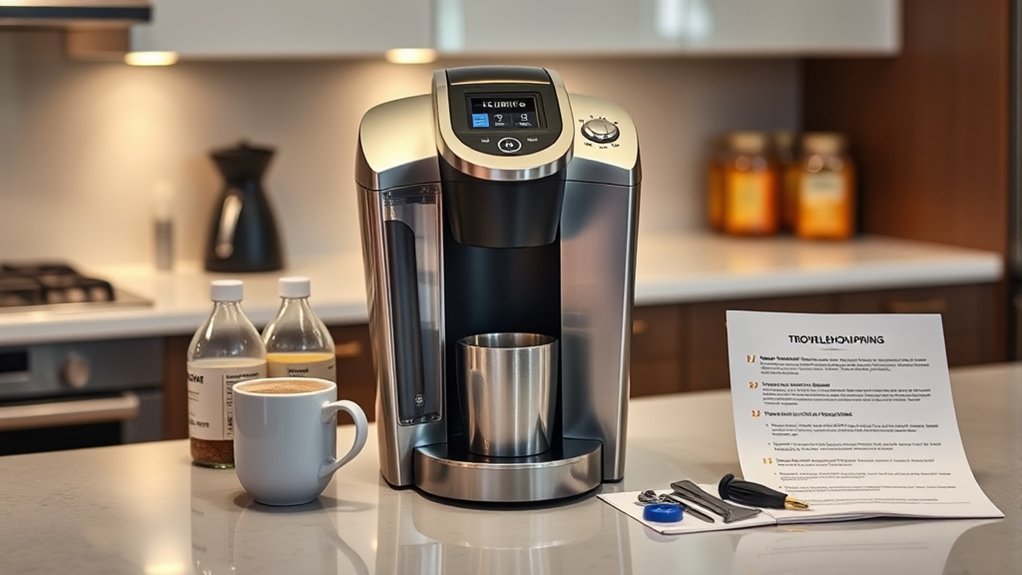
If your Keurig isn’t brewing after descaling, check for clogged entrance and exit needles, as these can obstruct water flow. Verify the water reservoir is seated properly and hasn’t developed any issues. You might also need to perform a soft reset by turning the machine off briefly. If the descale light stays on, consider repeating the descaling process. For further insights on resolving these issues, you can explore more specific troubleshooting steps.
Key Takeaways
- Ensure the water reservoir is properly seated; misalignment can disrupt brewing functionality.
- Check for clogs in the entrance and exit needles; use a paper clip to clear any debris.
- Confirm that the descaling process was completed thoroughly; repeat if scale residue persists.
- Allow sufficient resting time after descaling; inadequate time may affect the cleaning effectiveness.
- Perform a reset by holding the 8oz and 10oz buttons for 3 seconds if issues continue.
What Does the Descale Light on Your Keurig Mean?

Have you noticed the descale light on your Keurig? This indicator signifies a build-up of scale, which clogs the water flow and compromises brewing efficiency.
If ignored, it can lead to machine damage over time. Descale frequency is vital; regular maintenance helps maintain peak performance and prolongs your coffee maker’s lifespan.
Neglecting descaling can harm your machine; regular maintenance is key to optimal performance and longevity.
To turn off the descale light, you need to complete a proper descaling process using a suitable descaler type, such as vinegar or a commercial descaling solution.
After descaling, if the light remains on, further cleaning may be necessary, or you might need to reset the machine.
Addressing the descale light promptly guarantees your Keurig continues to brew delicious coffee without interruptions.
Keurig Descaling Steps
To descale your Keurig effectively, start by gathering the necessary supplies, including a descaling solution.
Follow the step-by-step instructions to guarantee proper cleaning of the internal components.
After completing the process, monitor your machine’s performance to confirm it’s brewing correctly again.
Gather Necessary Supplies
Before you start the descaling process, it’s vital to gather the right supplies to guarantee a smooth experience. Proper descaling frequency is essential for maintaining your Keurig’s performance, and having the necessary cleaning tools on hand will simplify the process.
Here’s what you’ll need:
- A bottle of descaling solution
- Clean water
- A large container to catch liquid
- A paper clip or similar tool for cleaning needles
Additionally, prepare to unplug the machine and remove the water reservoir to make sure no residual water interferes with descaling.
Use a soft cloth or sponge for any spills, and familiarize yourself with the descaling guide specific to your Keurig model to make certain you’re ready for all necessary actions.
Follow Step-by-Step Instructions
As you prepare to descale your Keurig, follow these step-by-step instructions to guarantee peak performance.
Start by filling the water reservoir with the descaling solution and water mixture, adhering to the manufacturer’s instructions for the correct ratio.
Run the machine without a K-cup, brewing the solution until the reservoir is empty. Allow the machine to rest for at least 30 minutes to dissolve any scale build-up.
Afterward, refill the reservoir with fresh water and run several brewing cycles to rinse out any remaining solution.
If the descale light stays on, reset the machine by pressing and holding the 8oz and 10oz buttons for 3 seconds.
Regular descaling, as per recommended descaling frequency, is one of the essential Keurig maintenance tips.
Monitor Machine Performance
After completing the descaling process, it’s crucial to monitor your machine’s performance closely.
Look out for any persistent signs of clogging, as this may indicate that additional cleaning cycles are necessary.
Verify all components are correctly reassembled to maintain peak function.
If the descale light remains on, you might need to perform a Keurig descale reset to clear the internal sensors.
Regular maintenance will help prevent performance issues in the future.
- Check for consistent water flow during brewing.
- Clean the entrance and exit needles regularly.
- Observe if the brewing temperature remains stable.
- Listen for unusual sounds during operation.
Why Your Keurig Might Still Not Brew After Descaling
Even if you’ve descaled your Keurig, it might still refuse to brew due to a few common issues. First, check for clogs in the entrance or exit needles, as they can obstruct water flow. Incomplete descaling may leave scale residue, hindering performance. Also, insufficient resting time after descaling can affect cleaning effectiveness.
| Issue | Symptoms | Solution |
|---|---|---|
| Clogged needles | No brewing | Clean needles thoroughly |
| Incomplete descaling | Scale buildup | Repeat descaling process |
| Improper reservoir seating | Brewing interruptions | verify reservoir is seated |
| Insufficient resting time | Ineffective cleaning | Wait after descaling |
| Persistent flow issues | Weak or no coffee | Perform a soft or hard reset |
Regular Keurig maintenance can prevent these issues.
How to Perform a Soft Reset on Your Keurig

If you’ve tackled descaling and other common issues but your Keurig still won’t brew, it might be time for a soft reset.
This quick troubleshooting technique can help ‘wake up’ your machine, resolving minor issues without extensive intervention.
Here’s how to perform a soft reset:
- Turn off your Keurig machine completely.
- Wait a few seconds, then turn it back on.
- Check for any error messages on the display.
- Try brewing a cup to see if the issue is resolved.
Using this method is one of the essential Keurig maintenance tips you should consider before diving into more complex brewing troubleshooting techniques.
If problems persist, you may need to explore further troubleshooting options.
Cleaning the Entrance and Exit Needles
Since clogs in the entrance and exit needles can severely disrupt the brewing process, keeping them clean is vital for peak performance.
Start with exit needle maintenance by removing the K-cup holder. Use a paper clip to dislodge any debris blocking the flow.
Next, focus on entrance needle cleaning; you can also use a paper clip or a specialized sweeping needle to clear any build-up. This step guarantees that both the entrance and exit needles are free from obstructions.
After you’ve cleaned the needles, run an empty brewing cycle to verify that water flows correctly through the machine. Proper maintenance of these components assures a smooth brewing experience and helps prevent future issues.
Troubleshooting Water Reservoir Issues
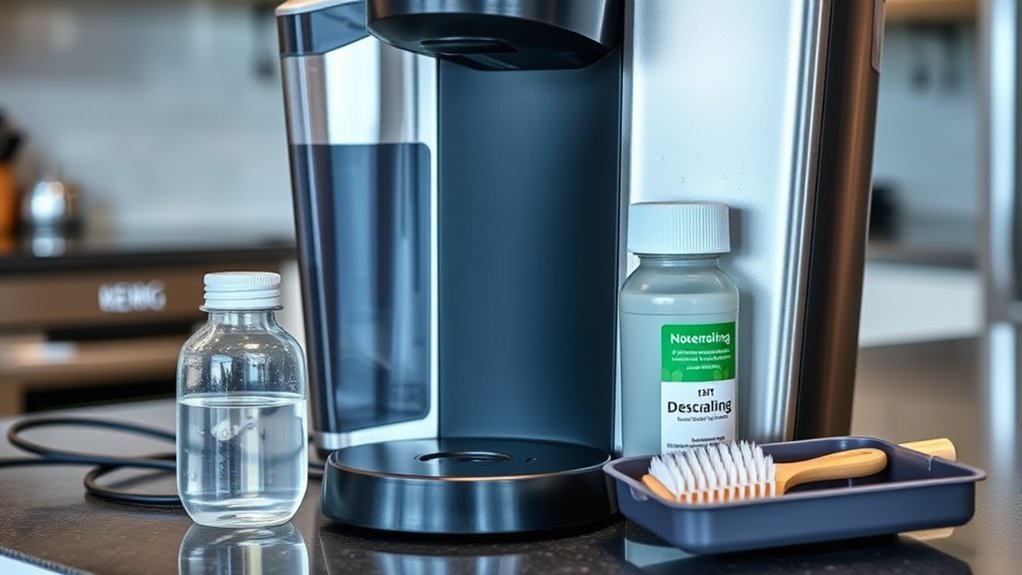
The water reservoir is essential for your Keurig’s brewing functionality, and issues with it can lead to frustrating interruptions. To guarantee ideal water flow, follow these troubleshooting steps for reservoir maintenance:
- Check if the water reservoir is properly seated; remove and reinsert it to fix any placement issues.
- Inspect for clogs or debris that might be obstructing water flow, and clean it as needed.
- Rinse the reservoir to eliminate any residue, guaranteeing a clear path for water.
- Verify the water level; low levels can prevent brewing, so refill if necessary.
Always turn off the machine before making adjustments to avoid mishaps and streamline the troubleshooting process. Following these steps can help restore your Keurig’s brewing capability effectively.
What to Do After Descaling if the Descale Light Persists?
If the descaling light stays on after you’ve completed the process, first check that you followed the descaling steps accurately.
Next, perform a Keurig reset by pressing the 8oz and 10oz buttons together for three seconds.
Finally, inspect the entrance and exit needles for any clogs that might prevent proper descaling.
Check Descaling Process Completion
Wondering what to do when the descale light stays on after you’ve completed the descaling process? First, verify that the descaling solution worked for at least 30 minutes for maximum descaling effectiveness.
If the light persists, follow these steps to confirm your machine maintenance:
- Verify the descaling process was thorough; incomplete cleaning may trigger the light.
- Consider performing a reset by holding the 8oz and 10oz buttons simultaneously for 3 seconds.
- If issues continue, multiple descaling cycles may be necessary to eliminate heavy scale build-up.
- After descaling and resetting, monitor for any remaining clogs that could impact brewing functionality.
Taking these actions can help guarantee your Keurig operates smoothly and efficiently.
Perform Keurig Reset
Sometimes, the descale light can stubbornly remain illuminated even after you’ve completed the descaling process. To address this, perform a Keurig reset. Press and hold the 8oz and 10oz buttons together for three seconds. This action is essential for keurig maintenance and can help resolve persistent issues.
Before resetting, verify that the descaling was thorough; any residual scale may keep the light on. If you suspect heavy contamination, running multiple descaling cycles might be necessary.
After the reset, monitor your machine for any remaining clogs that could impact brewing performance. Finally, confirm everything’s functioning properly by attempting to brew a cup of coffee, applying these troubleshooting techniques effectively.
Inspect for Remaining Clogs
After descaling, have you checked for remaining clogs that could be keeping the descale light illuminated?
Inspecting the entrance and exit needles is vital, as any blockages can impede water flow. Here are some effective cleaning techniques to take into account:
- Use a paper clip to clear any debris from the entrance needles.
- Remove the K-cup holder and thoroughly clean the exit needles.
- Run an empty brew cycle to verify water flows correctly through the machine.
- If clogs persist, think about performing multiple descaling cycles to tackle heavy build-up.
Tips for Maintaining Your Keurig’s Performance
To keep your Keurig performing at its best, it’s essential to implement regular maintenance practices. Here are some tips to enhance your Keurig maintenance and guarantee peak water quality:
| Maintenance Task | Frequency | Importance |
|---|---|---|
| Descale your Keurig | Every 3-6 months | Prevents scale build-up |
| Clean entrance/exit needles | Monthly | Avoids clogs |
| Use filtered water | All the time | Minimizes mineral deposits |
Additionally, always replace the water reservoir and check its alignment. Misalignment can hinder water flow and brewing performance. Following the manufacturer’s guidelines guarantees that your machine runs efficiently, extending its lifespan and maintaining brew quality.
Final Recommendations for Keurig Troubleshooting
When your Keurig isn’t brewing despite regular maintenance, addressing the issue promptly is vital for restoring its functionality.
Start with these troubleshooting tips:
Begin by following these troubleshooting tips to resolve your brewing issues effectively.
- Confirm the descaling process was thorough; residual clogs can hinder brewing.
- Reset the machine by pressing and holding the 8oz and 10oz buttons for 3 seconds.
- Clean both the entrance and exit needles with a paper clip to eliminate any blockages.
- If problems persist, execute a hard reset by unplugging the machine for one minute.
Frequently Asked Questions
How Often Should I Descale My Keurig?
You should descale your Keurig every three to six months, depending on your water quality and usage. Regular descaling helps maintain peak performance. Follow these maintenance tips for a longer-lasting brewer.
Can I Use Vinegar Instead of Descaling Solution?
Yes, you can use vinegar as a descaling alternative. Studies show vinegar’s acidity effectively removes mineral buildup. It’s cost-effective and eco-friendly, offering benefits like deodorizing while keeping your Keurig functioning smoothly and efficiently.
What if My Keurig Won’t Power On?
If your Keurig won’t power on, check for power issues like unplugging and replugging the unit. Inspect the outlet and power cord. Follow these troubleshooting tips to identify and resolve the problem effectively.
Are There Any Specific Cleaning Tools Recommended for Keurig?
For your Keurig, using cleaning brushes specifically designed for brewing systems is essential. Regularly incorporating these maintenance tips guarantees peak performance, keeping your machine free from clogs and buildup, enhancing its longevity and efficiency.
How Do I Know if My Water Reservoir Is Faulty?
If your water reservoir’s like a leaky boat, check the water level. If it’s consistently low or you see puddles, it might be faulty. Inspect for cracks or leaks to guarantee proper function.
Conclusion
If your Keurig still won’t brew after descaling, don’t lose hope just yet. You might just need to clean those pesky needles or check the water reservoir. Remember, the descale light doesn’t always tell the whole story. With a few troubleshooting steps, you could be back to enjoying your favorite cup in no time. Stay persistent—your coffee fix is just a few adjustments away! What will you discover in your next attempt?


