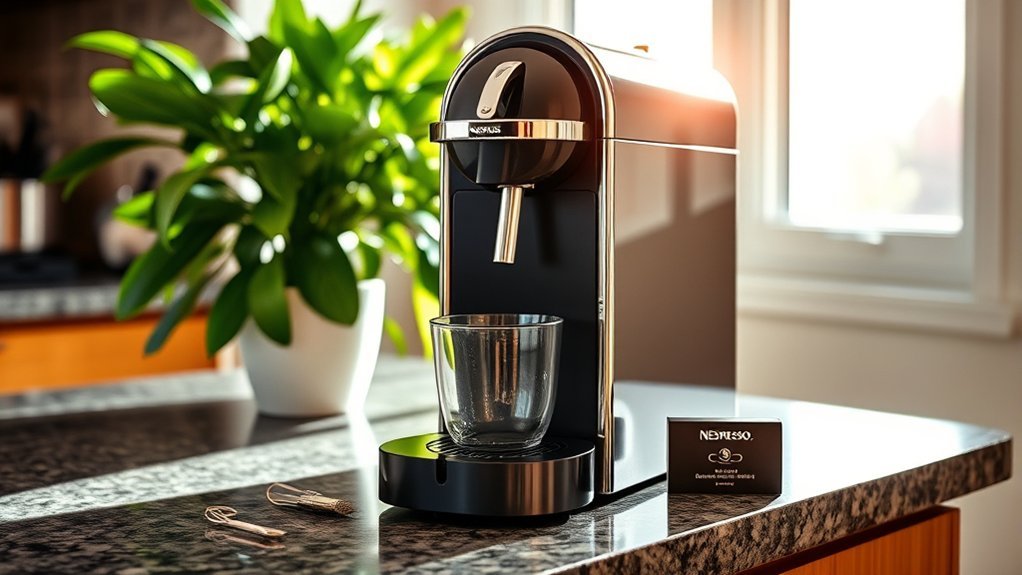
If your Nespresso is not dispensing water but still powers on, start with the water path rather than a factory reset. Check the tank first, then use the capsule-free water, rinse, cleaning, or priming procedure for your exact model before trying any more invasive fix.
Quick Answer
Fill and firmly reseat the water tank, remove the capsule, and run the capsule-free water procedure specified for your exact Nespresso model. If the machine stopped after the tank ran dry or long storage, the circuit may need repriming. Descale if due, and stop for leaks, smoke, sparking, overheating, or a burning smell.
At a Glance
| Time Required | About 5–15 minutes for basic checks; cleaning and descaling time varies by model |
| Difficulty | Easy for external checks, cleaning, and model-approved maintenance; professional service for internal faults |
| Tools Needed | Fresh drinking water, a suitable cup or container, and a soft damp cloth; Nespresso descaling solution if descaling is due |
| Cost | Usually no cost for basic troubleshooting; descaling solution or professional repair costs extra |
Which Nespresso Model Do You Have?
Before using any special button, lever, cleaning, descaling, or reset sequence, identify the exact machine. Nespresso Original and Vertuo are separate systems, and procedures also differ within each family.
Look for the model name on the machine or its identification label, then open Nespresso’s machine-assistance page and select that model. This is especially important for Vertuo, VertuoPlus, Vertuo Next, Vertuo Pop, CitiZ, Pixie, Essenza, Lattissima, Creatista, and connected models because similar-looking controls can perform different functions.
Note: If an online troubleshooting instruction tells you to hold or press a button a certain number of times, confirm that the instruction names your exact Nespresso model before trying it.
Why Is My Nespresso Not Dispensing Water?
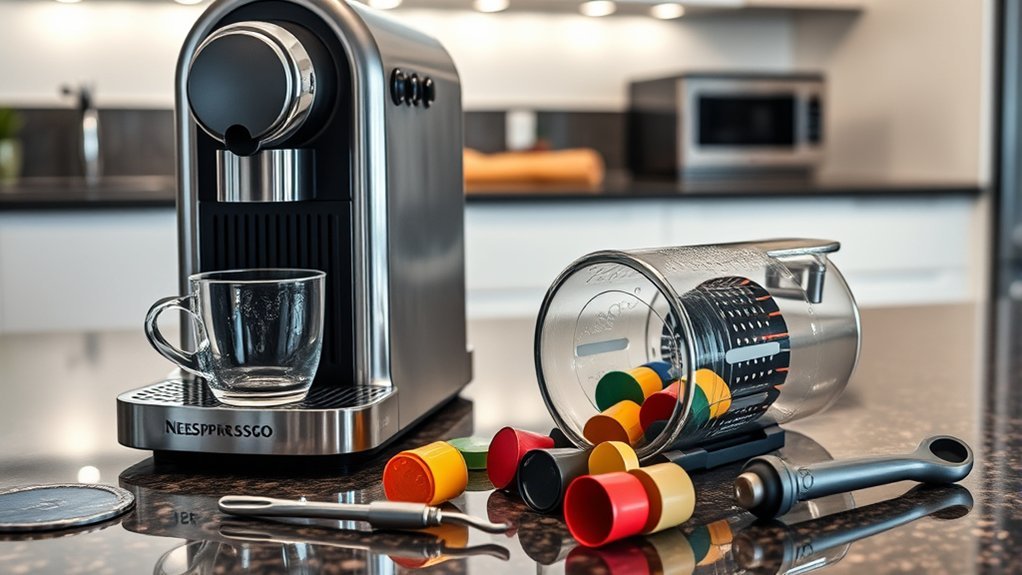
The sound, timing, and behavior of the machine can narrow the problem quickly. A machine with no lights or pump noise points first toward power or an electrical fault. A machine that hums or buzzes without producing water more often needs the tank checked, the water circuit reprimed, an interrupted maintenance function completed, or scale removed.
| Symptom | Likely Area to Check | Best First Step |
|---|---|---|
| No lights or sound | Outlet, plug, power state, or internal electrical fault | Check the plug and power source, then follow the model’s power troubleshooting instructions |
| Pump runs, but no water appears | Tank seating, dry water circuit, maintenance mode, or scale | Reseat the tank and run the exact model-approved first-use, rinse, cleaning, or priming procedure |
| Stopped after the tank ran dry or after long storage | Water circuit may need to be reprimed | Refill the tank and follow the model’s first-use or long-non-use procedure |
| Flow became gradually slower | Coffee residue or mineral scale | Run the approved cleaning procedure, then descale if due |
| Water enters the capsule bin or leaks below | Capsule placement, brewing head, seal, tank, drip tray, or internal water path | Eject the capsule, clean accessible areas, check removable parts, and stop if leaking continues |
Fast diagnosis: If the problem began immediately after the tank ran empty or after long storage, start with the model-approved priming or cleaning procedure. If flow became gradually slower, clean first and descale if due. If there is no pump sound, check power and the model’s error guidance instead of repeatedly trying to prime. If water leaks from the base or near the cord, stop using the machine and unplug it when safe.
An “air lock” is a common informal description for a water circuit that has lost its prime after the tank ran dry or the machine sat unused. Nespresso’s own support guidance addresses this with model-specific first-use, water-only, rinse, cleaning, or priming procedures rather than by opening the machine or forcing water through internal parts.
What Should You Check First When a Nespresso Has No Water Flow?
Start with the removable and visible parts you can check safely without tools. These steps rule out the most common setup and residue problems before you move to priming, cleaning, or descaling.
- Fill the tank: Use fresh drinking water and stay below the maximum fill line.
- Reseat it firmly: Remove the tank, reinstall it squarely, and confirm that it is correctly positioned without rocking.
- Check the tank connection: Look for visible dirt or residue around accessible tank and machine contact surfaces. Wipe them gently with a soft damp cloth.
- Remove the capsule: Eject any used, damaged, or incorrectly positioned capsule before a capsule-free maintenance cycle.
- Empty the used-capsule container and drip tray: Clean and reinstall them correctly before testing the machine.
- Clean only accessible areas: Once the machine is unplugged and cool, wipe visible coffee residue with a soft damp cloth. Do not probe internal openings.
Warning: Unplug the machine and let it cool before cleaning the capsule area. Do not open the housing, force the water-tank valve, insert pins or metal objects into the water path, or touch sharp capsule-piercing parts. These actions can cause injury, leaks, or additional damage.
Do not disassemble the machine looking for an internal water filter or intake tube unless the exact user manual identifies a part as user-serviceable. If your setup uses a separate filter accessory, follow the instructions supplied with that accessory.
How Do You Prime a Nespresso Water Circuit?
If the pump runs but no water comes out, the water circuit may have lost its prime, especially after the tank ran dry or the machine sat unused. Repriming means restoring water flow through that circuit, and the correct procedure depends on the exact Nespresso model.
| Machine Type | Safe General Approach |
|---|---|
| Original | Remove the capsule, fill and reseat the tank, place a container under the outlet, and follow the first-use or no-water procedure for the exact model. Nespresso support uses a large-cup/Lungo priming step on several Original models, but the sequence is not universal, so confirm the guide for your machine before repeating it. |
| Vertuo | Eject the capsule, close or lock the head as the manual directs, place a suitable container under the outlet, and start the model’s approved cleaning or rinse procedure. On Vertuo Next specifically, current Nespresso guidance starts cleaning by pressing the coffee button three times within two seconds; do not assume that timing applies to every Vertuo model. |
Use Nespresso’s machine-assistance page to select the exact model before starting a special function. Let the approved water-only procedure run as directed. If the pump repeatedly sounds harsh or strained without restoring flow, stop rather than running it dry over and over.
Pro Tip: Keep enough water in the tank to complete the model’s rinse or priming procedure without letting the tank run dry. Once flow returns, let the approved rinse finish before inserting a capsule and brewing coffee.
Note: Avoid improvised “air-lock” tricks that use syringes, corks, forced pressure, sharp tools, or disassembly. These are not substitutes for the manufacturer’s model-specific water-flow procedure and may damage valves, seals, piercing parts, or internal tubing.
How to Reset Your Nespresso
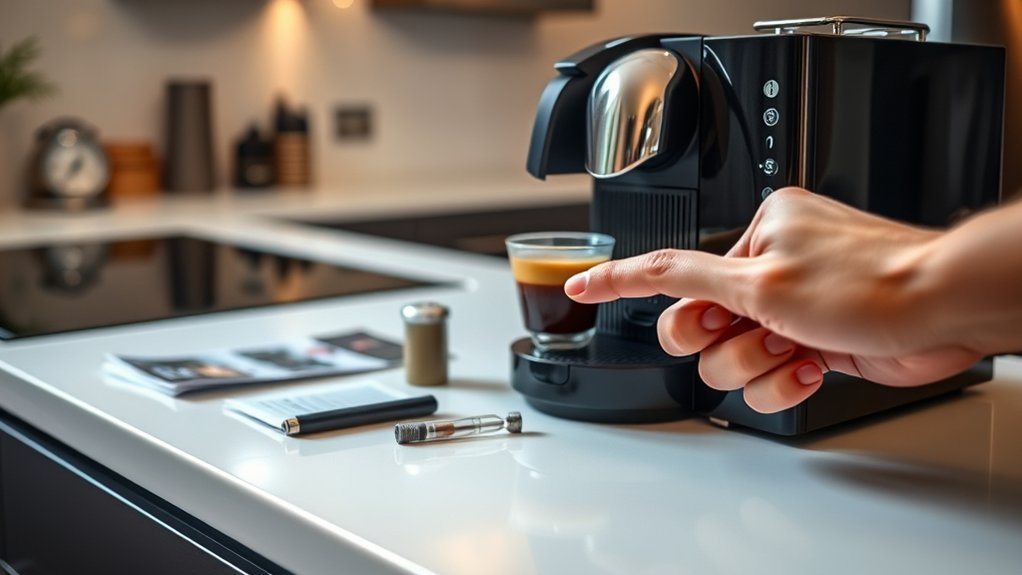
A factory reset is not a universal fix for a blocked water path. It restores programmable settings and may clear certain operating states, but it cannot dissolve scale, clear a physical blockage, or repair a failed pump.
Reset instructions are model-specific: a button sequence that restores factory settings on one Nespresso machine may program cup volume or start another function on a different model.
For example, the official Vertuo Next guidance instructs users to open and close the head, leave the lever unlocked, and press the coffee button five times within three seconds to restore factory settings. That sequence is for Vertuo Next and must not be assumed to apply to CitiZ, Pixie, VertuoPlus, Lattissima, Creatista, or another machine.
Open the official guide for the model name printed on your machine and choose its Reset to factory settings instructions.
Note: A factory reset restores model-specific programmable settings, which can include customized cup volumes. Try tank checks, the approved water-only procedure, cleaning, and descaling first unless the model guide or an error message specifically directs you to reset.
What Should You Check After Resetting Your Nespresso?
After a verified model-specific reset, confirm that the machine can move plain water before you brew coffee again. Work through the checks below in order so you can separate a settings issue from a continuing water-flow problem.
- Confirm that the power light reaches its normal ready state.
- Fill and correctly reseat the water tank.
- Eject any capsule and close or lock the head correctly.
- Run the model’s approved capsule-free rinse or cleaning procedure.
- Watch the indicator lights and compare the exact color and pattern with the model guide.
- Insert a fresh compatible capsule only after plain water flows normally.
If the machine remains in a special mode such as descaling, emptying, or cleaning, complete or exit that function exactly as the model instructions require. If Nespresso’s troubleshooting page for your model calls for a power restart, follow that procedure before attempting another brew.
Can a Cleaning Cycle Restore Nespresso Water Flow?
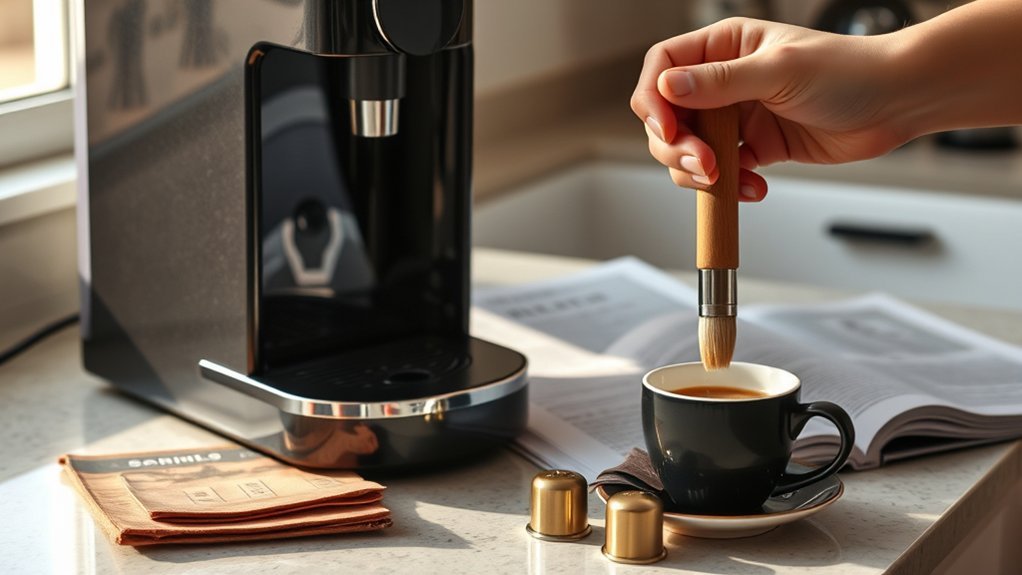
A water-only cleaning or rinse cycle removes loose coffee grounds and residue from the brewing path. It can also help restore flow after residue builds up or the machine has been unused, but it does not replace descaling when mineral deposits are the problem.
Cleaning frequency and controls are model-specific. For Vertuo Next, current Nespresso guidance says to run the cleaning cycle with no capsule inserted, the water tank filled, and the head closed and locked; press the coffee button three times within two seconds, then let the automated cycle run. Nespresso says that cycle can take up to about seven minutes. Other models use different controls, and milk-equipped machines require separate milk-system cleaning.
Do not confuse cleaning with descaling. A water-only cleaning cycle removes loose coffee residue; descaling uses an approved solution to dissolve mineral deposits. For a capsule-free cleaning cycle, empty the capsule chamber, place the required container under the outlet, fill the tank, and use the cleaning procedure shown in your model’s guide. Do not add descaling solution to an ordinary rinse.
For routine care beyond this no-flow diagnosis, see our guide to cleaning a Nespresso machine. This troubleshooting page stays focused on restoring water flow and deciding when maintenance or service is the right next step.
When Should You Descale a Nespresso With No Water Flow?
Descaling dissolves mineral deposits that can narrow water passages, slow flow, reduce heat transfer, and affect drink volume. Nespresso’s U.S. support recommends descaling about every three months for optimal performance. An official VertuoLine descaling guide also states every three months or 300 capsules, whichever comes first. Your exact machine’s descaling alert and current model guide should take priority over a general interval.
Importance of Descaling Regularly
Minerals in water can leave deposits inside a heated coffee machine. A normal cleaning rinse removes coffee residue but does not dissolve this scale. If the machine has gradually become slower, noisier, cooler, or less consistent and basic tank checks and priming do not help, descaling is a reasonable next step.
Machines with a built-in descaling alert should be descaled when the alert appears. Models that provide a water-hardness setting should be configured according to their instructions, because water hardness can affect maintenance timing.
Steps to Descale Effectively
Use the descaling sequence written for your exact machine rather than a generic button combination. Prepare the machine first, complete both the descaling and rinse phases, and make sure the machine exits descaling mode before you return to normal brewing.
- Select your exact model: Open the official Nespresso machine guide and read the complete descaling procedure before starting.
- Prepare the machine: Eject the capsule, empty the used-capsule container and drip tray, and place a large enough container under the outlet.
- Use the specified mixture: Add one dose of Nespresso descaling solution and the exact water quantity stated for your model. Do not assume a universal mixing ratio.
- Enter descaling mode: Use the model-specific button, lever, screen, or menu sequence.
- Complete the full procedure: Do not interrupt the descaling or rinse phase unless your model instructions tell you to do so.
- Rinse thoroughly: Rinse the tank, refill it with fresh drinking water, run the required rinse phase, and correctly exit descaling mode.
- Clean spills promptly: Descaling liquid can discolor or damage some surfaces.
Warning: Nespresso advises against using vinegar or other unapproved descaling products because they may damage the machine. Use the approved Nespresso descaling solution, keep it away from children, avoid skin and eye contact, and never drink the solution.
Could the Capsule Area Be Causing the Problem?
Yes. A damaged, incorrectly positioned, or incompatible capsule can keep the head from closing correctly or contribute to water entering the used-capsule container instead of the cup. Check capsule fit and accessible residue first, and work only on surfaces intended to be user-accessible.
| Step | Action | Purpose |
|---|---|---|
| Check capsule compatibility | Use Original-format capsules in Original machines and Vertuo capsules in Vertuo machines | Prevents format, fit, and recognition problems |
| Check capsule placement | Eject the capsule and insert a fresh, undamaged, compatible capsule in the correct position | Allows the brewing head to close and operate normally |
| Remove loose residue | Unplug the cool machine and wipe only accessible surfaces with a soft damp cloth | Reduces residue without probing sharp or internal parts |
| Clean removable containers | Empty, clean, and correctly reinstall the drip tray and used-capsule container | Helps the machine close and drain normally |
| Test without a capsule | Run the approved capsule-free rinse or cleaning procedure | Helps separate a capsule problem from a general water-flow problem |
Nespresso’s Original vs. Vertuo guide explains the two capsule systems. A machine is designed for its own capsule format rather than both formats.
What Do Nespresso Lights, App Alerts, and Special Modes Mean?
Blinking colors and patterns can indicate an unlocked head, an empty tank, overheating, a descaling alert, a cleaning or emptying function, connectivity activity, or another error. The meanings vary substantially by model, so compare the exact color and blink rhythm with the official guide rather than relying on a generic Nespresso light chart.
For compatible connected models, the Nespresso app can provide machine-care information and maintenance prompts. If the machine is performing a maintenance function or software-related operation, check the app and model instructions before interrupting it. Complete an interrupted cleaning or descaling procedure correctly before attempting normal brewing.
When Should You Contact Nespresso Support?
If the machine still does not dispense water after the tank checks, model-approved water-flow procedure, cleaning, and descaling, the problem may be inside the pump or water path. Internal diagnosis is not intended for routine user troubleshooting, so this is the point to use Nespresso support rather than opening the housing.
When to Seek Assistance
Contact Nespresso when the machine shows a persistent error, will not exit a maintenance mode, repeatedly stops mid-cycle, or still produces no water after the official steps for the exact model. At that point, further diagnosis may involve internal parts that are not intended for routine user service.
Signs of Serious Issues
Stop troubleshooting when the symptoms suggest an electrical, heat, or internal leakage problem rather than a simple flow issue. Do not keep cycling the machine if you notice any of these warning signs:
- Water leaking from the base or near the power cord
- A burning smell, smoke, unusual heat, or electrical sparking
- Grinding, clicking, or harsh pump noises that continue after the tank is correctly reseated
- A cracked tank, damaged cord, loose plug, or visible damage
- Repeated error lights after the required cleaning and descaling procedures
Unplug the machine immediately if you see smoke, sparking, cord damage, or water near electrical parts.
Professional Repair Options Available
Use Nespresso’s customer-care service for guided diagnosis, warranty questions, spare-part information, and available repair options. Warranty length varies by model and market, so check the documents supplied with the machine and keep your proof of purchase. Avoid opening the housing, particularly while warranty coverage may apply.
Key Takeaways
- Confirm that the tank contains fresh drinking water, sits flat, and is correctly positioned on the machine.
- If the pump hums but no water appears, use the capsule-free first-use, rinse, cleaning, or priming procedure specified for your exact Nespresso model.
- Do not treat one reset or button sequence as universal; Original, Vertuo, VertuoPlus, Vertuo Next, Pop, Lattissima, Creatista, and other models use different controls.
- Routine cleaning and descaling are different. Cleaning removes loose coffee residue; descaling dissolves mineral buildup.
- Stop troubleshooting and contact Nespresso if the machine leaks near electrical parts, smells hot or burnt, sparks, shows a persistent error, or still has no flow after the approved cleaning and descaling steps.
Frequently Asked Questions
Why does the pump run but no water comes out?
The tank may be empty or incorrectly positioned, the water circuit may need repriming after running dry or sitting unused, the machine may be in a maintenance mode, or scale may be restricting flow. Reseat the tank and use the exact model’s approved water-flow or cleaning procedure before descaling if needed.
How do I clear an air bubble from a Nespresso machine?
Fill and correctly reseat the water tank, remove the capsule, and use the first-use, no-water, cleaning, rinse, or priming procedure for your exact model. Nespresso support identifies air bubbles as a common cause after the tank runs empty or after a period of non-use. Avoid forcing water through the machine with improvised pressure tools.
What should I check before descaling a Nespresso that has no water flow?
First confirm that the tank contains fresh water and is seated correctly, remove the capsule, check removable containers, and run the model-approved water-only procedure. Descale when the machine alert or model guide says it is due, especially when flow has become gradually slower.
Can a factory reset fix a Nespresso that is not dispensing water?
A reset can restore programmable settings or clear certain operating states, but it cannot dissolve mineral scale or repair a physical water-path fault. Use only the reset sequence for your exact model, and treat it as a settings step rather than a universal no-water fix.
Should I keep running the pump if it buzzes but no water appears?
Do not repeatedly run a dry, harsh-sounding pump for long periods. Check the tank and use the model-approved priming or cleaning procedure. If correct attempts do not restore flow, move to the approved descaling or Nespresso support steps instead of continuously running the pump.
Can I descale a Nespresso machine with vinegar?
No. Nespresso warns that vinegar and other unapproved descaling products may damage the machine. Use Nespresso descaling solution and follow the exact water quantity, sequence, and rinse procedure for your model.
What do flashing Nespresso lights mean when the machine will not brew?
The meaning depends on the model, light color, and blinking pattern. An indicator can signal an empty tank, an unlocked head, overheating, a descaling alert, a cleaning or emptying function, connectivity activity, or another fault. Match the exact pattern to the official model guide or connected-app alert.
How often should I descale a Nespresso machine?
Follow the alert and maintenance schedule for your exact model. Nespresso U.S. support commonly recommends descaling about every three months, and its VertuoLine descaling guide states every three months or 300 capsules, whichever comes first. Model-specific instructions take priority.
Why is water going into the capsule container instead of the cup?
Check that the capsule is compatible, undamaged, and positioned correctly, and make sure the head or lever closes normally. With the machine unplugged and cool, clean only accessible areas and reinstall the drip tray and capsule container. If leakage continues, stop and contact Nespresso.
When should I stop troubleshooting and contact Nespresso?
Contact Nespresso if the machine still has no flow after the approved tank, priming or cleaning, and descaling steps, or if it will not exit a maintenance mode. Stop immediately for water near electrical parts, smoke, sparking, a burning smell, unusual heat, cord damage, or persistent leakage from the machine body.
Conclusion
When a Nespresso will not dispense water, identify the exact model, check the tank and capsule area, then use the approved capsule-free water procedure. If flow still does not return after the correct cleaning and descaling steps, or the machine leaks, overheats, smells burnt, sparks, or shows persistent errors, unplug it and contact Nespresso.
For a broader appliance-level decision tree covering power, water delivery, cleaning, and stop-use symptoms, see our coffee maker troubleshooting checklist.
Sources
- Nespresso USA Machine Assistance — model-specific user guides, maintenance, reset, cleaning, descaling, and troubleshooting information
- Nespresso CitiZ Machine Assistance — Original-machine no-water, first-use, descaling, and troubleshooting guidance
- Nespresso Vertuo Next Machine Assistance — current cleaning, troubleshooting, special-function, descaling, and factory-reset guidance
- Nespresso Descaling Kit — approved Nespresso descaling product information
- Nespresso Original vs. Vertuo Guide — product-line and capsule-system differences
- Nespresso USA Customer Care — support, troubleshooting, warranty, and service options