A coffee maker making loud noises is not always failing. The most useful clues are when the sound starts, whether it is new, and whether water flow or brewing performance changed at the same time. Matching the noise to the machine’s operating stage helps separate normal pumping, grinding, heating, and end-of-cycle sounds from a setup, flow, or maintenance problem.
Quick Answer
If your coffee maker is making loud noises, first check whether water flow has changed. Loud humming with little or no water points to an empty or poorly seated reservoir, trapped air, restricted flow, or scale. Rattling usually comes from vibration or loose removable parts. Normal operating sounds are less concerning when water flow and brewing performance stay normal.
At a Glance
| Time Required | Basic external checks are brief; priming, cleaning, and descaling time varies by model |
| Difficulty | Easy for external checks and manufacturer-approved cleaning; professional service for internal faults |
| Tools Needed | Owner’s manual, fresh water, a suitable collection cup or mug, soft cloth, and the manufacturer-supplied cleaning tool if applicable |
| Cost | No parts are needed for basic seating and setup checks; cleaner, filters, maintenance items, and professional service costs vary by model |
| Sound or Symptom | What It May Mean | First Check |
|---|---|---|
| Rhythmic pulsing during espresso or steaming | Often normal pump operation when flow is normal | Confirm the reservoir has enough water and is fully seated |
| Loud hum or pump noise with little or no water | Low water, poorly seated tank, trapped air, restricted flow, or scale | Refill and reseat the tank, then follow the model’s approved priming or troubleshooting procedure |
| Gurgling near the end of a brew | May be normal as water, air, and steam finish moving through the system | Check whether brew volume, temperature, and cycle time remain normal |
| Rattling or buzzing | Vibration from a removable part, nearby object, or unstable surface | Reseat removable parts and move the machine away from objects that can vibrate against it |
| Grinding or clacking | Normal grinder operation or, if new, a blocked chute, buildup, or foreign object | Unplug the machine and inspect only the grinder parts the manual identifies as user-removable |
| Hissing with uncontrolled steam, leaking, smoke, or burning odor | Possible safety or internal-service problem | Turn off and unplug the machine; do not continue testing it |
Why Is My Coffee Maker So Loud? Main Causes
A loud coffee maker is most often explained by normal operating noise becoming more noticeable, vibration from a removable part or surface, or a change in water flow. The sound alone rarely proves that an internal component has failed. Note whether it begins during grinding, heating, water intake, brewing, steaming, or shutdown, and whether it comes with weak flow, an error, or leaking.
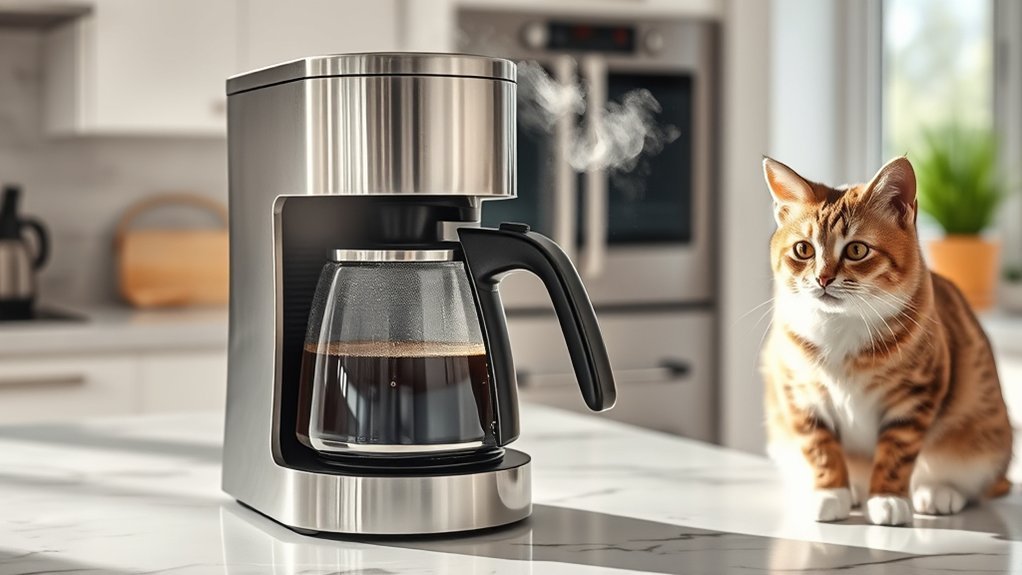
Machine type matters. A pump-driven espresso or capsule machine can be noisy while pressurizing and moving water, while a drip brewer may make bubbling or gurgling sounds as it heats and transfers water. Diagnose the sound together with the machine’s normal operating sequence rather than assuming every coffee maker has the same water system.
Is Rhythmic Pumping Normal?
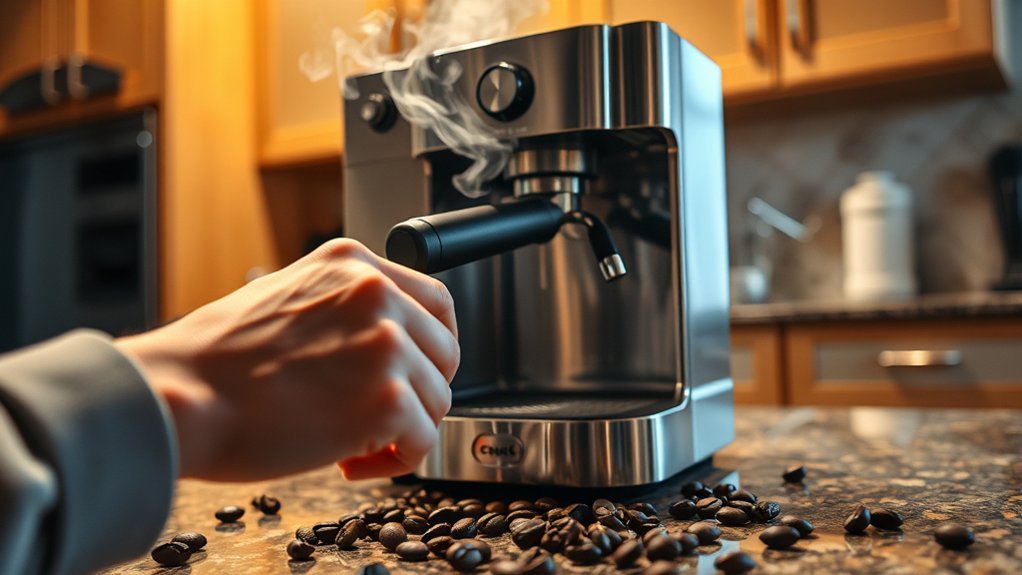
Often, yes. Pump-driven espresso and capsule machines normally make a repeating hum or pulse while moving water. The Breville Barista Pro instruction manual, for example, identifies pulsing or pumping during espresso extraction or milk steaming as normal pump operation.
The sound deserves more attention when it is much louder than usual, becomes continuous, or occurs with little or no water flow.
Why Is My Coffee Maker Humming but Not Pumping Water?
On a pump-driven machine, a loud, continuous pump sound can occur when the reservoir is empty, below its required level, or not seated correctly. The Breville Bambino Plus U.S. instruction manual specifically tells users to check the water level when water does not come through and the machine makes a loud noise.
If the machine ran without water, air may have entered the water path. Nespresso explains that an air bubble can block water flow after a compatible machine is operated without water or has been unused for a long period. The correct priming steps differ among models, so use the procedure for your exact machine rather than repeatedly running the pump dry.
Why Is My Coffee Maker Gurgling or Sputtering?
Some gurgling is normal as a drip coffee maker finishes brewing or as water, air, and steam move through a hot system. Persistent sputtering with weak or uneven flow is different: it may point to trapped air, a poorly seated tank, a restricted outlet, an incorrectly installed filter, or mineral scale.
If the machine still produces the expected amount of coffee at its usual temperature and the sound occurs only near the end of a brew cycle, the gurgling may simply be part of normal operation.
Why Is My Coffee Maker Rattling?
Vibration can be amplified by an uneven surface, a loose reservoir lid, a poorly seated drip tray, an empty carafe, a brew basket, a pod holder, or accessories stored against the machine. A coffee maker touching a wall, backsplash, utensil holder, or another appliance can also make normal vibration sound much louder.
Before assuming an internal problem, move nearby objects away and verify that the machine sits firmly on a flat, solid, dry surface.
Why Is the Grinder Clicking or Clacking?
A grind-and-brew or automatic espresso machine will be loud while its grinder is operating. A new clacking, scraping, or stalled-grinder sound may indicate a foreign object, coffee buildup, a blocked chute, or a grinder problem that needs model-specific cleaning or service.
Do not confuse grinder noise with water-pump noise. If the sound occurs before any water moves and stops when grinding ends, inspect only the user-accessible bean hopper, chute, or grinder pieces described in the manual. Never reach into a powered grinder. For a fuller cleaning procedure, see our guide to cleaning a coffee maker with a built-in grinder.
Are Heating Clicks and Hissing Normal?
Depending on the machine, light clicks may occur while controls, heaters, or valves operate, and brief hissing can occur around a steam or hot-water system. These sounds are less concerning when they happen at the expected stage of operation and the machine is otherwise brewing normally.
Stop using the appliance if hissing is accompanied by uncontrolled steam, leaking from the housing, a burning smell, smoke, electrical arcing, or another sign of overheating or electrical trouble.
Can a Water Filter or Brew Group Cause Noise?
Some automatic espresso machines have a water filter and a user-removable brew group. On models that use these parts, an incorrectly seated or poorly prepared filter can interfere with water flow, while coffee residue in a removable brew group may contribute to abnormal operation.
Follow only the maintenance procedure supplied for your exact model. If the manufacturer instructs you to remove, rinse, or lubricate a brew group, use the specified method and approved lubricant. This is different from lubricating an internal water pump, which you should not attempt.
A sound is most useful when you pair it with its timing and symptoms: note what the machine is doing, whether water is flowing normally, and whether the noise is new or getting worse.
When Is a Loud Coffee Maker a Safety Problem?
Turn the machine off and unplug it immediately if you notice any of these warning signs:
- Smoke, sparks, electrical arcing, or a burning-plastic smell
- A cord, plug, or outlet that becomes unusually hot
- Repeatedly tripped breakers or ground-fault outlets
- Water leaking into or from the electrical base
- Uncontrolled steam or hot water escaping from the housing
- A metal-on-metal grinding sound that continues after the grinder or brew cycle should have stopped
- A pump that runs loudly without moving water after the approved priming steps
Do not continue testing an appliance that shows an electrical, overheating, uncontrolled-steam, or internal-leak symptom. Contact the manufacturer, an authorized service center, or a qualified appliance technician. U.S. readers can also search the U.S. Consumer Product Safety Commission coffee-maker and teapot recall listings by brand and model before continuing to use a machine with an unusual safety-related symptom.
Note: A louder-than-usual machine is not automatically dangerous. Normal pump pulsing, grinder operation, heating clicks, brief hissing, and end-of-cycle gurgling do not require repair when the machine brews normally and shows no leak, odor, overheating, electrical problem, or error condition.
How Do I Fix a Coffee Maker Making Loud Noises?
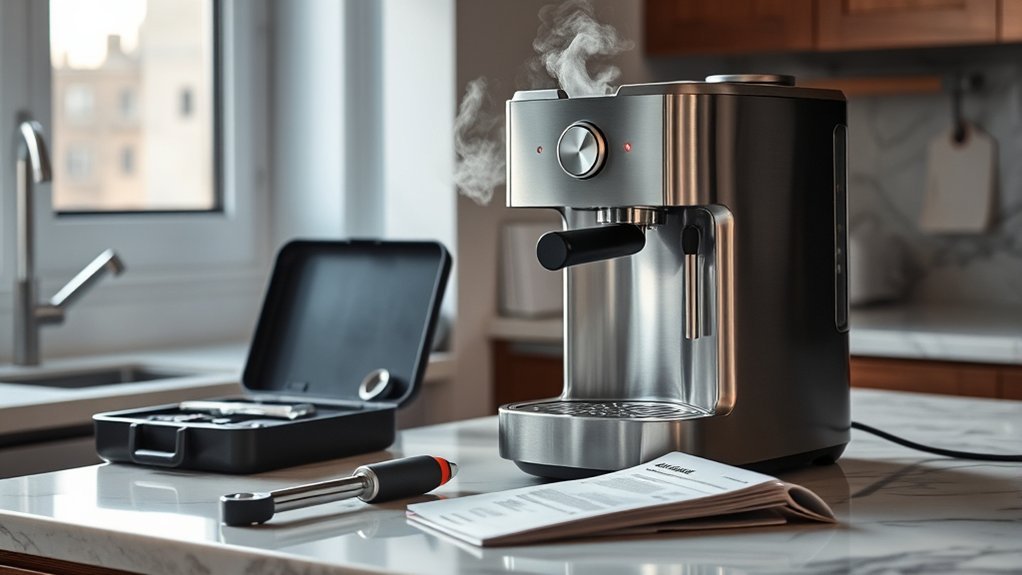
Warning: Unplug the coffee maker and let hot parts cool before removing parts or cleaning an opening. Never immerse the machine, cord, or plug in water. Do not open the housing or touch internal wiring, pumps, heaters, valves, or capacitors. Descaling may release hot water or steam, so follow the model’s instructions and keep your hands clear of the outlet.
If your problem is broader than noise—for example, the machine has no power, leaks, will not reset, or shows an unfamiliar error—use the coffee maker troubleshooting checklist. For a noise-specific problem, work through the checks below in order.
-
Identify when the noise occurs. Run only a normal test that is safe for your model. Note whether the sound begins during grinding, heating, water intake, brewing, steaming, or shutdown. Also note any warning light, error message, reduced flow, unusual smell, or leak.
-
Turn the machine off and inspect the setup. Unplug it before handling removable parts. Let the machine cool if it has just brewed or steamed.
-
Move it away from nearby objects. Place the coffee maker on a flat, solid, dry counter. Make sure it is not touching a wall, backsplash, utensil container, or another appliance that could amplify vibration.
-
Remove and reinstall user-removable parts. Depending on the machine, check the reservoir and lid, water-filter holder, drip tray, carafe, brew basket, pod holder, bean hopper, portafilter, grounds container, or user-removable brew group. Each part should sit in its normal locked or fully seated position.
-
Fill and reseat the water reservoir. Fill it with fresh, potable water to at least the required minimum without exceeding the maximum line. Remove and reinstall the tank so its outlet connection seats correctly. Check that a water-filter holder is not tilted or preventing the tank from fitting properly.
-
Prime the water system if it ran dry. Remove any capsule or coffee grounds when the manual requires it, then follow the machine’s priming, purge, hot-water, cleaning, or water-only procedure. Nespresso’s troubleshooting shows why priming instructions must be model-specific. Do not let the pump run dry for extended periods.
-
Check the accessible brew path. After unplugging and cooling the machine, inspect the brew basket, reusable filter, pod holder, shower screen, filter basket, outlet, or other user-accessible area identified in the manual. Remove visible grounds and rinse removable parts as directed.
-
Check a removable water filter or brew group only if your model uses one. A filter may need to be prepared, installed, replaced, or temporarily removed according to the manufacturer’s troubleshooting procedure. Clean or lubricate a removable brew group only when the manual specifically instructs you to do so.
-
Use only the approved cleaning tool. Some machines include a pin for a specific needle, steam tip, or filter-basket hole. Do not substitute a paper clip, knife, sewing needle, drill bit, or other improvised object unless the manufacturer explicitly instructs you to use that item.
-
Descale when the manual or indicator calls for it. Mineral deposits can restrict water flow and affect brewing performance. Use the manufacturer’s approved solution, amount, and descale mode. Do not assume vinegar is safe for every machine.
-
Check an integrated grinder separately. With the machine unplugged, remove only the hopper or grinder pieces designated as user-removable. Look for foreign objects and clear the chute as the manual directs. Never put water into a grinder chamber unless the manufacturer specifically permits it.
-
Run one controlled test. Reassemble the machine, dry the outside and counter, and run the approved water-only or normal brew test. Stop if the noise worsens, water leaks into the base, the machine overheats, or normal water flow does not return.
Pro Tip: Record a short video that captures the sound, control-panel lights, and water flow. A manufacturer’s support team can often narrow the problem more quickly when it can hear when the noise starts and see what the machine is doing.
What Does Coffee Maker Noise Mean by Machine Type?
Different brewing systems make different normal sounds. Use the table below as a starting point, then confirm the behavior in your machine’s manual.
| Machine Type | Often Normal | Check When It Changes |
|---|---|---|
| Drip coffee maker | Heating clicks, bubbling, and end-of-cycle gurgling | Excessive sputtering, unusually slow brewing, weak output, or vibration |
| Capsule or pod machine | Pump hum, valve clicks, and brief pressure-related sounds | Loud continuous pumping with no water, weak flow, or repeated errors |
| Pump espresso machine | Rhythmic pumping during extraction or steaming | Very loud pump noise with an empty tank, restricted flow, leakage, or inability to prime |
| Automatic grind-and-brew espresso machine | Grinder noise, brew-group movement, pump operation, and rinsing sounds | New scraping, stalled grinding, loud pumping with no water, or persistent error messages |
Can Cleaning and Descaling Reduce Coffee Maker Noise?
Yes, when buildup, an incorrectly seated removable part, or restricted water flow is contributing to the sound. A model-specific maintenance routine is safer than one fixed schedule or cleaning recipe for every coffee maker. For broader upkeep guidance, see our coffee maker maintenance guide.
How Should Removable Parts Be Cleaned?
Empty used grounds and rinse the carafe, brew basket, filter basket, pod holder, portafilter, drip tray, grounds container, and user-removable brew group as applicable. Coffee oils and loose grounds can interfere with seating, clog small openings, or allow removable parts to vibrate.
Check the manual before placing parts in a dishwasher. Some finishes, filters, seals, grinder components, brew groups, and lightweight plastic parts require hand-washing or another specific cleaning method.
When Should You Descale a Coffee Maker?
The U.S. Geological Survey explains that hard water contains dissolved calcium and magnesium and that mineral buildup can occur in home coffee makers. As deposits accumulate, they can restrict water movement and reduce equipment efficiency.
Descaling frequency depends on water hardness, use, filtration, and machine design. Keurig publishes model-specific procedures, illustrating why the correct cleaner, button sequence, and rinse procedure should come from the manufacturer. Check Keurig’s descaling guidance or, for another brand, the current instructions for your exact machine rather than relying on a universal calendar rule.
Use vinegar only when the manual permits it. Some coffee makers permit a diluted vinegar procedure, while other espresso or capsule machines specify a formulated or manufacturer-approved descaling agent.
When Should a Water Filter Be Replaced?
Do not rely on a universal filter-replacement interval. Follow the filter packaging, machine manual, water-hardness setting, or replacement alert. An overdue, incorrectly installed, incompatible, or poorly prepared filter can reduce water flow on machines that route brewing water through the filter.
What Water Should You Use?
Potable tap water is suitable for many coffee makers, but local hardness and water quality vary. U.S. readers can use the EPA’s Consumer Confidence Report resources to find information about their local public drinking-water supply. For local hardness specifically, check whether your utility reports it or ask the utility directly.
Check the manual before using distilled, deionized, heavily softened, or highly filtered water. Some espresso machines specifically warn that highly filtered, demineralized, or distilled water may affect taste or how the machine is designed to operate.
Which Cleaning Products Are Safe?
Cleaning tablets, descaling liquids, powders, filters, and lubricants are not interchangeable. Use a product only when its label and the machine manual confirm compatibility. Never combine vinegar, descaler, bleach, detergent, or other cleaning chemicals in the reservoir.
If your machine has a user-removable brew group that the manufacturer instructs you to lubricate, use only the specified food-safe or manufacturer-approved product and procedure. Never add lubricant to the water reservoir, brew path, or internal pump.
When Should You Call for Coffee Maker Repair?
Call the manufacturer or an authorized repair provider when basic external checks and approved maintenance do not restore normal operation. Persistent no-flow pump noise, internal leaks, repeated electrical faults, or mechanical scraping are signs to stop DIY troubleshooting rather than opening the housing.
Professional service is especially appropriate when:
- The pump remains unusually loud and no water moves through the machine.
- The machine leaks from the housing rather than a removable tank, tray, basket, carafe, or other user-serviceable part.
- A grinder produces repeated scraping or metal-on-metal sounds after accessible obstructions have been removed according to the manual.
- The machine displays a persistent pump, valve, heater, grinder, brew-group, or electronic error.
- Water flow repeatedly stops after the reservoir and accessible brew path have been checked.
- The appliance overheats, shuts down unexpectedly, or repeatedly trips an outlet or breaker.
- The machine is still under warranty and internal inspection could affect coverage.
Do not open the housing to inspect a pump, solenoid valve, heater, control board, capacitor, or internal tubing. The Breville Barista Pro manual, for example, specifically tells users not to open or service the espresso machine and directs maintenance beyond cleaning to support or an authorized servicer. Internal parts may remain hot or electrically hazardous after the machine is switched off.
Key Takeaways
- Judge a noise by three clues together: when it happens, whether water is flowing normally, and whether the sound is new.
- Machine type matters. Drip brewers may bubble or gurgle, while pump-driven machines normally hum or pulse during water movement.
- If a pump-driven machine ran dry, refill and reseat the reservoir before using the model’s approved priming or purge procedure.
- Loose removable parts, nearby objects, and an uneven or resonant counter can make normal vibration sound much louder.
- Priming, descaling, filter care, grinder cleaning, and brew-group maintenance are model-specific; do not assume one method fits every machine.
- Stop using the machine for smoke, a burning smell, electrical arcing, an unusually hot cord or plug, repeated breaker trips, uncontrolled steam, or water entering the electrical base.
Frequently Asked Questions
Is it safe to use tap water in my coffee maker?
Potable tap water is suitable for many coffee makers. However, hard water can increase scale, and local water quality varies. Check your machine manual and local water-quality information. Avoid distilled or demineralized water when the manufacturer warns that it may interfere with taste, sensors, or normal operation.
How often should I descale my coffee maker?
Follow the interval or descale alert in your exact model’s current instructions. Water hardness, frequency of use, filtration, and machine design affect when descaling is needed, so one schedule should not be applied to every coffee maker.
Does the age of my coffee maker affect noise levels?
It can. Years of use can change how moving or sealing parts sound, while accumulated scale or coffee residue can reduce flow. Age alone does not identify a failed component, so rule out the reservoir, removable parts, trapped air, vibration, filters, accessible blockages, and approved maintenance first.
Can using a different coffee grind size reduce noise?
Grind size should be adjusted for proper extraction, not as a general noise treatment. In an espresso machine, coffee that is too fine or packed too tightly can severely restrict flow. If espresso barely drips, follow the manual’s dose, tamp, and grind guidance rather than automatically grinding finer.
Why is my coffee maker louder after the reservoir ran empty?
On a pump-driven machine, the pump may be drawing air instead of a steady water supply. Refill and firmly reseat the tank, then use the model’s approved priming, purge, cleaning, or water-only procedure. Avoid running the pump dry for extended periods. Seek service if normal flow does not return.
Should I lubricate a noisy coffee maker pump?
No. Do not add oil, grease, or another lubricant to the reservoir, brew path, grinder, or internal pump unless the manufacturer provides a specific service procedure and approved product. Some automatic machines separately allow approved lubrication of a user-removable brew group; that does not mean the water pump should be lubricated.
Why is my coffee maker loud but not brewing?
Start with the water supply. Check that the reservoir contains enough water and is fully seated. If a pump-driven machine recently ran dry, use its approved priming procedure. Then inspect only the user-accessible basket, pod holder, filter, outlet, or brew path described in the manual. Descale if the manufacturer’s schedule, indicator, or troubleshooting guide calls for it. Seek service if the pump remains loud and no water moves.
Is a loud coffee maker dangerous?
Not by itself. Pumps, grinders, valves, heaters, and moving hot water can make noticeable sounds during normal operation. Stop using the machine when the new noise is accompanied by smoke, a burning smell, sparks, an unusually hot cord or plug, repeated breaker trips, uncontrolled steam, overheating, or water entering the electrical base.
Conclusion
A noisy coffee maker does not automatically need repair. Match the sound to the operating stage, confirm normal water flow, reseat removable parts, and use only your model’s approved priming, cleaning, and descaling procedures. Stop troubleshooting and seek qualified service if the noise comes with electrical trouble, overheating, internal leakage, uncontrolled steam, or continued loss of water flow.
Sources
- Breville Bambino Plus U.S. Instruction Manual — supports troubleshooting for loud operation with low water, reservoir seating, restricted flow, supplied cleaning tools, and model-specific maintenance.
- Breville Barista Pro Instruction Manual — supports normal pump-sound guidance, descaling precautions, water guidance, and the warning against internal servicing.
- Nespresso Air-Bubble Troubleshooting — explains how operating without water can introduce air, interrupt flow, and require model-specific priming.
- Keurig Descaling Guidance — supports brewer-specific descaling guidance and the need to follow the appropriate maintenance procedure for the model.
- U.S. Geological Survey: Hardness of Water — explains water hardness, calcium and magnesium, and mineral buildup in home coffee makers.
- U.S. Environmental Protection Agency: Consumer Confidence Reports — provides access to local public drinking-water quality information.
- U.S. Consumer Product Safety Commission: Coffee Maker and Teapot Recalls — provides current U.S. safety recall information for coffee makers and related appliances.